

An inFlow alternative for warehouses that need multi-tenant 3PL support is a warehouse management system built to separate client inventories inside one account, rather than a single-company inventory tool stretched to cover multiple customers. Shipider is that kind of system: it combines multi-tenant isolation and customer records for every SKU and order with maker-checker order confirmation, in-browser barcode scanning on any phone, pallet and SKU tracking, and a clear record of who did what, so a 3PL can onboard new clients without duct-taping separate spreadsheets or logins together. It also has a free plan and no required onboarding package.
Last verified: November 2026. Competitor details come from each vendor's public pricing and product pages; check them before you buy, and tell us if something has changed.
Why warehouses start looking for an inFlow alternative
inFlow Inventory is a solid tool for a company tracking its own stock, sales orders, and purchase orders; it describes its market as "From solo entrepreneurs to teams of 50". It gets uncomfortable once a warehouse starts holding inventory for other businesses. A 3PL, a co-packer, or a brand running fulfillment for a handful of sister companies needs each client's stock, orders, and reports kept separate, with no risk of anyone picking from the wrong account. We did not find multi-client or 3PL features on inFlow's site (checked Nov 2026); the only portal we found is its B2B Showroom add-on.
The other recurring considerations are cost structure and devices. inFlow's plans cap users and locations (Lite 2 users and 1 location, up to Max with 20 users and unlimited locations), a paid onboarding package is required ($499 one-time on most plans), and API access is a paid add-on. For scanning, inFlow offers iOS and Android apps and also sells its own "Smart Scanner", a rugged IP65 Android device. Teams that have already lived through a phone camera scanning vs bluetooth gun decision often want to skip device procurement and app management entirely.
Where inFlow genuinely works well
It is worth being fair here. inFlow is a reasonable fit for a single small business managing one set of products, one set of customers, and a manageable order volume. Its order and purchase order management covers the basics, its apps run on both iOS and Android, and it connects to Shopify, QuickBooks Online, Xero, ShipStation, and Zapier, which Shipider does not offer as named integrations. For a company that is not a 3PL and never plans to host another brand's inventory, that design is not a problem at all.
The friction shows up specifically at the 3PL and multi-client use case: separating stock visibility, keeping orders tied to the right client, and giving each client confidence that their inventory data stays theirs.
inFlow prices, as listed on the vendor's pricing page in Nov 2026 (monthly, or per month billed annually): Lite $129 or $99; Core $379 or $299; Pro $629 or $499; Max $879 or $699. It offers a 14-day trial with no credit card.
Where inFlow falls short for 3PLs and multi-client warehouses
No multi-client structure found
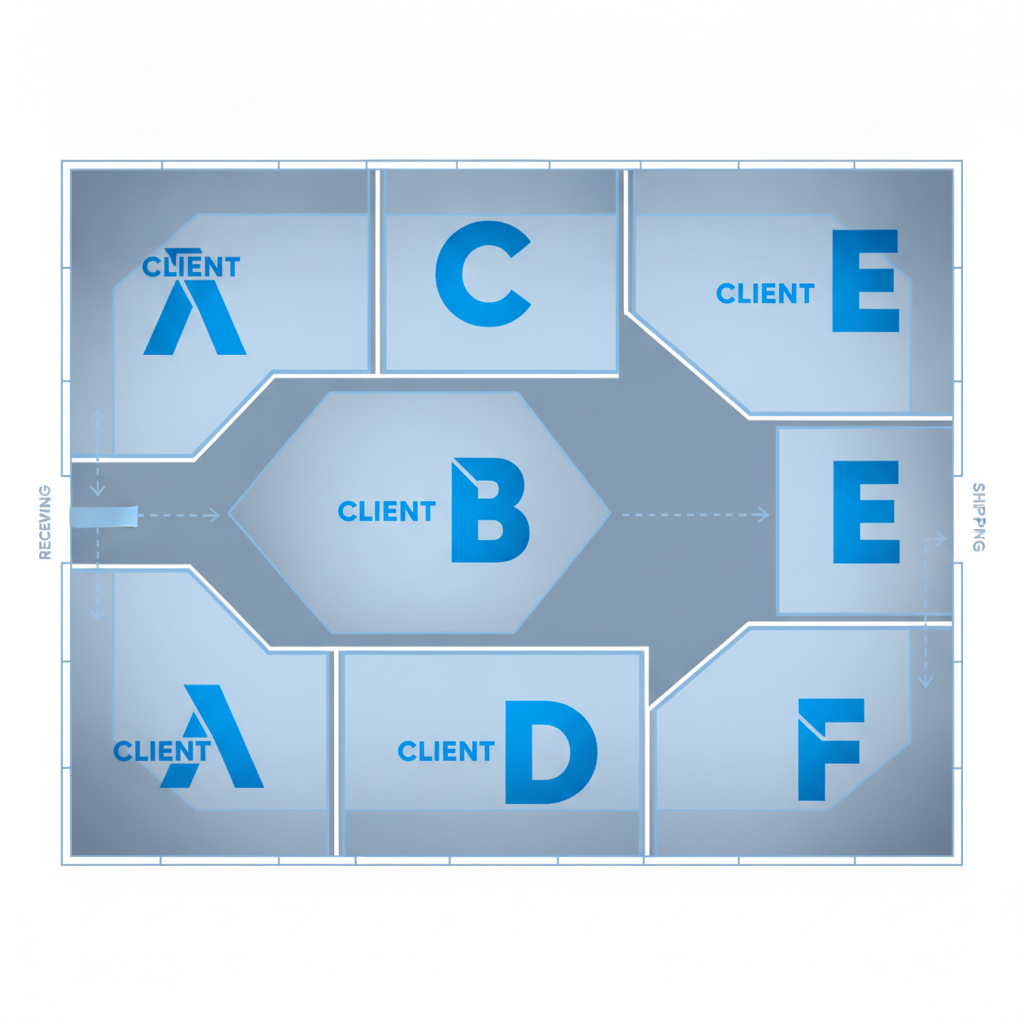
Running several clients through an inventory system built for a single company usually means workarounds: tagging SKUs by client, building separate locations by convention, or running multiple separate accounts that do not talk to each other. None of that is true isolation. Shipider treats multi-tenancy as a core structure: each company's data is isolated at the tenant level, and inside your account every SKU, pallet, and order is tied to a customer record, which is also why 3PLs use it to onboard a new client without adding headcount.
Devices, apps, and user caps
Device and seat limits add cost and a procurement step before a new hire can touch the floor. Shipider runs camera-based barcode scanning directly in the browser on any phone, with unlimited free users, so a temp worker can start receiving the same day, with nothing to install, order, or charge.
No second-check verification found
Inventory software that finalizes a transaction the moment one person records it has no built-in way to catch a mis-pick before it ships. We did not find a two-person check described on inFlow's site. Shipider's maker-checker workflow requires a second person to confirm every order after the first person processes it, which closes the gap that leads to mis-ships in busy, multi-client operations.
Pallet and multi-site traceability
3PLs and distributors that move pallets between docks, clients, and locations need proof: which pallet, which location, which signature, which photo. General inventory tools are built around item counts. Shipider tracks pallets and their SKU lines down to the warehouse location, keeps a location history for every pallet, and records pallet moves by user, plus pallet photos and driver signatures.
Shipider vs inFlow at a glance
| Capability | Shipider | inFlow |
|---|---|---|
| Multi-client isolation | Tenant isolation; SKUs and orders tied to customer records | Not found (only a B2B Showroom portal add-on) |
| Barcode scanning | Camera-based, runs in the browser on any phone, no hardware to buy | iOS and Android apps; sells its own rugged IP65 Android "Smart Scanner" |
| Order verification | Maker-checker: a second person confirms every order | Two-person check not found |
| Order and pallet history | Order history with processor and confirmer; pallet location history and moves | Not published (checked Nov 2026) |
| Pallet-level tracking | Yes, with SKU lines, photos, and location history | Not published (checked Nov 2026) |
| Users and locations | Unlimited users; multiple warehouses | Lite 2 users, 1 location; Core 5 users, 5 locations; Pro 10 users, unlimited; Max 20 users, unlimited |
| Pricing model | Token-based usage pricing, free plan | Lite $129, Core $379, Pro $629, Max $879 per month ($99 / $299 / $499 / $699 billed annually) |
| Onboarding | Self-serve, Excel import, no onboarding invoice | Required paid package, $499 one-time on most plans |
| Integrations | REST API with scoped keys and order webhooks; no named connectors | Shopify, QuickBooks Online, Xero, ShipStation, Zapier; API is a paid add-on |
What multi-tenant 3PL support actually requires
It is easy to say "multi-tenant" without defining it. For a warehouse, it means a few concrete things work the same way every time:
- Each client's inventory, SKUs, and order history are tied to that client, and nothing leaks into another client's records.
- Receiving and putaway for one client's pallets cannot get mixed into another client's stock by accident.
- Reporting rolls up per client, and the per-client activity data you need for billing can be exported, not dug out of one undifferentiated pile of transactions.
- Adding a new client is a configuration step, not a new software deployment.
This is the same structural requirement covered in detail in running a multi-tenant 3PL warehouse, and it is the single biggest reason single-company inventory tools get outgrown the moment a warehouse starts serving more than one customer. Note that Shipider does not generate client invoices itself; see 3PL per-customer invoicing models for how teams bill from exported data.
How Shipider handles the full floor
Shipider is built to cover receiving through dispatch, not just stock counts. Inbound freight gets received against the expected SKUs on the order, with discrepancies flagged for review and condition codes plus photos recorded for damage, broken seals, or temperature excursions. Pallets are then put away to specific warehouse locations so the system always knows where a pallet actually sits, not just that it exists somewhere. Pallet and SKU tracking stays tied to that location data through every move. Orders run through the maker-checker step before anything ships, and the record shows who processed and who confirmed each one, which matters when a client disputes a shortage or a damaged pallet.
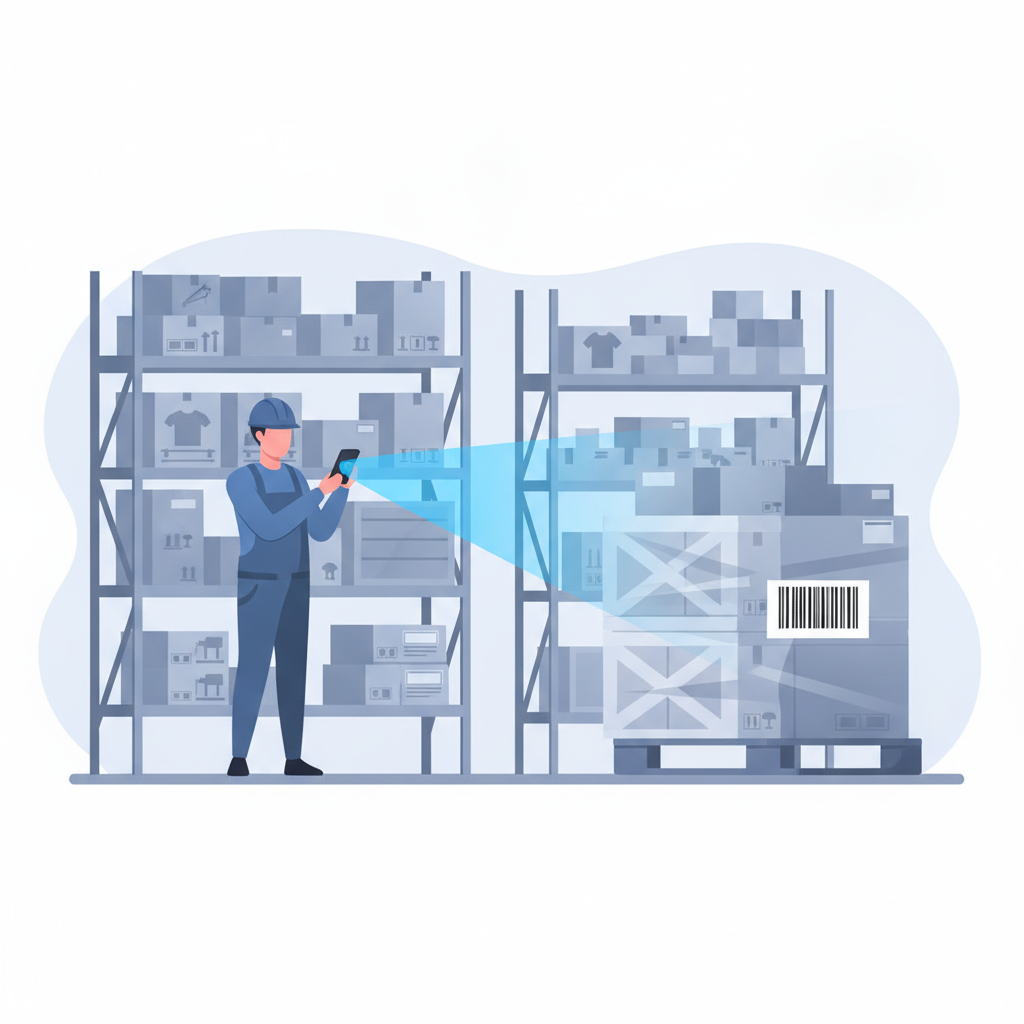
Because the platform supports multiple warehouses, a 3PL or a growing brand can run the same client's stock across more than one location without losing a single source of truth. That pairs with the token-based pricing model, which scales with actual usage instead of charging per named seat, a distinction covered in more depth in usage-based vs per-seat WMS pricing.
Switching from inFlow without a long rollout
Moving off any inventory system raises the same questions: how long will it take, and what happens to existing data. Shipider is designed for self-serve setup rather than a six-month implementation or a required onboarding package. Locations, pallet locations, and order SKUs come in through Excel import templates, locations get configured to match the actual floor, and staff can start scanning with their phones the same day since there is no hardware to order or wait on. Teams planning the move should also look at the broader WMS buying checklist to confirm which capabilities matter most, and how to compare and evaluate WMS alternatives for a vendor-neutral framework before committing.
Frequently asked questions
Is inFlow built for 3PLs managing multiple client inventories?
inFlow describes its market as "From solo entrepreneurs to teams of 50", and we did not find multi-client or 3PL features on its site (checked Nov 2026); the only portal we found is its B2B Showroom add-on. That is why many 3PLs look for an inFlow alternative as they take on more clients.
Does Shipider require barcode scanner hardware?
No. Shipider uses camera-based barcode scanning that runs directly in the browser on any phone, so there is no dedicated scanner hardware to buy and no app to install. inFlow also offers iOS and Android apps, and sells its own rugged Smart Scanner as an option.
What is maker-checker verification and why does it matter for 3PLs?
Maker-checker is a two-step process where one person processes an order and a second person confirms it before it ships. It matters for 3PLs because it catches mis-picks before they become client-facing shipping errors, which protects both accuracy and the client relationship.
Can Shipider separate billing and reporting by client?
Reporting, yes: every SKU, pallet, and order is tied to a customer record, and analytics include per-customer volume, all exportable. Billing, not directly: Shipider does not create client invoices or rate cards, so teams export the data or pull it through the API into a separate billing tool.
How long does it take to switch from inFlow to Shipider?
There is no fixed timeline, but Shipider is self-serve, with Excel import templates for locations, pallet locations, and order SKUs, no hardware procurement, and no required onboarding package, which removes some of the biggest delays in a typical switch.
Ready to see how multi-tenant isolation, maker-checker verification, and no-hardware scanning work together on your floor? Create a free Shipider account and set up your first warehouse today.
Related reading: Shipider vs Logiwa: Right-Sized WMS for SMB and Small-Warehouse Teams
Related reading: Shipider vs Sortly: When You Have Outgrown an Inventory-Only Tracker
Related reading: Building an ROI Business Case for a WMS: What to Show Your Leadership