
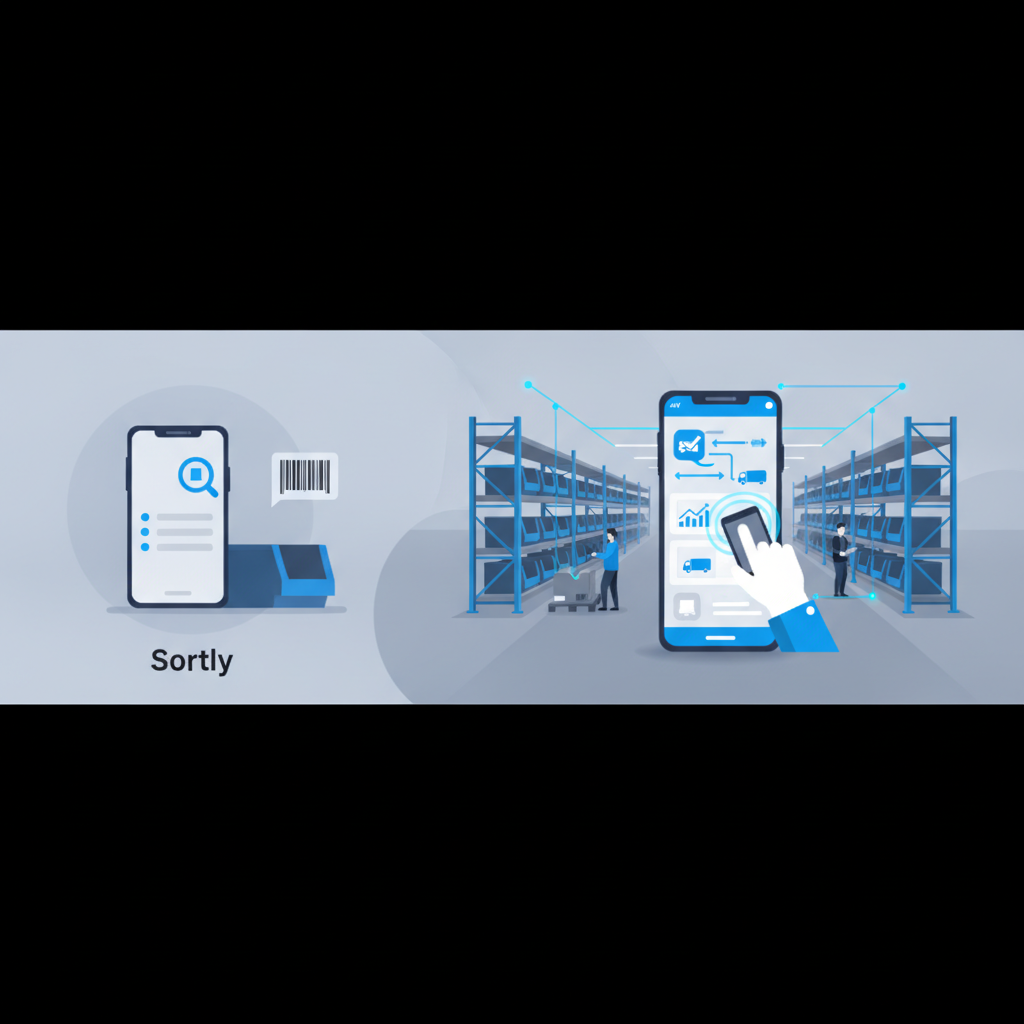
Shipider is a multi-tenant warehouse management platform built for receiving, putaway, pallet and SKU tracking, order verification, and dispatch, while Sortly is an inventory and asset tracking app built for tagging items, organizing them into folders, and counting what you have. The two solve different problems: Sortly answers "what do I own and where is it," Shipider answers that question plus "who moved it, who verified it, and did the right pallet leave the building." If your operation has grown past simple item counts into real warehouse workflows, the gap between the two becomes the whole story.
Last verified: November 2026. Competitor details come from each vendor's public pricing and product pages; check them before you buy, and tell us if something has changed.
What Sortly actually does well
Sortly earned its place with small teams because it is easy to set up. You create folders, tag items with QR codes or barcodes, snap a photo, and track quantity across a few locations, scanning with the phone's built-in camera or a Bluetooth handheld. It connects to QuickBooks Online on its Premium plan, plus Slack and Teams, and offers an API and webhooks on Enterprise. For a studio, a small retail backroom, or a team tracking equipment and supplies rather than running order fulfillment, that is often enough. It is not trying to be a warehouse management system, and for the audience it targets, that is fine.
The trouble starts when a business that picked Sortly for simple item counting starts acting like a warehouse: taking in pallets from vendors, assigning bin locations, picking and packing customer orders, and shipping to multiple destinations. Sortly does not describe workflows for that sequence on its site, and stretching it to cover receiving-to-dispatch work means bolting spreadsheets, group chats, and manual double-checks onto a tool that was built for something else.
Where Sortly runs out of road
Three gaps show up most often when a growing operation outgrows Sortly:
- No warehouse-level workflow described. Sortly organizes items with folders and location moves. We did not find a putaway workflow that tells a worker where a pallet should land, or a warehouse-level receiving process, described on its site.
- No verification step found. We did not find a second-person check before an order ships or a pallet moves on Sortly's site. One person updates a count and that is the record.
- No multi-client features found. If you run a 3PL or manage inventory for more than one brand under one roof, you need Customer A's stock and orders kept apart from Customer B's. Sortly lists "Multi-account Access", but we did not find multi-client or 3PL features on its site (checked Nov 2026).
None of this makes Sortly a bad product. It just means it was built to answer a narrower question than the one a growing warehouse needs answered.

Shipider vs Sortly: feature by feature
| Capability | Sortly | Shipider |
|---|---|---|
| Item and quantity tracking | Yes, folder-based | Yes, SKU and pallet level with location detail |
| Barcode/QR scanning | Yes, built-in phone camera scanner; Bluetooth handhelds supported | Yes, in-browser camera scanning on any phone, no app install or dedicated hardware |
| Warehouse locations | Folders and location moves; no warehouse-level workflow described | Yes, warehouse locations with receiving, putaway, pallet moves, and location history |
| Pallet-level tracking | Not published (checked Nov 2026) | Yes, with SKU lines, photos, and movement history |
| Maker-checker (two-step) verification | Not found | Yes, a second person confirms every order |
| Record of who did what and when | Not published (checked Nov 2026) | Order history with processor and confirmer; pallet location history and moves by user |
| Multi-site inventory | Folders and location moves; no warehouse-level workflow described | Yes, multiple warehouses with transfers between them |
| Multi-client isolation (for 3PLs) | Not found (only "Multi-account Access") | Yes, tenant isolation, with SKUs and orders tied to customer records |
| Order processing workflow | Not published (checked Nov 2026) | Yes, Pending to Approved to Processing to Processed to Confirmed |
| Pricing model | Free $0; Advanced $49/mo; Ultra $149/mo; Premium $299/mo; Enterprise custom; item and user caps per tier | Token-based, usage-driven pricing with a free plan; no per-seat fees |
| Trial | 14 days on paid plans, credit card required | Free plan |
Sortly prices are monthly, as listed on the vendor's pricing page, Nov 2026 (yearly prices are first-year discounted). Tier limits: Free 100 items and 1 user; Advanced 500 items and 2 users; Ultra 2,000 items and 5 users; Premium 5,000 items and 8 users.
Multi-tenancy: the structural difference
If you are a 3PL, or an operator managing fulfillment for several brands from one building, multi-tenancy is not a nice-to-have feature, it is the entire architecture question. Sortly is built around a single organization tracking its own items. Shipider was designed with the assumption that one warehouse might hold inventory for five, ten, or thirty separate customers: each company's data is isolated at the tenant level, and every SKU, pallet, and order inside your account belongs to a customer record, so one client's stock never mixes with another's.
That separation runs through the data model itself, not through a workaround like duplicate accounts or shared spreadsheets split by tab. If you are evaluating software specifically because you are onboarding a new warehousing client, this is worth reading alongside how to onboard a new 3PL client without adding headcount, and the 3PL solutions page for how the isolation model works in practice.
Maker-checker: the verification Sortly doesn't describe
A maker-checker workflow means one person performs an action (processing an order) and a second person confirms it before it counts as done. We did not find an equivalent on Sortly's site. A quantity update is just a quantity update, made by whoever is logged in.
In a warehouse processing dozens or hundreds of orders a day, that gap is where mis-ships come from: a picker grabs the adjacent SKU, nobody catches it, and the wrong item ships. Shipider's maker-checker step sits inside the order flow itself, so the second confirmation happens as part of the normal process rather than as an extra task someone has to remember to do. For the mechanics of why this matters operationally, see how to reduce mis-ships with a better packing workflow and what a maker-checker workflow actually is.
Pallet tracking and the evidence trail
Item-level tracking tells you what you have. Pallet-level tracking tells you what arrived, in what condition, signed off by whom, and where it has moved since. Sortly's photo-and-count model is built around the item. Shipider attaches SKU lines, pallet and label photos, receiving condition codes, and a full location history to each pallet, and orders can carry truck photos and a driver signature. That matters most the moment a customer disputes a shortage or a damaged shipment. A tracker without that trail leaves you arguing from memory; a system with a real trail lets you point to the record.
Migrating from Sortly without a stalled project
Moving off any inventory tool feels riskier than staying put, mostly because nobody wants a multi-month rollout. Shipider is built around the opposite expectation: no hardware to procure, no six-month implementation, and setup data that moves over through Excel import templates rather than manual re-entry. The practical sequence looks like this:
- Export your current item list and locations from Sortly.
- Import your warehouse locations into Shipider (zones, aisles, bins) rather than flat folders, then load pallet locations and order SKUs from the Excel templates.
- Run receiving and putaway for a few days in parallel with your old process to confirm counts match.
- Run orders through the maker-checker flow before fully cutting over, so verification is live from day one.
If you want the fuller switching narrative with more migration detail, the companion piece Sortly alternative for warehouses that need multi-tenant and maker-checker covers that path step by step. For a wider look at how to evaluate any system against your current one, how to compare and evaluate WMS alternatives lays out a general framework.
Who should actually stay on Sortly
Not every team needs to switch. If you are tracking office equipment, construction tools, a small studio's supplies, or asset counts with no receiving-to-dispatch order flow and no second-party verification requirement, Sortly's simplicity is a feature, not a limitation, and its QuickBooks Online, Slack, and Teams connections may matter more to you than warehouse workflows. The decision point is whether your daily work includes putaway to specific locations, processing real customer orders, or managing inventory for more than one business under your roof. If any of those are true, an inventory-only tracker will keep costing you in manual workarounds no matter how cheap the subscription looks.
Brands running DTC fulfillment specifically should also compare against the dedicated workflow built for that model on the e-commerce solutions page, since order verification and multi-site stock matter differently for retail fulfillment than for asset tracking.
Frequently asked questions
Is Sortly a warehouse management system?
Sortly describes itself as inventory and asset tracking for counting and organizing items in folders with photos and barcode or QR tags. We did not find a warehouse-level location workflow, a receiving-to-dispatch order process, or a verification step before inventory moves described on its site, which are core functions of a WMS like Shipider.
Does Sortly support multi-tenant inventory for multiple clients?
We did not find multi-client or 3PL features on Sortly's site (checked Nov 2026); it lists "Multi-account Access". 3PLs managing multiple clients from one warehouse need a platform that keeps each client's stock and orders separate, which Shipider does through tenant isolation and customer records.
What is maker-checker verification, and does Sortly have it?
Maker-checker is a two-step workflow where an order processed by one person is confirmed by a second person before it is recorded as final. We did not find a required second confirmation on Sortly's site, while Shipider builds this step directly into its order flow.
Can I migrate my item list from Sortly to Shipider?
Yes. Export your items and locations from Sortly, then use Shipider's Excel import templates for locations, pallet locations, and order SKUs to rebuild them around real warehouse locations such as zones, aisles, and bins instead of flat folders.
Does either platform require barcode scanner hardware?
Neither requires dedicated scanner hardware. Sortly has a built-in smartphone camera scanner and also supports Bluetooth handhelds. Shipider runs camera-based barcode scanning directly in the browser on any phone, and extends that scanning into receiving, putaway, pallet moves, and order confirmation rather than stopping at an item count.
If your warehouse has outgrown folders and item counts, see what a system built for receiving, verification, and multi-site stock looks like. Start free with Shipider and bring your locations over with an Excel import.
Related reading: What Is a WMS? A Plain-Language Definition for Teams Leaving Excel
Related reading: Building an ROI Business Case for a WMS: What to Show Your Leadership