
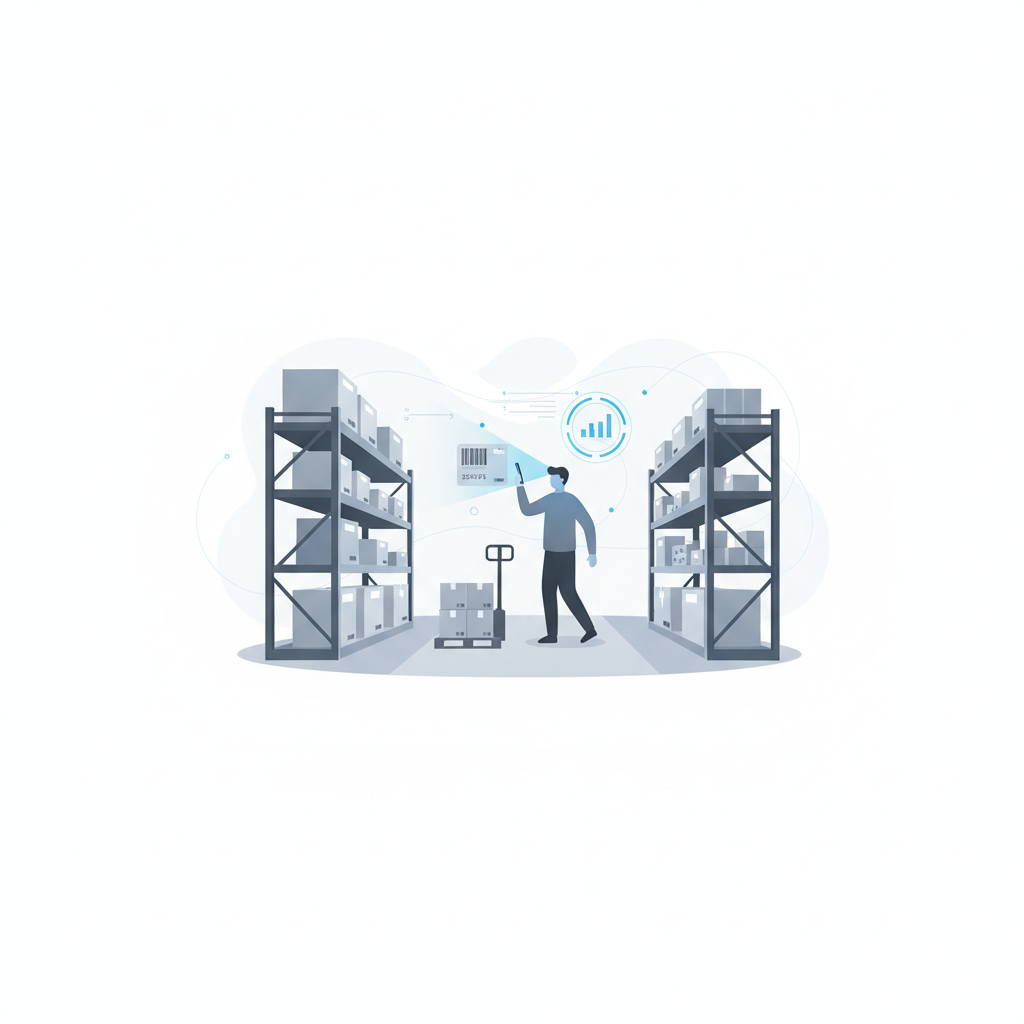
Usage-based WMS pricing charges you for what actually flows through the warehouse (orders processed, pallets tracked, scans logged), while per-seat pricing charges a fixed fee for every named user who logs in, whether they touch the system once a day or once a month. Shipider runs on usage-based token pricing with unlimited free users, which means the bill tracks your throughput instead of your headcount.
That distinction sounds small until you actually run the numbers for a warehouse that adds seasonal staff, brings on a new 3PL client, or wants every picker and receiver logged into the system instead of sharing one terminal. The pricing model you pick shapes staffing decisions for years, not just the invoice.
How usage-based pricing works
Usage-based pricing (sometimes called consumption pricing) ties your cost to a measurable unit of activity: orders shipped, pallets received, scans performed, or a token that represents a bundle of those actions. You buy a pool of usage, and the software meters what you consume against it. When volume is low, you pay less. When volume spikes, you pay more, but you're not paying for idle seats in the meantime.
The practical effect is that adding a person to run the floor costs nothing extra unless that person actually processes more volume. A warehouse manager, a receiving clerk, and three pickers can all have their own logins, their own audit trail entries, and their own accountability under a maker-checker workflow, without anyone doing mental math about whether the fifth login is worth the license fee.
How per-seat pricing works
Per-seat (or per-user) pricing charges a flat recurring fee for every account provisioned, regardless of how much that account is used. It's the model most legacy ERP and enterprise software vendors default to because it's predictable for the vendor: revenue scales with the customer's org chart, not with what the customer actually ships.
Per-seat pricing tends to push warehouses toward shared logins, because adding a real account for every temp worker or seasonal picker gets expensive fast. Shared logins break the connection between a scan and the person who made it, which undermines exactly the kind of accountability an audit trail is supposed to provide. If you've read about why a maker-checker workflow depends on a second, independent scan, you can see the problem: it's hard to have independent verification when three people are sharing one login to save on seat fees.
The hidden costs of per-seat licensing
The sticker price on a per-seat plan rarely tells the whole story. A few costs tend to show up after the contract is signed:
- Seasonal staffing penalties. Adding ten temp workers for peak season means ten new seat fees, even if they're only needed for six weeks.
- Shared-login workarounds. Teams route around seat limits by sharing credentials, which erodes the audit trail and makes it harder to trace who actually put away a pallet or approved a shipment.
- Multi-site multiplication. Running two or three sites under one contract often means seat costs multiply by site, even when total order volume hasn't changed.
- Underused licenses. A manager who checks the system twice a week costs the same as a picker scanning two hundred items a day.
The hidden costs of usage-based pricing
Usage-based pricing isn't automatically cheaper, and it isn't free of its own risks. Worth checking before you sign anything:
- Volume spikes. A hard peak season can push consumption higher than expected if the metering unit isn't well matched to your operation.
- Unclear metering. If a vendor doesn't clearly define what counts as a billable action (a scan, an order line, a pallet movement), it's hard to forecast cost.
- Overage terms. Some vendors charge punitive overage rates once you exceed a bundle, so it pays to understand what happens above the line, not just below it.
The fix for most of these is transparency: a vendor that shows you exactly what consumes a token and lets you monitor usage in real time removes most of the guesswork.
Usage-based vs per-seat: a side-by-side view
| Factor | Per-seat pricing | Usage-based pricing (Shipider model) |
|---|---|---|
| What you pay for | Every named user account | Actual throughput: orders, scans, pallet movements |
| Adding seasonal staff | New seat fee per worker | No added cost unless volume rises |
| Shared logins | Common workaround, weakens audit trail | Not needed since users are unlimited |
| Multi-site operations | Often multiplies per site | Tracked centrally across sites |
| Low-activity users (managers, auditors) | Full price regardless of use | No per-user charge |
| Cost predictability | Predictable per contract term | Tracks with real business volume, needs monitoring during spikes |
| Onboarding cost | Often bundled with implementation fees | Free setup, no hardware required |
What actually drives your WMS bill
Headcount vs throughput
The core question to ask any vendor is simple: does the price scale with people or with product? A warehouse with fifteen employees but modest order volume looks expensive under per-seat pricing and reasonable under usage-based pricing. A warehouse with three employees running very high throughput might see the opposite. Model both scenarios against your actual numbers before assuming one model is universally cheaper.
Seasonal and promotional spikes
Retail and eCommerce operations often see volume triple around key promotional windows. Per-seat plans force you to either understaff during peak or pay for seats you don't need the rest of the year. Usage-based plans flex with volume, but you should confirm what happens once you exceed your purchased usage tier so a good peak season doesn't come with a surprise bill.
Multi-site and multi-tenant operations
If you're a 3PL running several customers' inventory under one roof, or a brand with more than one warehouse, pricing gets more complicated. Structural multi-tenant isolation, where each customer's inventory, users, and audit trail stay separate within one platform, matters more than the pricing model itself at that point. See our guide on running a multi-tenant 3PL warehouse for how isolation and billing usually interact.
How Shipider's token-based pricing works
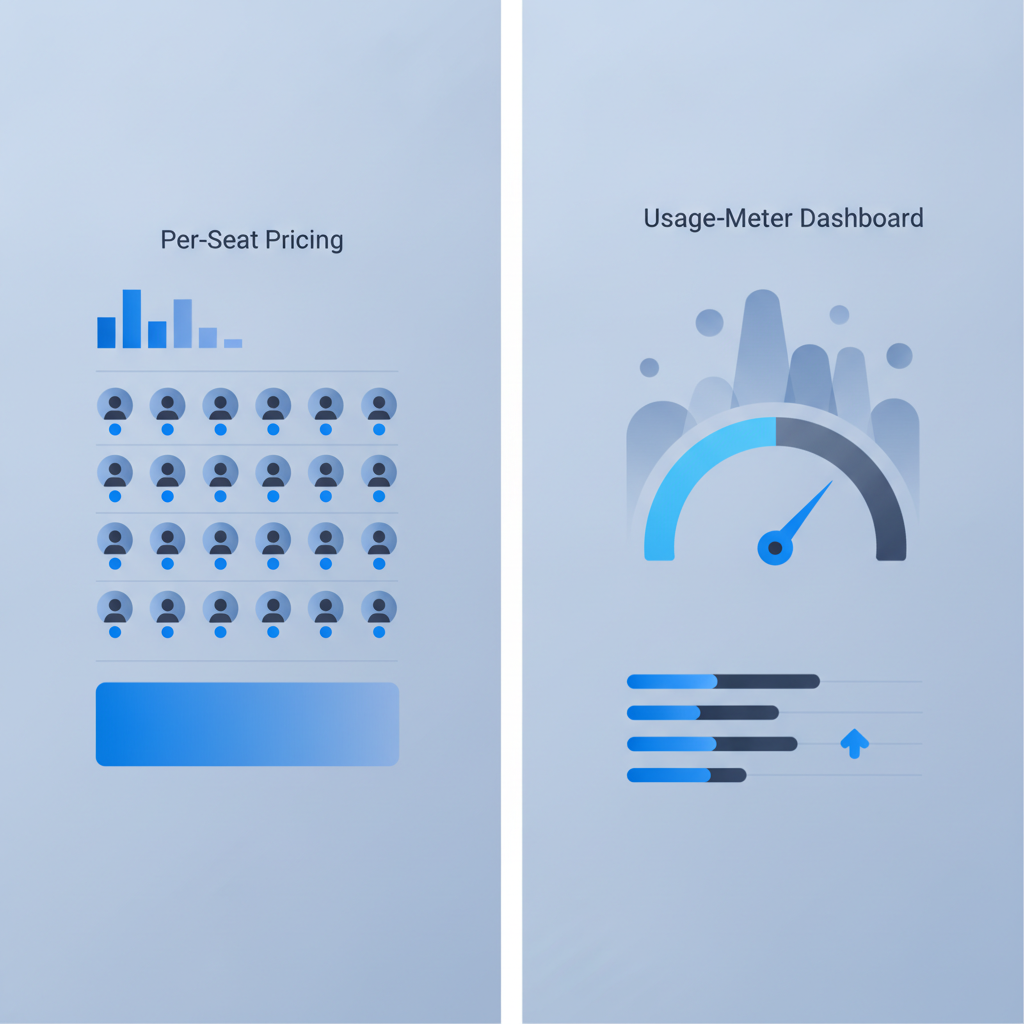
Shipider prices on tokens tied to usage rather than seats. Every user your team needs, whether that's a receiving clerk, a picker, a warehouse manager, or an auditor reviewing the audit trail, is free and unlimited. That matters directly for the maker-checker workflow: since a second, independent person needs to verify a pick or a pallet count, you want that second scan to come from a real, individually logged account, not a shared terminal login used to dodge seat fees.
Setup is also free, and there's no hardware requirement: the platform runs camera-based barcode scanning directly in a browser on any phone, so you're not budgeting for scanner hardware on top of software licenses. For teams evaluating total cost, that removes two of the biggest hidden line items in a traditional WMS rollout.
For the exact current token bundles and rates, the pricing page has the specifics; [NEEDS VERIFICATION: confirm current token bundle sizes and rate tiers before publishing final pricing figures].
A quick way to model your own cost
Before comparing vendors, pull three numbers from your own operation: average orders processed per month, number of people who touch the system regularly (including part-time and seasonal), and how many sites or customer accounts you run. Run those numbers against both pricing models. If your headcount-to-volume ratio is high (lots of staff, moderate orders), usage-based pricing usually wins. If your volume-to-headcount ratio is high (few staff, huge order volume), the math gets closer and it's worth asking any usage-based vendor for their overage terms in writing.
It also helps to compare this against the baseline you're leaving behind. If you're still tracking inventory in spreadsheets, the WMS vs spreadsheets comparison walks through where manual tracking breaks down regardless of which pricing model you eventually choose. And if your warehouse function currently lives inside a broader ERP, the WMS vs ERP warehouse module piece covers a related cost question: whether a bolt-on module is really cheaper than a dedicated system once you count the workarounds.
Frequently asked questions
Is usage-based pricing always cheaper than per-seat pricing?
Not always. Usage-based pricing tends to cost less for warehouses with more staff than order volume, since it doesn't charge per login. Per-seat pricing can occasionally cost less for a very small team processing extremely high volume, but that scenario is rarer than most buyers expect.
Does Shipider charge per user?
No. Shipider's pricing is token-based and tied to usage, with unlimited users included at no extra cost, so adding staff or seasonal workers doesn't add a per-seat fee.
What counts as usage in a token-based WMS pricing model?
Usage is typically metered against activity like orders processed, pallets tracked, or scans logged rather than logins. Exact metering definitions vary by vendor, so always confirm what counts as a billable action before signing.
How does per-seat pricing affect audit trail accuracy?
Per-seat pricing can push teams toward sharing login credentials to avoid extra license fees, which weakens the audit trail because actions get logged under one shared account instead of the individual who actually performed them.
Does pricing model matter for a multi-site or multi-tenant 3PL operation?
Yes. Multi-site and multi-tenant operations often see per-seat costs multiply across sites or customer accounts, while usage-based pricing scales more directly with actual throughput across locations, provided the platform supports proper multi-tenant isolation.
If you want to see how token-based pricing plays out for your own order volume and team size, create a free Shipider account and check the numbers against your actual operation.
Related reading: WMS Buying Checklist: What to Evaluate Before You Sign
Related reading: WMS Glossary: Core Warehouse and WMS Terms Explained