

A 3PL warehouse management system (3PL WMS) is warehouse software built for logistics providers that store and ship inventory for many client businesses, keeping each client's stock, orders, users, and data isolated while the 3PL runs one floor. A standard WMS assumes one owner managing its own stock; a 3PL WMS assumes many owners sharing the same racking, staff, and docks, and it has to keep them apart in every record and report.
What is a 3PL WMS?
A third-party logistics provider (3PL) sells storage and fulfillment capacity to other companies. Its warehouse management system has to do everything a normal WMS does, such as receiving, putaway, location tracking, order processing, and dispatch, and add a layer the normal WMS never needed: which client owns each pallet, SKU, and order.
That layer matters more than it sounds. A warehouse running one brand's inventory can get by with a single list of SKUs. A warehouse running inventory for many client brands cannot. Without real separation you get SKU collisions (two clients both using "SKU-001"), reports that blend everyone's numbers together, and no clean way to show a client exactly what happened to their stock.
3PL WMS vs a standard WMS
| Capability | Standard single-owner WMS | ERP warehouse module | 3PL WMS |
|---|---|---|---|
| Who owns the stock | One company | One company | Many client companies |
| Client separation | Not needed | Rarely built for external clients | Every SKU, pallet, and order tied to a client |
| Client reporting | Not needed | Usually custom reporting work | Activity and inventory broken out per client |
| Client visibility | Not needed | Rare | Client portal, reports, or API access to their own data |
| Billing data | Not needed | Through the ERP's finance side | Per-client activity data that feeds invoicing |
| Onboarding | One-time setup | Often a larger project | Repeated every time a client signs |
The last row is the one that shapes the software most. A 3PL onboards clients over and over, so setup speed, imports, and staff training are recurring costs, not a one-time project.
Features to require
Use this checklist when evaluating any 3PL WMS:
- Client ownership on every record. Every SKU, pallet, and order is tied to one client, and the same SKU code can exist for two clients without colliding.
- Data isolation. Your company's data is separated from other companies on the platform, and client data is separated inside your account.
- Pallet and location traceability. Location history per pallet, so you can show a client who received their stock, where it sat, and when it left. See pallet-level traceability.
- Verification on outbound. A second-person check before orders are finalized, because a mis-pick in a 3PL can cost the whole account relationship.
- Evidence capture. Receiving photos, condition codes, truck photos, and signatures for client and carrier disputes.
- Per-client reporting and data access. Reports filtered by client, exports, and an API so clients can see their own inventory.
- Fast onboarding. Imports for locations and SKUs, and scanning that works on the phones staff already carry.
- Billing data. Either built-in client billing, or clean per-client activity data you can pull into your billing tool.
- Pricing that fits the model. Pricing that does not penalize adding users, sites, or clients.
How multi-tenant isolation works
"Multi-tenant" describes software where many customers share one platform but each customer's data is kept separate. In a 3PL context there are two layers to ask about:
- Between companies on the platform. Your 3PL's data must be isolated from every other company using the same software.
- Between clients inside your account. Each client's SKUs, pallets, and orders must be kept apart, so staff work against the right client's records and reports do not blend clients together.
In Shipider, each company's data is isolated at the tenant level: every query is scoped to the company signed in. Inside your company, each 3PL client is a customer record, and SKUs are defined by customer, so pallets and orders carry the client they belong to. A packer processing Client A's order works against Client A's SKUs, and reports and analytics, such as customer volume, can be broken out by client.
Ask any vendor exactly how both layers work. "We filter by a client tag" and "every record is owned by a client and queries are scoped" are different answers. The deeper operational playbook is in running a multi-tenant 3PL warehouse.
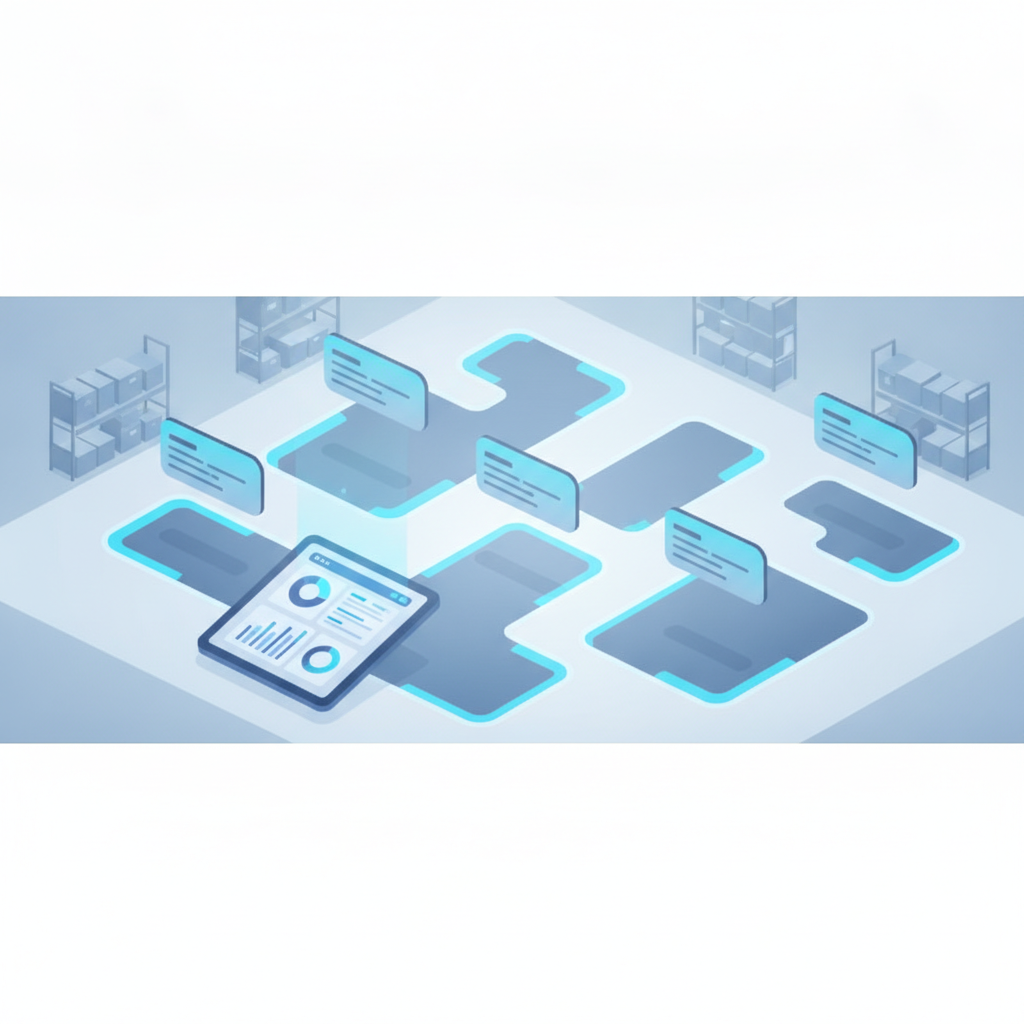
Maker-checker verification
Maker-checker is a two-step pattern: one person performs an action and a second person confirms it before it is final. In Shipider, orders move from Pending to Approved to Processing to Processed, then a second person confirms them. SKU discrepancies on an order are flagged and marked reviewed. In a multi-client warehouse this matters more than in a single-brand one, because an error does not just annoy one company, it can trigger a client dispute.
Evidence and traceability
Every pallet in Shipider has a numeric ID, SKU line items, photos (including label and condition photos), and a location history. Receiving condition codes, such as seal broken, BOL mismatch, or temperature excursion, are recorded with photos, and orders can carry truck photos or videos, a dock number, and the driver's signature. For a 3PL, that is the evidence base for answering a client's "what happened to my shipment" question.
Onboarding a new client
Onboarding a client should not require new hires or weeks of setup. In Shipider, it typically means:
- Create the client as a customer record.
- Set up that client's SKUs (including barcodes for scanning).
- Assign or import warehouse locations using the Excel import templates for locations and pallet locations, and import expected SKUs on inbound orders.
- Receive the first inbound with phone camera scanning in the browser. No scanner hardware has to be ordered first.
- If the client wants live visibility, issue a scoped API key so their systems can read their inventory and orders. See giving 3PL clients real-time inventory visibility through the API.
For the operational side of bringing a client live without adding headcount, see how to onboard a new 3PL client without adding headcount.
How 3PL WMS pricing usually works
3PL WMS pricing varies widely, and many vendors do not publish it. As listed on vendor pricing pages and sites in Nov 2026:
| Vendor | Pricing model (as listed, Nov 2026) |
|---|---|
| Extensiv 3PL Warehouse Manager | Not published; demo and sales conversation required. Number of warehouses affects subscription fees. |
| ShipHero | Core plan "Starts at $15,000/year"; Growth and Enterprise custom; states "No per-client fees for 3PLs". Paid onboarding "typically starting around $5,000 depending on scope". |
| Logiwa | Custom plan based on "fulfillment volume and complexity, not your user count". |
| Shipider | Usage-based token pricing with a Free plan; setup, users, and integrations free and unlimited; viewing inventory and reports always free; yearly billing is 10x monthly. |
The common models are per-seat (cost rises with users), volume-based (cost rises with orders or transactions), and flat platform fees with tiers. For a 3PL whose staffing flexes with the season and whose client count grows, ask how each model behaves when you add users, sites, and clients. Usage-based vs per-seat WMS pricing covers the tradeoff, and Shipider vs Extensiv compares two approaches side by side.
What about billing your clients?
Some 3PL systems include client billing with rate cards. Shipider does not invoice your clients or store rate cards. It records the per-client activity billing depends on, such as orders, pallets, and stock movements, and you export it or pull it through the API into your billing or accounting tool. The 3PL per-customer invoicing models guide covers flat-rate, per-pallet, and per-transaction billing and the data each needs.
Frequently asked questions
What is a 3PL WMS?
A 3PL WMS is warehouse software for logistics providers that store and ship inventory for many clients. It ties every SKU, pallet, and order to a client and keeps each client's data separate while the 3PL runs one shared floor.
Can a regular WMS be used for 3PL operations?
It can be attempted with workarounds like SKU prefixes or manual filtering, but without client ownership built into the records, cross-client mix-ups and per-client reporting become ongoing manual work.
Does Shipider bill 3PL clients?
No. Shipider does not generate client invoices or store rate cards. It records per-client activity that you can export or pull through the API into your billing tool.
Does a 3PL WMS require scanner hardware?
Not with Shipider. Barcode scanning runs through the camera on any phone or tablet in the browser, so a 3PL can start receiving for a new client without waiting on hardware.
How long does it take to onboard a new client in a 3PL WMS?
It depends on the client's SKU count and integration needs. With customer records, Excel imports for locations, and phone scanning, the main work is setting up SKUs and receiving the first inbound, rather than ordering hardware or running a long implementation project.
Running or launching a multi-client warehouse? Sign up for Shipider and set up your first client today. For the full feature overview, see the 3PL solutions page.
Related reading: Cold Chain Warehouse Management: Tracking Temperature-Sensitive Inventory