
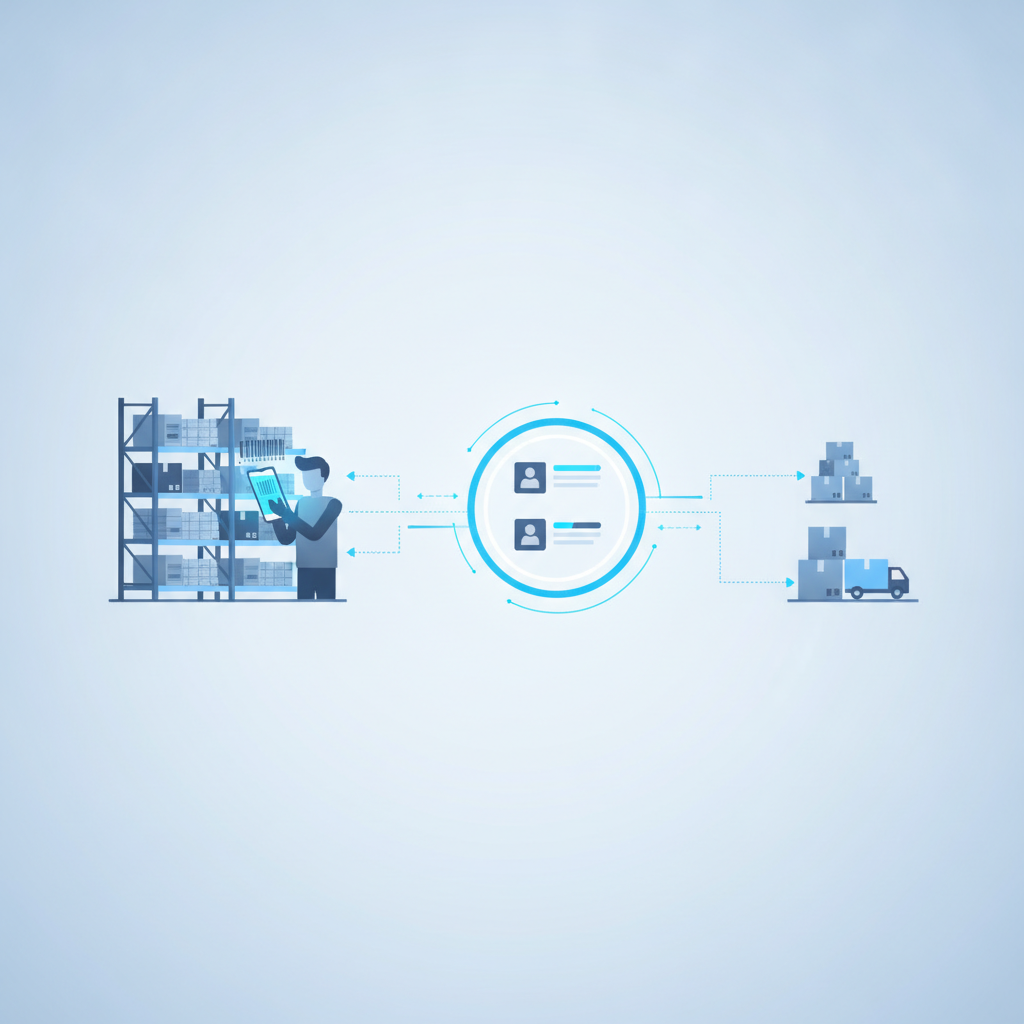
Warehouse task management for picker workload is the practice of assigning pick tasks to specific workers, tracking how much each person has completed against what is still open, and rebalancing assignments in real time so no picker sits idle while another falls behind. Shipider handles this by turning every pick, pack, and putaway into a scanned, timestamped event tied to a worker and a location, so a floor lead can see exactly who is carrying how much work at any moment instead of guessing from a whiteboard or a radio call.
This is a different problem from choosing a picking method. Picking strategy (batch, zone, wave, single-order) decides how work gets structured. Task management decides who does that work, in what order, and how a supervisor knows it is actually getting done. If you are still deciding between picking methods, our guide on picking strategies for small warehouses covers that groundwork. This article picks up the day after that decision is made, when you are running the floor and need to know if picker three is behind by forty lines.
Why workload visibility breaks down without a system
Most small and mid-sized warehouses start task management with a paper pick list, a printed wave report, or a shared spreadsheet someone updates between rounds. It works fine at low volume. Then order counts climb, a picker calls in sick, or a wave has to be split across three people, and the tracking method falls apart in predictable ways.
Supervisors end up walking the floor to ask people what they are on, because the paper trail lags behind reality by twenty or thirty minutes. Fast pickers get handed more work simply because they are visible near the desk, while someone working a back aisle gets forgotten. Nobody can say, at 2pm on a Tuesday, how many open tasks remain versus how many hours of picker time are left in the shift. And when an order ships late, there is no record of when it was assigned, when it was started, or where the delay actually happened.
The fix is not more supervision. It is a system where task assignment and task completion are the same event as the scan itself, not a separate report someone has to remember to update.
How Shipider structures picker task assignment
In Shipider, pick tasks are generated from orders and tied to specific warehouse locations, not just SKUs. A picker opens their assigned task list on their phone, scans the location barcode to confirm they are in the right spot, then scans the item or pallet to confirm the pick. Every one of those scans is logged with a timestamp, a worker identity, and the location, building the same real audit trail the platform uses for receiving and putaway.
Assigning tasks by zone, order, or wave
Task assignment can follow whichever structure fits your floor. A picker can be assigned to a physical zone and only see tasks for locations inside it, which keeps foot traffic contained and cuts walk time. Alternatively, tasks can be assigned by order or by wave, useful when a 3PL needs a dedicated picker per client account to keep tenant work visibly separate. Because Shipider's multi-tenant isolation is structural rather than a filter on top of shared data, a 3PL floor lead can assign and track picker workload per client without tasks or inventory bleeding across accounts.
Real-time tracking with barcode scans
Because the scanning runs in the browser on any phone's camera, there is no dedicated hardware to hand out or charge overnight. A supervisor's dashboard shows open tasks, in-progress tasks, and completed tasks per worker, updated the moment a scan happens rather than after a shift-end report gets compiled. That means workload rebalancing can happen mid-shift: if one picker has cleared their queue and another has fifteen lines left, the lead reassigns without needing to physically confirm anything, because the scan history already shows exact progress.
Maker-checker as a workload accuracy layer
Task tracking answers how much work is done. Maker-checker answers whether it was done correctly. In Shipider, the picker who scans an item (the maker) and the packer or checker who verifies it before dispatch are two distinct, logged steps. This matters for workload management specifically because it separates two things that get conflated on paper trackers: task completion and task correctness. A picker can look fast on a whiteboard while quietly generating mis-picks that show up later as returns. With a second scan required before an order leaves, workload speed and workload accuracy get measured separately, and a floor lead can spot a picker who is fast but error-prone instead of only rewarding raw throughput. For a deeper look at that two-step process, see what a maker-checker workflow is and how it works.
Balancing picker workloads across shifts and sites
Workload balancing gets harder once a business runs more than one shift or more than one location. A single spreadsheet cannot show a manager at 6am what happened on the night shift without someone manually compiling it. Because Shipider tracks multi-site inventory and task activity under one account, a manager overseeing two warehouses, or a 3PL overseeing several client operations under one roof, can see picker activity across every site from a single view rather than logging into separate systems or waiting on separate reports.
Shift handoff also benefits from the same audit trail. An incoming shift lead can see exactly which tasks were left open, by whom, and at what point in the pick, instead of relying on a verbal handoff that loses detail. That is especially relevant during volume spikes; our peak season prep checklist covers other pre-spike fixes worth pairing with tighter task tracking.

Metrics floor leads should track daily
Task-level scan data only helps if someone is watching the right numbers. A handful of daily metrics tell you almost everything you need about picker workload health without drowning a floor lead in dashboards.
| Metric | What it tells you | Where the data comes from |
|---|---|---|
| Open tasks per picker | Whether workload is balanced or lopsided right now | Live task assignment status |
| Tasks completed per hour | Individual and team pace against expected throughput | Scan timestamps per task |
| Time from assignment to first scan | Whether tasks sit unclaimed before someone starts them | Assignment timestamp vs first scan timestamp |
| Checker rejection rate per picker | Accuracy behind the speed, not just volume completed | Maker-checker verification outcomes |
| Idle time between tasks | Gaps that suggest a picker is waiting for reassignment | Gap between completion of one task and start of next |
None of these require a separate reporting tool once the scans are the source of truth. They are a byproduct of the same workflow a picker already follows to complete their job. For a wider set of floor-level numbers beyond task tracking, our piece on warehouse operations KPIs beyond accuracy is a useful companion.
Common mistakes in picker workload management
A few patterns show up repeatedly in warehouses that struggle with this even after adopting some kind of tracking tool.
The first is assigning tasks in large batches without a way to see mid-batch progress, so a supervisor only finds out about a bottleneck once the whole batch is late. The second is measuring speed without measuring accuracy, which rewards pickers for volume and quietly increases mis-ship rates; our guide on reducing mis-ships with a better packing workflow goes into how that shows up downstream. The third is treating task assignment as a one-time morning decision instead of something that gets rebalanced through the shift as conditions change. The fourth, common in growing 3PLs, is losing track of whose task list belongs to which client account once volume crosses a few dozen daily orders across tenants; this is exactly what structural multi-tenant isolation is built to prevent, something we cover in more detail in our 3PL solutions overview.
Getting started with structured task tracking
Moving off a whiteboard or spreadsheet does not require new scanners, a hardware rollout, or a multi-month implementation. Shipider runs camera-based scanning in any phone's browser, so a warehouse can start assigning and tracking picker tasks the same week inventory and locations are set up. Pricing is token-based, so a small team is not paying per-seat fees for a handful of pickers, and a 3PL running several client accounts is not penalized for adding operators as volume grows. If you are comparing this against continuing with spreadsheets, our WMS vs spreadsheets breakdown walks through where the spreadsheet approach specifically stops scaling, and the broader warehouse operations hub has more on the receiving, putaway, and dispatch steps that surround task assignment.
Frequently asked questions
What is picker task management in a warehouse?
Picker task management is the process of assigning specific pick tasks to individual workers, tracking their progress against open orders, and rebalancing assignments so workload stays even across a shift. In Shipider, each task is tied to a scanned event, so assignment and completion are tracked automatically rather than reported manually.
How do you track picker productivity without hardware scanners?
Camera-based barcode scanning that runs in a phone's browser lets a picker scan locations and items using a device they already carry, logging each scan with a timestamp and worker identity. This removes the need for dedicated barcode guns while still producing the same task-level tracking data a supervisor needs.
What is the difference between picking strategy and task management?
Picking strategy decides the method used to fulfill orders, such as batch, zone, or wave picking. Task management decides how individual work items within that method get assigned to specific people and tracked to completion. A warehouse can change its task tracking without changing its picking strategy, and vice versa.
How does maker-checker affect picker workload tracking?
Maker-checker adds a second, independent verification step after a picker completes a task, so workload data captures both speed and accuracy separately. A picker's completed task count shows throughput, while the checker's verification outcome shows whether that throughput held up, which prevents fast-but-error-prone work from looking identical to fast-and-accurate work.
Can task tracking work across multiple warehouse sites or 3PL clients?
Yes. Shipider supports multi-site inventory tracking under one account and structural multi-tenant isolation for 3PLs, so a manager can see picker task activity across locations or client accounts from a single view without those tasks or inventories mixing together.
Ready to see real-time picker workload tracking on your own floor? Create a free Shipider account and assign your first tasks today.