
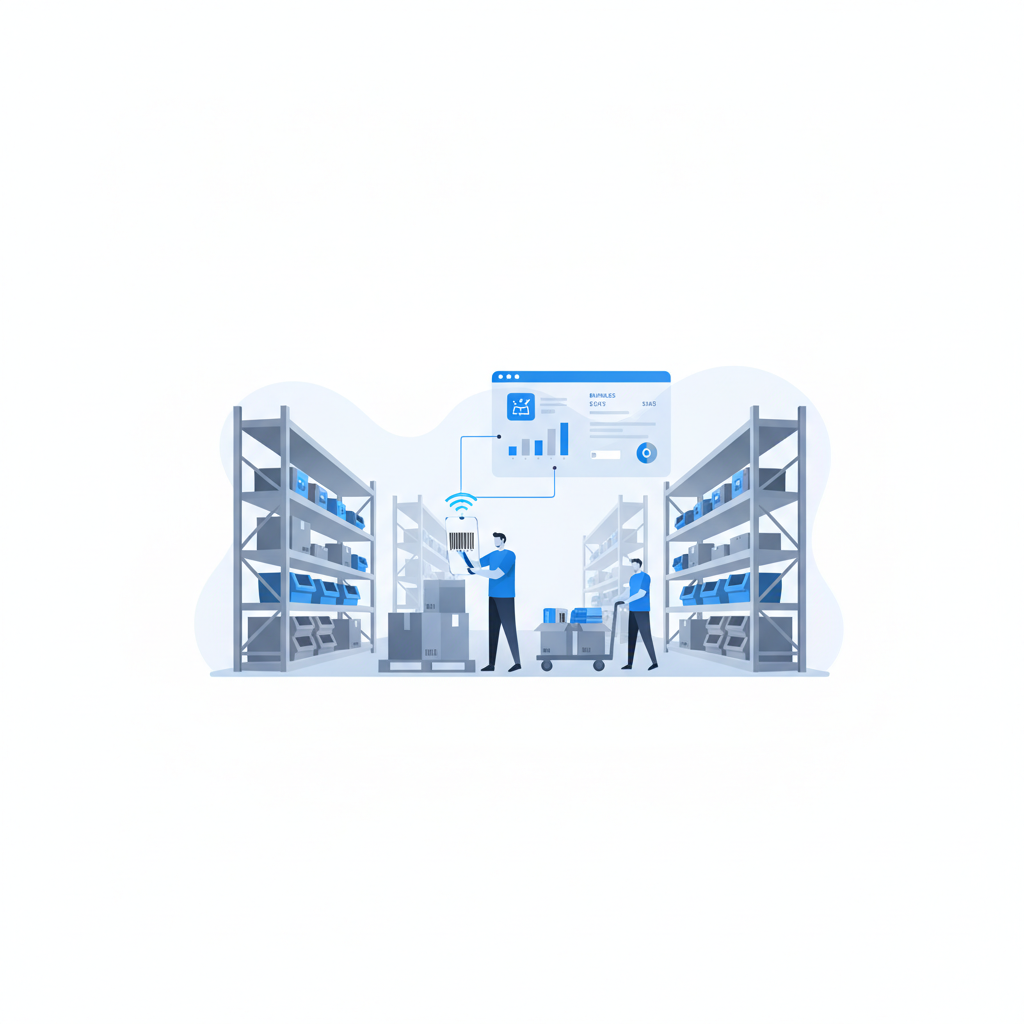
Kitting is the warehouse process of gathering separate SKUs and assembling them into a single pre-packed unit, the kit, which is stored and shipped under its own SKU. Subscription boxes, gift sets, starter kits, and promotional bundles are all kitting. This playbook explains what kitting is, how it differs from assembly and bundling, and how to run subscription box fulfillment so every box is built right, checked, and traceable.
What is kitting?
In a kitting operation, components arrive and are stored as their own SKUs: the hero product, add-ons, an insert card, tissue, a branded mailer. Before orders ship, or on build day, a kit builder pulls the defined set of components and packs them into one unit. From that moment the finished kit is its own inventory item with its own SKU, and the components it consumed should leave the stock record.
Kitting matters because it moves work ahead of the order. Instead of picking six or ten items for every subscriber order, the warehouse builds kits in a batch and ships each order as a single pick. The tradeoff is that the inventory record now has to stay right for two things at once: the finished kits and the loose components.
Kitting vs assembly vs bundling
The three terms are used loosely. The differences matter for how you record inventory.
| Term | What happens physically | When it happens | How inventory is recorded | Typical example |
|---|---|---|---|---|
| Kitting | Finished, separate items are packed together into one unit; nothing is changed or attached | Ahead of orders, in batches | Kit becomes its own SKU; component SKUs are reduced | Monthly subscription box, gift set |
| Assembly | Parts are joined or transformed into a new product (screwed, wired, mixed) | Ahead of orders, often in a production step | Finished good is a new SKU; parts are consumed like raw materials | A light fixture built from parts |
| Bundling (virtual bundle) | Separate items are sold together but picked individually at order time | At pick and pack | No kit SKU on the shelf; each component is picked and reduced per order | "Buy the shampoo and conditioner together" offer |
Kitting suits predictable, repeating combinations, such as a box every subscriber gets this month. Bundling suits combinations that vary by order. Many operations do both: pre-kit the core box, then add variable extras at pack time.
Why subscription box and kitting operations break normal fulfillment math
A standard DTC order usually means one or two SKUs picked and packed in a straight line. A subscription box can consume many component SKUs per finished unit. Multiply that across every subscriber shipping in the same week and you get a short, sharp spike in component consumption that has to reconcile, or you run out of one item while others sit on the shelf.
B2B kitting for distributors and promotional programs faces the same arithmetic from a different angle. A retailer order for a starter kit draws down several component SKUs the moment it is assembled. If the component draw is not recorded at assembly, the inventory system and the shelf disagree within days. Spreadsheets struggle to hold the current, location-level state of both finished kits and loose components, and a pick-pack flow built for single-SKU orders assumes one order line maps to one pick.
The core kitting workflow
Whether you run a monthly subscription box, a seasonal gift set, or recurring B2B kits, the flow has four stages: receive components, build kits, verify, and dispatch.
Receive and locate every component SKU
Each component, including inserts and packaging, is received as its own SKU and put away to a specific warehouse location. A kit builder who has to hunt for component B while component A sits staged loses time on every box, so clear locations keyed to SKU make the build station fast. The receiving sequence is in receiving to putaway best practices.
Stage and build the kit
The build station pulls the defined components for this cycle's box, assembles them, and the finished kits become their own trackable unit: a new SKU or a dated box variant. Scanning each component with a phone camera, rather than a dedicated scanner gun, keeps the record honest without adding hardware to a seasonal build line. See browser barcode scanning with no hardware.
How to record a kit build in Shipider
Shipider does not have a kit, bundle, or bill-of-materials feature, so it does not deduct components automatically when a kit is created. Kits are modeled with ordinary inventory records:
- Create the kit as its own SKU, for example one SKU per box edition or month.
- Keep your recipe outside the system, in a build sheet listing each component SKU and quantity per kit.
- Receive the finished kits in as a pallet of the kit SKU with the number built, and put it away to a location.
- Adjust the components out by recording Adjustment or Remove stock movements for each component, equal to kits built × quantity per kit, with a note referencing the build.
- Have a second person check the build totals against the build sheet before the adjustments are recorded.
This keeps both sides of the record visible: the finished kits as stock you can ship, and each component's movement history showing exactly how many went into which build. Shipider's SKU velocity and discrepancy analytics then work on the kit SKU like any other product.
Verify before it ships, not after a complaint
This is the step most subscription operators skip, and it causes the most expensive mistakes: wrong insert, missing add-on, duplicate item. Two checks cover it. At build, a second person spot-checks finished kits against the build sheet before they are sealed. At dispatch, Shipider's order flow applies maker-checker: one person processes the order and a second confirms it before it is finalized, with SKU discrepancies flagged for review. For the mechanics of the pattern, see what is a maker-checker workflow.
Dispatch with a record attached
Once a kit passes verification, it ships like any other order, with a record of who processed and who confirmed it, plus pallet photos, truck photos, and the driver's signature where relevant. When a subscriber says an item was missing, you are looking at a record, not guessing.
Kitting requirements versus a basic single-SKU pick-pack flow
| Requirement | Single-SKU pick-pack flow | Kitting / subscription box flow |
|---|---|---|
| Inventory draw per order | One SKU, one location | Several component SKUs drawn at build time, often from different locations |
| Build step before packing | None | Components assembled into a finished kit first |
| Verification need | Lower, a single item is easy to confirm | Higher, many components per box means more ways to get it wrong |
| Component shortage risk | Stockout on one line | One missing component can stall every box in the run |
| Traceability on dispute | Order-level record usually enough | Needs a build record: which components went into which batch |
| Cycle pattern | Steady, order by order | Sharp recurring spikes around ship dates |
Planning the component spike before it hits the floor
Subscription boxes ship in waves. The planning problem is making sure every component for a cycle is on the shelf and counted before build day. Counting component locations a few days before the build, rather than trusting a count from weeks earlier, catches a shortfall while there is still time to expedite. See cycle counting without shutting down the warehouse.
Component demand is also the sum of every kit that uses it. If one add-on appears in three box variants, its draw rate is the total across all three. The formulas in reorder points and safety stock for small warehouses still apply; feed them component usage summed across every build sheet. Shipider does not track reorder points, so keep those thresholds in your planning sheet or automate them through the API.
Multi-site kitting, 3PL clients, and co-pack arrangements
Some subscription operators run one facility. Others split by region, keep a second site for peak overflow, or hand kitting to a co-pack partner. Shipider supports multiple warehouses with transfers recorded as TransferOut and TransferIn movements, so a component shortage at one site is visible to the team deciding where to run the next build. For a 3PL running kitting for several subscription clients, each client's components and kit SKUs sit under its own customer records, keeping builds and stock separate. See running a multi-tenant 3PL warehouse for how that separation works day to day.
Why this looks like e-commerce fulfillment, but is not
Subscription operators often get grouped with general DTC e-commerce, and the overlap is real: both ship to consumers and care about pack accuracy. But a DTC brand shipping single-SKU orders has no build step, and the build step is where most of a kitting operation's risk lives. Pair this playbook with the e-commerce fulfillment WMS playbook for the wider DTC flow, and with the wholesale and B2B fulfillment playbook if you build kits for retail accounts.
Setting this up without a six-month project
None of this needs new hardware or a long implementation. Locations can be loaded from Shipider's Excel import templates, scanning for build and verification runs on any phone's camera in the browser, and maker-checker confirmation is part of the standard order flow. Pricing is usage-based, so a spike in box volume costs more in the months it happens and less in quiet months, with setup and users free. See pricing and usage-based vs per-seat WMS pricing.
What to check before you commit components to a system
Can it track a component SKU's location and quantity independently of the finished kit SKU? Does it support a check between build and ship, with a record attached? Can it show which components were consumed by a specific build three weeks ago? Does it have a kit or bill-of-materials feature, and if not, how do you record builds? If a vendor cannot answer the third question clearly, that is the gap that will cost you the first time a subscriber disputes a missing item. The glossary has a one-line definition of kitting.
Frequently asked questions
What is kitting in a warehouse?
Kitting is gathering separate SKUs and assembling them into one pre-packed unit, the kit, which is stored and shipped under its own SKU. The components it uses are reduced in inventory when the kit is built.
What is the difference between kitting and assembly?
Kitting packs finished items together without changing them. Assembly joins or transforms parts into a new product. Both create a new SKU, but assembly is closer to light manufacturing.
What is the difference between kitting and bundling?
A kit is built ahead of time and sits on the shelf as its own SKU. A bundle is sold together but picked item by item when the order arrives, so no kit SKU exists in stock.
Does Shipider have a kitting or bill-of-materials feature?
No. In Shipider, a kit is modeled as its own SKU received in after each build, with the components adjusted out through Adjustment or Remove stock movements based on your build sheet.
How do you prevent wrong items in a subscription box?
Spot-check finished kits against the build sheet with a second person before sealing, and confirm orders with a second person before dispatch. That catches missing or wrong components before they leave the warehouse.
Do I need a dedicated barcode scanner for kitting lines?
No. Component and kit scanning can run on a phone's camera through the browser, which suits build stations that change with each cycle.
Running subscription boxes or kits and tired of reconciling components in a spreadsheet after every build? Start a free Shipider account and set up your component and kit SKUs today.
Related reading: 3PL Per-Customer Invoicing Models: Flat-Rate, Per-Pallet, and Per-Transaction Billing
Related reading: What Is a 3PL WMS? Multi-Tenant Warehouse Software Explained