

A 3PL WMS is warehouse management software designed to run operations for multiple client businesses inside one facility, with each client's inventory, orders, and reporting kept structurally separate even though they share the same warehouse floor, staff, and racking. Shipider is built this way from the ground up: a 3PL signs up once, adds client accounts underneath it, and every pallet, SKU, and order gets tagged to the right client automatically, so a picker scanning in aisle 12 never risks pulling stock that belongs to someone else's program.
That distinction matters more than it sounds. A warehouse running one brand's inventory can get away with a single flat database and a shared set of SKUs. A warehouse running inventory for ten, twenty, or fifty client brands cannot. Without real separation, you end up with SKU collisions (two clients both using "SKU-001"), reports that blend everyone's numbers together, and no clean way to bill a client for exactly the pallets, orders, and storage days that belong to them.
Why 3PLs need something different from a standard WMS
Most warehouse software was built for a single operator managing their own stock. A 3PL is a different business model entirely: it is a warehouse operator selling storage and fulfillment capacity to other companies. That changes the requirements in three specific ways.
First, data has to be isolated per client, not just filtered by a tag in a shared table. If a client ever audits your warehouse, or if you ever need to prove that Client A's pickers could not accidentally see or touch Client B's inventory, a filter on a shared database is a much weaker answer than structural separation.
Second, every client needs their own view. Client A wants to log in and see only their stock, their open orders, and their own inventory accuracy numbers, not a slice of a bigger shared dashboard. Second, your own ops team needs a roll-up view across every client at once, so a warehouse manager can see total pallets on the floor, total orders in flight, and where today's bottleneck is without flipping between twenty separate logins.
Third, billing has to track cleanly to client activity. 3PLs charge by pallet, by transaction, by storage day, or some blend of all three. If your WMS cannot tell you exactly how many pallets Client C stored this month or how many orders Client D shipped, you are reconstructing invoices by hand, which is slow and invites disputes.
Core components of a 3PL WMS
Multi-tenant isolation
Multi-tenant isolation means each client's data lives in its own structurally separated space inside the platform, not just behind a filter. Shipider builds this at the account level: a 3PL operator creates a parent account, then provisions a tenant per client. Staff permissions, inventory, orders, and audit history are scoped to that tenant, so cross-client visibility only happens where the 3PL operator explicitly grants it (for a roll-up dashboard, for example).
Maker-checker verification
Maker-checker is a two-step verification pattern where one person performs an action (receiving a pallet, picking an order, adjusting a count) and a second person independently confirms it before it is final. In a multi-client warehouse this matters even more than in a single-brand one, because a mis-pick does not just annoy one company, it can trigger a client dispute and put the whole account relationship at risk. Shipider's maker-checker step runs on every critical action and writes both the maker's and checker's identity into the record.
Pallet and SKU traceability
Every pallet and every SKU movement needs a traceable history: who received it, which location it was put away to, who picked it, and when it shipped. For 3PLs, this traceability is also the evidence base for resolving client disputes about damaged goods, short shipments, or missing inventory, since the record shows exactly what happened and who touched it.
In-browser barcode scanning
Shipider's barcode scanning runs through the camera on any phone or tablet, directly in the browser, with no scanner gun, app install, or dedicated hardware required. For a 3PL onboarding a new client this week, that means floor staff can start scanning receiving and picking tasks immediately instead of waiting on a hardware order to arrive.
Multi-site inventory
Many 3PLs operate more than one facility, or need to show a client their stock split across regions. Multi-site inventory tracking keeps per-location stock counts, transfers, and order routing visible in one system rather than requiring separate logins per warehouse.
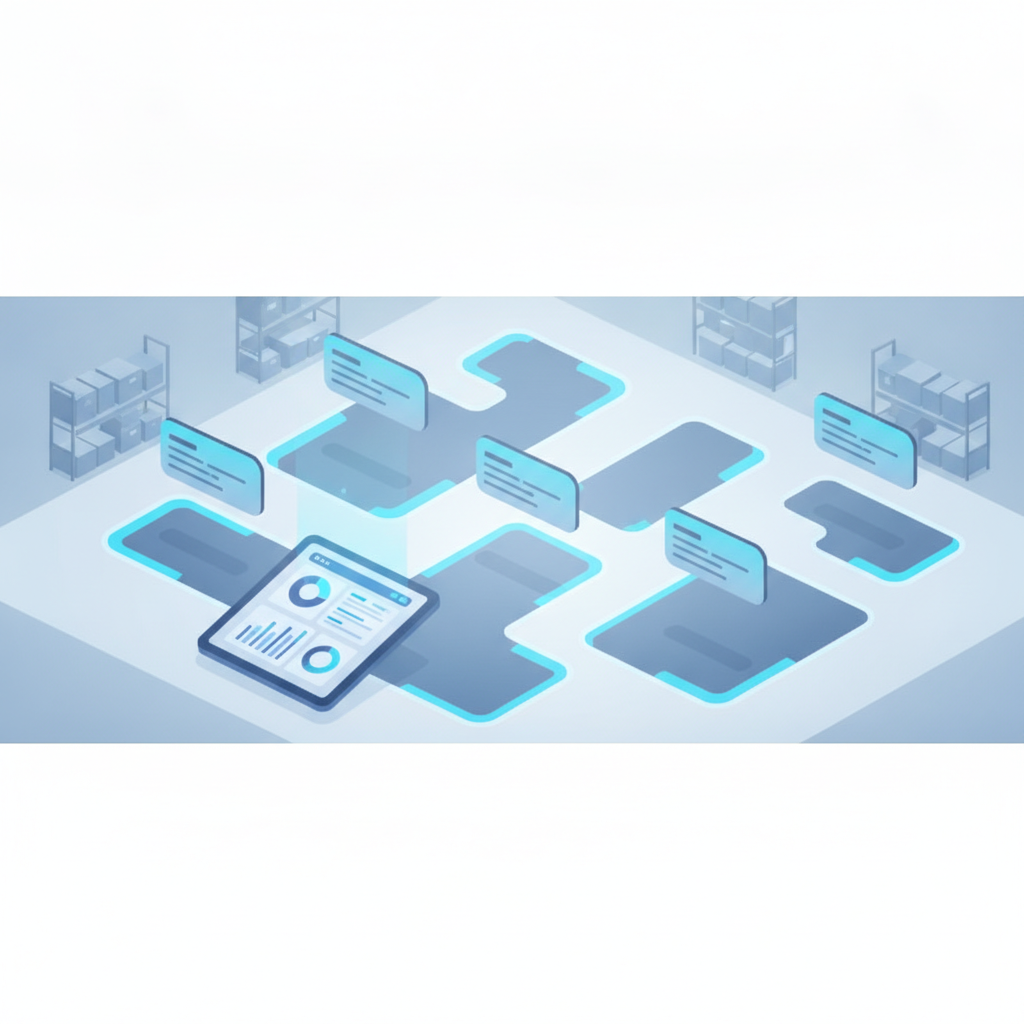
3PL WMS vs standard WMS vs ERP warehouse module
These three categories get confused often enough that a side-by-side helps. A standard single-tenant WMS is built for one company managing its own stock. An ERP warehouse module is a small piece bolted onto a much larger finance and operations system. A 3PL WMS is purpose-built for running other companies' inventory under one roof.
| Capability | Standard single-tenant WMS | ERP warehouse module | 3PL WMS (Shipider) |
|---|---|---|---|
| Client data isolation | Not applicable, one owner | Rarely built for external clients | Structural, per-client tenant separation |
| Per-client billing basis | Not needed | Requires custom reporting work | Tracks pallets, transactions, and storage per client |
| Verification on key actions | Varies by vendor | Varies, often minimal on warehouse steps | Maker-checker two-step on receiving, picking, dispatch |
| Barcode scanning hardware | Often requires scanner guns | Often requires scanner guns | Browser-based camera scanning, no hardware |
| Rollout time | Weeks to months | Often six months or more | No hardware, fast setup |
| Multi-site visibility | Sometimes, as an add-on | Usually tied to broader ERP licensing | Built in across all client sites |
How billing and client onboarding work in a 3PL WMS
Because a 3PL is charging other businesses for warehouse services, the system has to produce numbers that map directly to an invoice. That means pallet counts per client, transaction counts (receipts, picks, dispatches), and storage duration, all broken out by tenant rather than blended into one warehouse-wide total. Without this, finance teams end up pulling numbers from multiple exports and reconciling by hand every billing cycle.
Onboarding a new client should not require new hires or weeks of setup. In a 3PL WMS built for this, adding a client is a matter of creating a new tenant, importing their SKU list (often via a spreadsheet import rather than manual entry), and assigning warehouse locations to their inventory. For more detail on the operational side of bringing a client live without adding headcount, see how to onboard a new 3PL client without adding headcount.
What to look for when evaluating a 3PL WMS
A few questions tend to separate systems that actually work for multi-client operations from ones that technically claim to support 3PLs but were not really built for it.
- Is client data structurally separated, or just filtered by a tag in a shared table?
- Can you generate per-client billing reports without manual reconciliation?
- Does the system verify critical actions like picking and dispatch, or trust a single scan?
- Can new client accounts be provisioned without professional services or a long implementation project?
- Does barcode scanning require specific hardware, or does it work on devices your team already owns?
- Is there a full audit trail showing who did what, for resolving disputes with clients?
Pricing structure matters too. Token-based, usage-based pricing scales with actual warehouse activity rather than charging per named user, which fits 3PL operations where staffing can flex with seasonal volume. The usage-based vs per-seat WMS pricing comparison walks through how that plays out in practice.
How Shipider approaches multi-tenant 3PL warehousing
Shipider was built around the assumption that a warehouse might be running inventory for many client businesses at once, not as an afterthought feature. Each client gets their own tenant with isolated inventory, orders, and reporting. Warehouse staff use the camera on their phone to scan receiving, putaway, picking, and dispatch, with no scanner guns to buy or configure. Every critical action runs through maker-checker verification, so a second person confirms what the first person did before it becomes final, and that confirmation is written into a permanent audit trail. Pallets carry traceable history: location, movement, and who touched them, which gives you a clean answer when a client asks what happened to a specific shipment.
For the deeper operational playbook on running isolation, roll-up reporting, and client billing day to day, the guide to running a multi-tenant 3PL warehouse covers the full workflow. If you are comparing Shipider against the dedicated 3PL offering, the 3PL solutions page lays out the feature set, and pricing shows how the token model scales with your client roster.
Frequently asked questions
What makes a WMS a "3PL WMS" specifically?
A 3PL WMS adds structural multi-tenant isolation so each client's inventory, orders, and reports stay separate inside one shared warehouse, plus per-client billing data, which a standard single-tenant WMS does not need to provide.
Can a regular WMS be used for 3PL operations?
It can be attempted with workarounds like separate SKU prefixes or manual filtering, but without structural tenant isolation, cross-client data mixing and billing reconciliation become ongoing manual work and a real audit risk.
Does a 3PL WMS require scanner hardware?
Not with Shipider. Barcode scanning runs through the camera on any phone or tablet directly in the browser, so a 3PL can onboard a new client's floor staff immediately instead of waiting on hardware procurement.
How does billing work when multiple clients share one warehouse?
The WMS should track pallets stored, transactions processed, and storage duration per client tenant, so invoices for pallet-based, transaction-based, or storage-based billing models can be generated directly from system data rather than manual reconciliation.
How long does it take to onboard a new client in a 3PL WMS?
With a tenant-based system and spreadsheet import for SKU data, a new client can typically be provisioned and scanning within days rather than the multi-month rollout common with legacy systems, since there is no hardware to order and no lengthy implementation project.
If you are running or launching a multi-client warehouse, sign up for Shipider and set up your first client tenant today.