

Warehouse automation without robotics means using software, barcode scanning, and system integrations to remove manual data entry and manual double-checking from a warehouse, without buying conveyors, sortation systems, or autonomous mobile robots. Shipider does this by running barcode scanning in a browser on any phone, wiring receiving and order data straight into the WMS, and adding a maker-checker verification step so a second scan catches mistakes before they ship. For a small warehouse or a lean 3PL, that combination often removes more error and more labor time than a robot would, at a fraction of the cost and none of the install time.
Why robotics isn't the only path to automation
Ask most people what warehouse automation looks like and they picture a robot arm or a fleet of AMRs gliding between racks. That image sells conference booths, but it doesn't describe what actually slows down a 5,000 square foot warehouse with eight people on the floor. The real drag is usually simpler: someone retyping a packing slip into a spreadsheet, a picker guessing which bin a SKU lives in, or an order shipping wrong because nobody verified it before it left the dock.
Robotics solves a throughput problem. It's built for warehouses moving huge volumes of near-identical cartons where the payback period justifies a six or seven figure capital outlay and months of integration work. Most small and mid-sized operations are not that warehouse. Their problem isn't raw speed, it's manual steps that create errors and eat hours. That's a software problem, and it's solvable this quarter, not next year.
What automation actually means for a small warehouse
Strip away the marketing and warehouse automation for a smaller team breaks into three practical categories. None of them need a single motor or sensor on the floor.
Data entry automation
This is the most immediate win. Instead of keying in SKUs, quantities, and locations by hand, a phone camera reads the barcode and the system fills in the rest. Combine that with an Excel import for initial setup, and a team can go from a messy spreadsheet to a structured warehouse location map in a single afternoon, no re-keying required.
Verification automation
This is the step most WMS platforms skip and most small warehouses do by memory or by trust. A maker-checker workflow requires a second person, or a second scan, to confirm a pick or a shipment before it's finalized. It doesn't slow the floor down much, but it catches the wrong-item, wrong-quantity mistakes that cost real money in returns and chargebacks. It's automation in the sense that the system enforces the check instead of relying on someone remembering to do it.
Integration automation
This is where the warehouse stops being an island. Orders arrive from a storefront or a 3PL client system, inventory updates flow back out through webhooks, and nobody is exporting a CSV and emailing it to accounting. A scoped API key connects the warehouse to the rest of the stack without a developer building a custom integration from scratch.
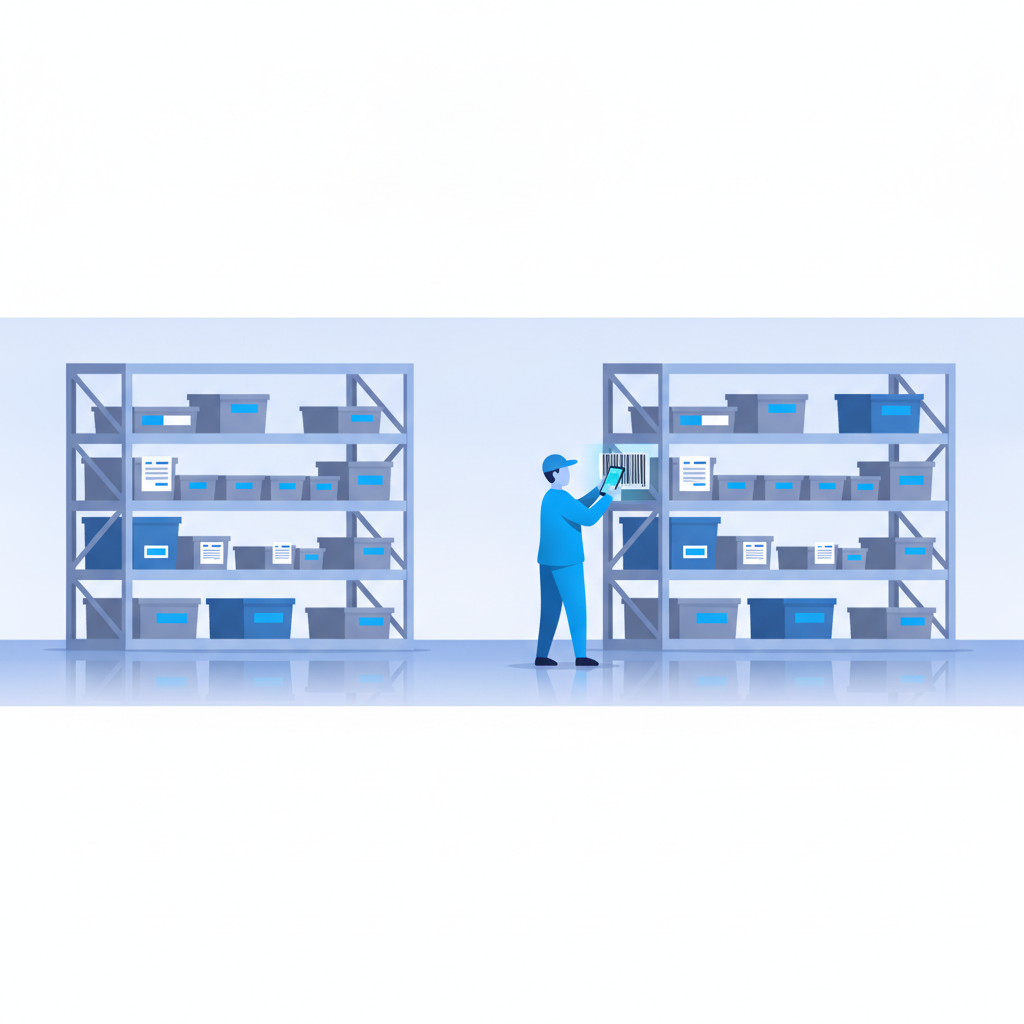
Five things you can automate this month without hardware
None of these require a hardware purchase order or an IT project plan. They require turning on features that already exist in a modern browser-based WMS.
- Receiving data capture. Scan incoming pallets and cartons with a phone camera instead of writing counts on a clipboard, then reconciling later.
- Putaway location assignment. Have the system suggest or confirm a warehouse location at scan time so items don't get dropped in the nearest open spot and lost.
- Order verification before dispatch. Add a second scan step so what's packed matches what was ordered, catching mistakes before the label goes on the box.
- Inventory sync to your storefront or ERP. Push stock levels out automatically through webhooks and the API instead of updating two systems by hand.
- Multi-site stock visibility. If you run more than one location, automate the question of "do we have this SKU anywhere" instead of calling around.
Each of these is a configuration change or a workflow decision, not a construction project. That's the practical difference between software automation and robotics: one is turned on, the other is installed.
Robotics vs software automation: an honest comparison
| Factor | Robotics (AMRs, conveyors, sortation) | Software automation (WMS, scanning, API) |
|---|---|---|
| Typical setup time | Months, often with facility changes | Days to a few weeks |
| Upfront cost | Significant capital investment [NEEDS VERIFICATION: typical robotics cost range for SMB warehouses] | Usage-based, tied to activity rather than headcount |
| Best fit | High-volume, repetitive, single-facility operations | Multi-SKU, multi-client, or multi-site operations with variable order profiles |
| Error handling | Reduces manual handling steps, but errors upstream (bad data) still flow through | Adds a verification step (maker-checker) that catches errors before they ship |
| Flexibility to reconfigure | Low, physical layout is fixed to the automation | High, workflows and locations can change without moving equipment |
| 3PL multi-client support | Not typically designed for tenant isolation | Built-in with structural multi-tenant isolation |
The comparison isn't robotics versus nothing. It's robotics versus the automation you can turn on today while you decide whether robotics is ever the right call for your volume.
When robotics actually makes sense
None of this is an argument that robotics is a bad idea everywhere. If you're running a single facility with very high, very consistent unit volume and a long enough time horizon to justify the capital and the integration work, sortation and AMRs can pay for themselves. That's a different conversation than the one most small warehouse operators and small 3PLs are having. If you're moving between a few hundred and a few thousand orders a day across a handful of clients or SKU families, the fixed cost and rigidity of robotics usually outweighs the throughput gain. Software automation scales down to that size without penalty, and it scales up with you if volume grows.
How Shipider fits without a rollout
Shipider was built for the warehouse that outgrew spreadsheets but isn't ready to sign a six-month enterprise contract. Camera-based barcode scanning runs directly in the browser on any phone, so there's no scanner gun to provision or replace. Receiving, putaway to specific warehouse locations, pallet and SKU tracking, and dispatch all sit on one real audit trail, so when someone asks who touched an order and when, the answer is in the system, not in someone's memory.
The maker-checker step means every pick or shipment can require a second confirmation before it leaves the building, which is the single cheapest error-reduction lever most warehouses haven't pulled yet. For teams running more than one site, or a 3PL running multiple clients under one roof, multi-site inventory visibility and structural tenant isolation mean client data stays separate without needing a separate instance or a separate spreadsheet per account. And because pricing is token-based, you're paying for what you use, not for a seat count that grows every time you add a temp worker during peak.
None of it requires new conveyors, new racking, or an IT department. It requires an account and about the same setup time as importing a spreadsheet. If you want the deeper architecture behind these workflows, the automation and integrations hub covers the individual pieces in more depth, from webhook setup to ERP sync.
Frequently asked questions
Is warehouse automation without robotics actually effective?
Yes, for most small and mid-sized warehouses the biggest cost drivers are manual data entry and unverified shipments, not raw picking speed. Software automation like barcode scanning, maker-checker verification, and API sync addresses both without any physical equipment.
What's the cheapest way to start automating a small warehouse?
Start with barcode scanning through a phone browser to eliminate manual data entry, then add a verification step before orders ship. Both can be done with existing phones and a WMS account, with no scanner hardware purchase required.
Do I need a barcode scanner gun to automate my warehouse?
No. A phone camera running in-browser scanning software can read the same barcodes a dedicated scanner gun reads, without the cost of provisioning, charging, or replacing hardware. See our full breakdown in do you need a barcode scanner gun.
How is this different from robotic process automation or AMRs?
Robotics automates physical movement of goods on the floor. Software automation in a WMS automates data capture, verification, and system-to-system sync. They solve different problems, and most small warehouses get more immediate value from the software side because it requires no capital equipment or facility changes.
Can automation like this connect to my existing ERP or storefront?
Yes, through scoped API keys and webhooks that push inventory and order updates automatically instead of relying on manual exports. See ERP sync without double entry for how that connection typically works.
If manual data entry, unverified shipments, or disconnected systems are the real bottleneck on your floor, you don't need a robotics budget to fix it. Create a free Shipider account and see what you can automate this week.