
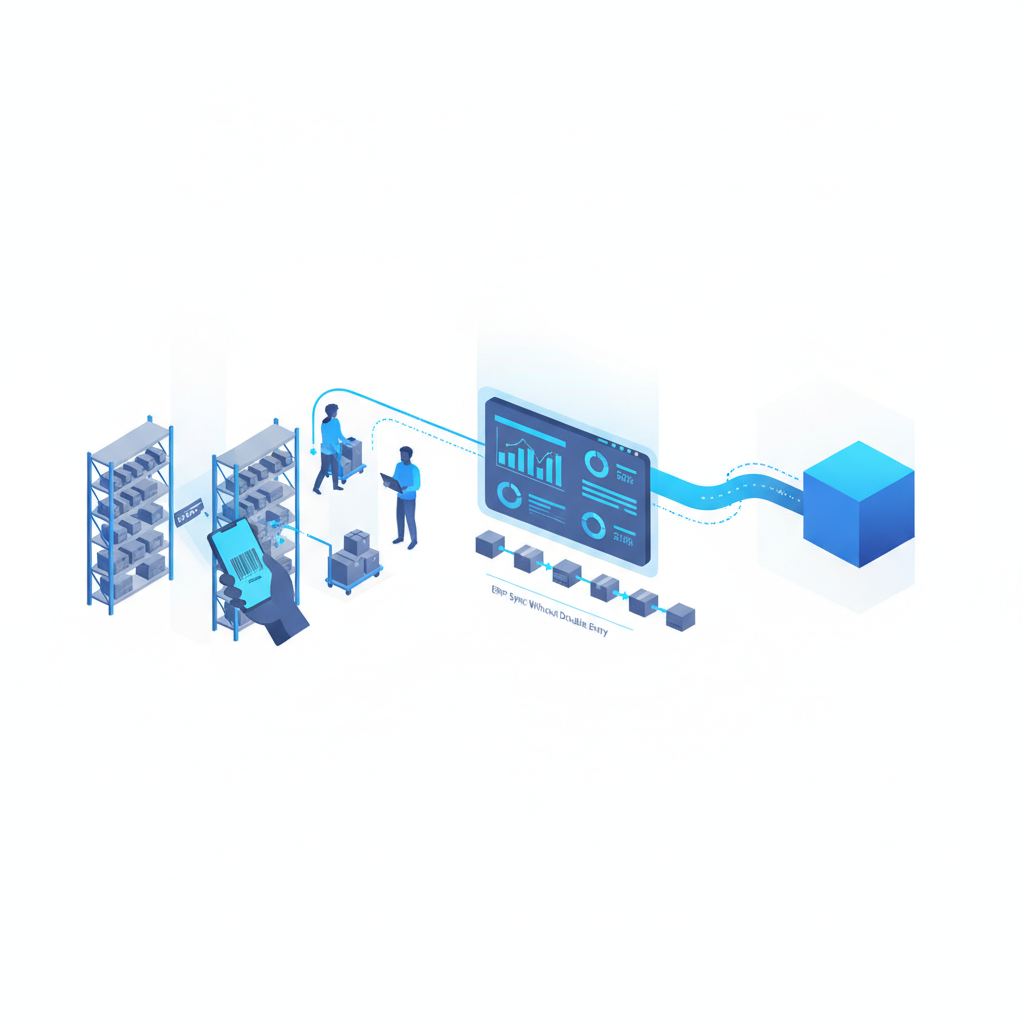
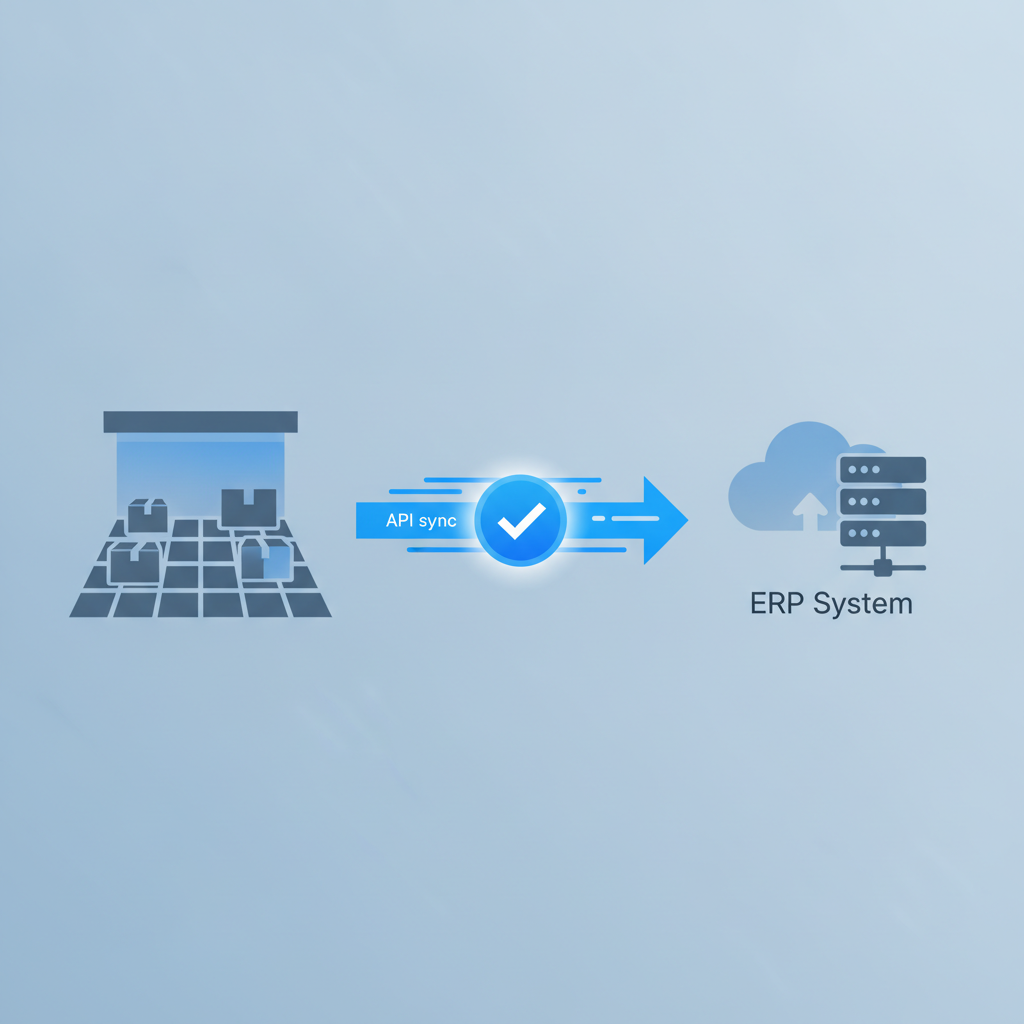
ERP sync without double entry means your warehouse management system and your ERP (or accounting system) share order, inventory, and receipt data automatically through an API or webhook connection, so nobody re-types the same purchase order or shipment into two systems. Shipider does this through a documented API and webhook events, so an order created in your ERP can trigger a pick in the warehouse, and a confirmed shipment on the floor can push a status update back without a person copying numbers between screens.
If you have ever had a warehouse lead type a receiving count into a spreadsheet, then have someone else key that same count into the ERP an hour later, you already know the cost. It is not just the time. It is the gap between the two records, the one that shows up three weeks later as a discrepancy nobody can explain.
Why warehouses end up entering data twice
Most small and mid-sized operations do not set out to build double entry into their process. It happens in stages. The ERP handles purchase orders, sales orders, and the general ledger. The warehouse runs on paper, a spreadsheet, or a WMS that was never connected to anything else. Someone has to bridge the two, and that someone is usually a person with a keyboard, not a system.
This gets worse as volume grows. A 3PL running multiple client accounts, or an eCommerce brand with more than one sales channel, ends up with several sources of truth that all disagree slightly. Nobody trusts the numbers, so people start doing manual checks on top of the manual entry, which slows everything down further.
The fix is not a bigger spreadsheet or a stricter SOP. It is a real connection between the two systems, one where data moves once and gets recorded the same way on both sides.
The three ways to connect a WMS and ERP
There are really only three patterns for moving data between a warehouse system and an ERP. Each has a place, but only one removes double entry completely.
| Approach | How it works | Double entry risk | Best for |
|---|---|---|---|
| Manual re-entry | A person reads data from one system and types it into the other | High, every transaction is a chance for a typo or a skipped record | Very low volume, or a temporary stopgap |
| Scheduled file import/export | CSV or spreadsheet files move between systems on a schedule, often daily | Medium, data is batched and can drift out of sync between imports | Setup and onboarding, or ERPs with no API |
| API and webhook sync | The two systems talk directly, events trigger updates in near real time | Low, data is entered once and shared automatically | Ongoing operations where inventory accuracy matters |
Shipider supports the file-based approach for initial setup, which is covered in the guide to Excel import for warehouse setup, and the API and webhook approach for ongoing sync. Most teams start with a spreadsheet import to get SKUs and locations loaded, then move to API-driven sync once the warehouse is live.
How Shipider handles ERP sync via API and webhooks
Shipider is API-first, which means every core action on the floor, receiving, putaway, picking, packing, and dispatch, is available as a data event, not just a screen. That structure is what makes ERP sync without double entry possible. The full technical reference lives in the API documentation, but the pattern is straightforward.
What data flows out of the warehouse
When a pallet is received and scanned in, when a putaway is confirmed to a warehouse location, or when an order is packed and dispatched, Shipider can fire a webhook event. That event carries the SKU, quantity, location, timestamp, and the user who performed the action. Your ERP (or a middleware tool in between) picks up that event and updates inventory or order status without anyone touching a keyboard on the warehouse side.
What data flows into the warehouse
The reverse direction matters just as much. New sales orders, purchase orders, or transfer requests created in your ERP can be pushed into Shipider through the API, arriving as pick lists or expected receipts on the warehouse floor. Staff work from what shows up in Shipider, scan it with a phone camera (no dedicated scanner hardware needed, as covered in the browser barcode scanning guide), and the confirmation flows back out automatically.
Where maker-checker fits into the sync
One thing that is easy to miss when people talk about integrations: automation without verification just moves the risk of bad data faster. Shipider's maker-checker step, described in detail in the maker-checker workflow post, means a second person confirms a pick or a receipt before it is marked complete. That verified event is what gets pushed to your ERP, not a raw first scan. So your ERP is not just getting data faster, it is getting data that has already been checked once on the floor.
A practical integration pattern
Most teams that connect Shipider to an ERP follow roughly the same sequence:
- Load your SKU catalog and warehouse locations into Shipider first, usually via spreadsheet import, so the warehouse has a clean starting inventory that matches the ERP.
- Decide which events need to flow out of the warehouse: received quantities, confirmed putaways, picked and packed orders, dispatch confirmations. Not every event needs to sync, only the ones your ERP actually acts on.
- Set up webhook subscriptions for those events, either pointing directly at your ERP's API if it accepts inbound calls, or through a middleware tool if it does not.
- Push outbound orders and purchase orders from the ERP into Shipider through the API, so the warehouse always works from the current order book, not a stale export.
- Watch the audit trail for a few weeks. Every scan, verification, and sync event is logged, so if a number looks off between the two systems, you can trace exactly where it originated instead of guessing.
For a 3PL running multiple client accounts, this same pattern repeats per tenant. Structural multi-tenant isolation means each client's inventory, orders, and sync events stay separate, which matters when different clients run different ERPs or none at all. That setup is covered in more depth in the 3PL solutions page.
What to ask before you build the integration
A few questions save a lot of rework later.
Does your ERP support outbound webhooks or only scheduled exports? If it only does batch exports, your sync will always have a lag, even if the warehouse side is real time. Plan around that rather than promising instant sync you cannot deliver.
Who owns the SKU as the source of truth? If the ERP creates new SKUs and the warehouse just receives them, that is a clean split. If both systems can create SKUs independently, you will get duplicates. Pick one system as the authority and sync the other from it.
What happens when a sync fails? Networks drop, APIs time out. Decide in advance whether a failed event retries automatically, queues for manual review, or just gets logged. Shipider's audit trail gives you the record to check against, but the retry logic depends on how you or your integration partner configure the webhook handling.
Do you need per-location or multi-site sync? If you run more than one warehouse, confirm whether your ERP tracks inventory by location or as one pooled number. Shipider supports multi-site inventory, so if your ERP only sees a single total, you will need to decide how granular the sync should be.
Common pitfalls when connecting a WMS to an ERP
The most common mistake is trying to sync everything on day one. Start with the two or three events that actually cause pain today, usually inventory counts and order status, and get those solid before adding more. Trying to mirror every field in both systems at launch tends to produce a fragile integration that breaks the first time either vendor changes something.
The second mistake is treating the sync as a one-time project. APIs change, ERPs get upgraded, new SKUs get added in ways nobody planned for. Someone on your team, or your integration partner, needs to own the connection on an ongoing basis, the same way someone owns the warehouse floor.
The third mistake is skipping verification because the sync feels fast enough already. Speed and accuracy are not the same thing. A webhook that fires instantly on an unverified first scan can push a wrong number into your ERP just as fast as a correct one. That is exactly why the maker-checker step matters even after you automate the transport layer.
Frequently asked questions
What does ERP sync without double entry actually mean?
It means inventory, order, and receipt data entered once, either in the ERP or on the warehouse floor, automatically appears in the other system through an API or webhook connection, so no one has to manually re-key the same information twice.
Do I need custom development to connect Shipider to my ERP?
You need some integration work, either through Shipider's documented API and webhooks directly or through a middleware tool, since every ERP handles inbound and outbound data differently. The amount of custom code depends on whether your ERP already supports webhooks or only scheduled file exports.
Is a WMS the same thing as an ERP?
No. A WMS like Shipider manages the physical warehouse floor: receiving, putaway, pallet and SKU tracking, picking, and dispatch. An ERP manages financials, purchasing, and sales orders at a company level. Full differences are covered in the WMS vs ERP warehouse module comparison.
What happens if the ERP connection goes down for a few hours?
The warehouse keeps running on Shipider, since receiving, putaway, and picking do not depend on the ERP connection being live. Once the connection is restored, queued events sync through, and the audit trail lets you confirm exactly which events posted and when.
Can a small warehouse with one ERP still benefit from API sync, or is it only for large operations?
Any warehouse doing repeat data entry between systems benefits, regardless of size. A single-location operation with one ERP connection often sees the fastest payoff, since there is only one integration to build and maintain rather than several across multiple sites or client accounts.
If double entry between your warehouse and your ERP is costing you hours every week, the fix starts with connecting the two systems properly. For a broader look at how automation and integrations fit together across the warehouse, see the warehouse webhooks and API guide. To see pricing before you commit to an integration project, check the token-based pricing page, then create a free account to start wiring up your own ERP sync.
Related reading: Phone Camera Barcode Scanning vs Bluetooth Gun vs Rugged Handheld: Which One Actually Fits Your Floor
Related reading: Do You Need a Barcode Scanner Gun for Your Warehouse?