
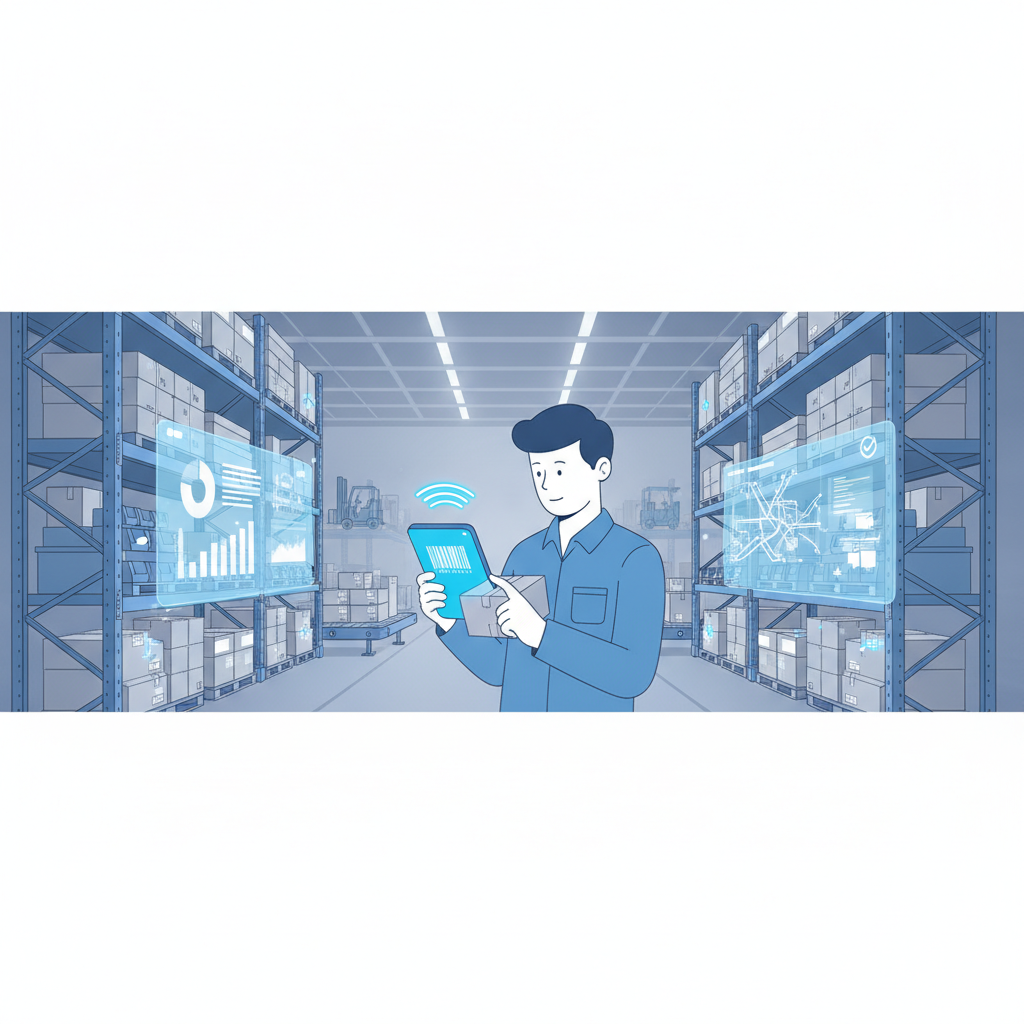
An inFlow alternative for warehouses that need multi-tenant 3PL support is a warehouse management system built from the ground up to separate client inventories, users, and reporting inside one account, rather than a single-tenant inventory tool stretched to cover multiple customers. Shipider is that kind of system: it combines structural multi-tenant isolation with maker-checker verification, in-browser barcode scanning on any phone, pallet and SKU tracking, and a real audit trail, so a 3PL can onboard new clients without duct-taping separate spreadsheets or logins together.
Why warehouses start looking for an inFlow alternative
inFlow Inventory is a solid tool for a single company tracking its own stock, sales orders, and purchase orders. It gets uncomfortable fast once a warehouse starts holding inventory for other businesses. A 3PL, a co-packer, or a brand running fulfillment for a handful of sister companies needs each client's stock, orders, and reports kept separate, with no risk of one client seeing another client's counts or users accidentally picking from the wrong account. That is not a feature you bolt on later. It has to be built into the data model from day one.
The other recurring complaint is hardware. inFlow's mobile scanning story leans on its own branded rugged Android scanners and compatible Bluetooth devices. That means a line item for devices, a replacement plan when units get dropped or lost, and a slower path for a seasonal hire who just needs to start scanning today. Teams that have already lived through a phone camera scanning vs bluetooth gun decision tend to want to skip hardware procurement entirely.
Where inFlow genuinely works well
It is worth being fair here. inFlow is a reasonable fit for a single small business managing one set of products, one set of customers, and a manageable order volume. Its order and purchase order management covers the basics, and for a company that is not a 3PL and never plans to host another brand's inventory, that single-tenant design is not a problem at all.
The friction shows up specifically at the 3PL and multi-client use case: separating billing, separating stock visibility, and giving each client confidence that their inventory data stays theirs. [NEEDS VERIFICATION: inFlow's current plan tiers and whether any tier offers formal multi-company or multi-tenant account separation]
Where inFlow falls short for 3PLs and multi-client warehouses
No structural tenant isolation
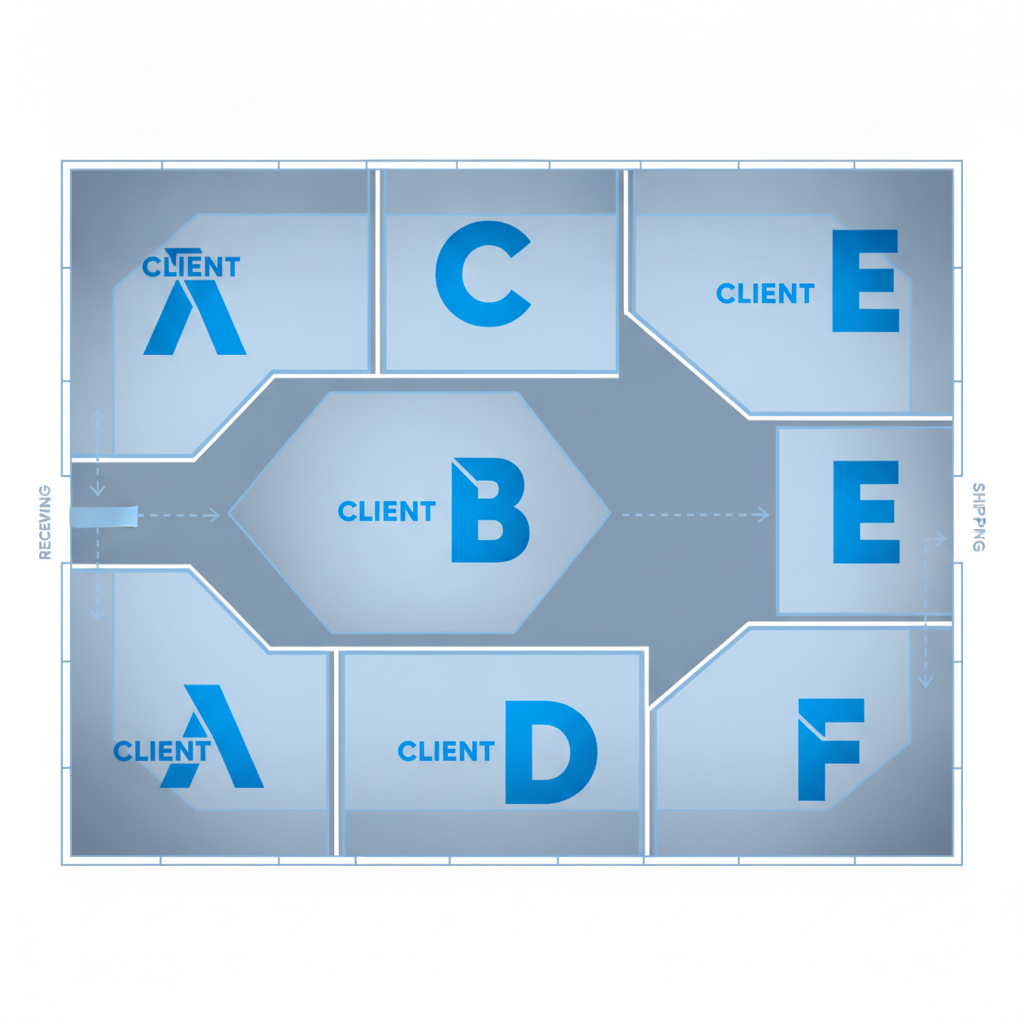
Running several clients through one inventory system built for a single company usually means workarounds: tagging SKUs by client, building separate locations by convention, or running multiple separate accounts that do not talk to each other. None of that is true isolation. Shipider treats multi-tenancy as a core structure, so each client's inventory, users, and reporting stay separated inside one warehouse account, which is also why 3PLs use it to onboard a new client without adding headcount.
Hardware dependency
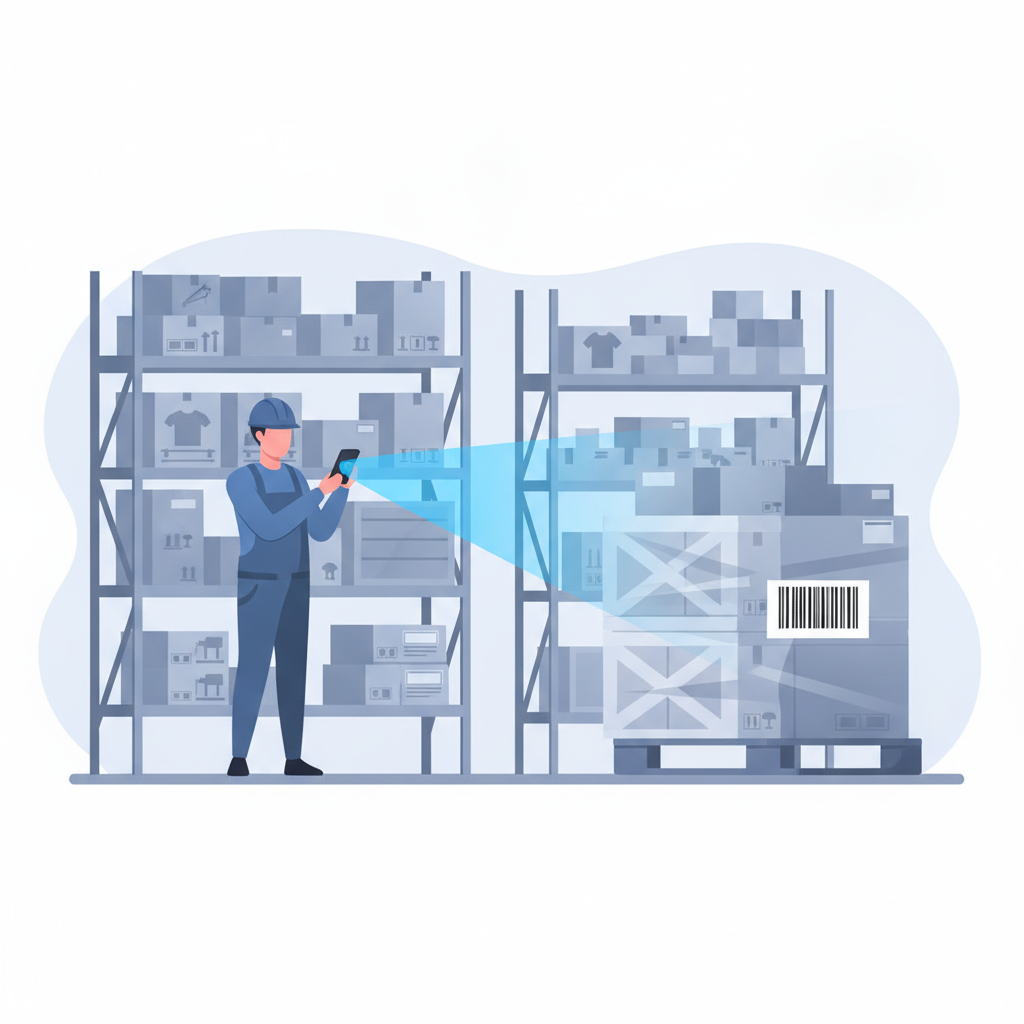
Proprietary scanner hardware adds cost and a procurement step before a new hire can touch the floor. Shipider runs camera-based barcode scanning directly in the browser on any phone, so a temp worker or a new client's staff member can start receiving and picking the same day, with nothing to order or charge.
No built-in second-check verification
Inventory software that logs a transaction the moment one person scans it has no way to catch a mis-pick before it ships. Shipider's maker-checker workflow requires a second, independent scan to confirm an order before dispatch, which closes the gap that leads to mis-ships in busy, multi-client operations.
Thin pallet and multi-site traceability
3PLs and distributors that move pallets between docks, clients, and locations need proof: which pallet, which location, which signature, which photo. General inventory tools track item counts, not pallet-level movement history tied to an audit trail. Shipider tracks pallets and SKUs down to the warehouse location and keeps a full audit trail of who moved what and when.
Shipider vs inFlow at a glance
| Capability | Shipider | inFlow |
|---|---|---|
| Multi-tenant client isolation | Structural, built for 3PLs running many customers under one roof | Not designed as a core feature; separation typically needs workarounds [NEEDS VERIFICATION: current multi-company options] |
| Barcode scanning | Camera-based, runs in the browser on any phone, no hardware to buy | Mobile app plus branded rugged Android scanners and Bluetooth devices |
| Order verification | Maker-checker two-step scan before dispatch | Single-step order fulfillment logging |
| Audit trail | Full, tied to pallets, SKUs, and warehouse locations | Transaction history at the order and item level |
| Pallet-level tracking | Yes, with location history | Not a core focus; item and quantity based |
| Multi-site inventory | Native support across multiple warehouse locations | Multi-location supported for a single company's own stock |
| Pricing model | Token-based, usage pricing | Per-seat/tiered subscription [NEEDS VERIFICATION: current inFlow pricing structure] |
| Setup and rollout | No hardware, fast setup, Excel import | Software setup plus hardware procurement time |
What multi-tenant 3PL support actually requires
It is easy to say "multi-tenant" without defining it. For a warehouse, it means a few concrete things work the same way every time:
- Each client's inventory counts, SKUs, and order history stay visible only to that client's users and to warehouse staff with the right access.
- Receiving and putaway for one client's pallets cannot get mixed into another client's locations by accident.
- Reporting and billing roll up per client, not as one undifferentiated pile of transactions.
- Adding a new client is a configuration step, not a new software deployment.
This is the same structural requirement covered in detail in running a multi-tenant 3PL warehouse, and it is the single biggest reason single-tenant inventory tools get outgrown the moment a warehouse starts billing more than one customer.
How Shipider handles the full floor
Shipider is built to cover receiving through dispatch, not just stock counts. Inbound freight gets received against expected quantities, then put away to specific warehouse locations so the system always knows where a pallet actually sits, not just that it exists somewhere. Pallet and SKU tracking stays tied to that location data through every move. Order processing runs through the maker-checker step before anything ships, and the whole sequence writes to an audit trail that shows who did what and when, which matters when a client disputes a shortage or a damaged pallet.
Because the platform supports multi-site inventory, a 3PL or a growing brand can run the same client's stock across more than one location without losing a single source of truth. That pairs with the token-based pricing model, which scales with actual usage instead of charging per named seat, a distinction covered in more depth in usage-based vs per-seat WMS pricing.
Switching from inFlow without a long rollout
Moving off any inventory system raises the same questions: how long will it take, and what happens to existing data. Shipider is designed for a fast setup rather than a six-month implementation. Existing product and stock data can come in through an Excel import, locations get configured to match the actual floor, and staff can start scanning with their phones the same day since there is no hardware to order or wait on. Teams planning the move should also look at the broader WMS buying checklist to confirm which capabilities matter most before committing.
Frequently asked questions
Is inFlow built for 3PLs managing multiple client inventories?
inFlow is built primarily for a single company tracking its own inventory and orders. It does not offer structural multi-tenant isolation for a 3PL managing several separate client inventories under one account, which is why many 3PLs look for an inFlow alternative as they take on more clients.
[NEEDS VERIFICATION: whether inFlow has introduced any multi-company or multi-tenant account option since this comparison was written]
Does Shipider require barcode scanner hardware like inFlow does?
No. Shipider uses camera-based barcode scanning that runs directly in the browser on any phone, so there is no dedicated scanner hardware to buy, configure, or replace.
What is maker-checker verification and why does it matter for 3PLs?
Maker-checker is a two-step process where one person performs an action, such as picking an order, and a second person independently confirms it with another scan before it ships. It matters for 3PLs because it catches mis-picks before they become client-facing shipping errors, which protects both accuracy and the client relationship.
Can Shipider separate billing and reporting by client?
Yes. Shipider's multi-tenant structure keeps each client's inventory, orders, and activity isolated, which supports per-client reporting and billing rather than one combined view across all customers.
How long does it take to switch from inFlow to Shipider?
There is no fixed timeline published, but Shipider is designed around fast setup with Excel import for existing inventory data and no hardware procurement step, which removes two of the biggest delays in a typical WMS switch.
Ready to see how multi-tenant isolation, maker-checker verification, and no-hardware scanning work together on your floor? Create a free Shipider account and set up your first warehouse today.
Related reading: Shipider vs Logiwa: Right-Sized WMS for SMB and Small-Warehouse Teams
Related reading: Shipider vs Sortly: When You Have Outgrown an Inventory-Only Tracker
Related reading: Building an ROI Business Case for a WMS: What to Show Your Leadership