

Inbound quality control is the inspection step performed at the receiving dock, before putaway, where incoming pallets and cartons are checked against the purchase order for condition, count, and damage, with photo evidence attached to the record. In Shipider, this step happens inside the receiving workflow itself: a receiver scans the inbound shipment, flags any damage or shortage with a photo, and a second user confirms the exception before the inventory is allowed into a warehouse location. Done well, it stops damaged or short inventory from ever reaching the floor, where it becomes much harder to trace back to a specific pallet or carrier.
Why damage slips past receiving in the first place
Most small and mid-sized warehouses do not skip inspection on purpose. They skip it because receiving is the busiest, most time-pressured moment on the floor. A truck is waiting, a driver needs a signature, and the fastest path to clearing the dock is to count boxes, sign the bill of lading, and move pallets to a staging area. Damage gets noticed later, often during putaway or worse, during picking, by which point nobody can say for certain whether it happened in transit, in the warehouse, or during handling.
That gap matters more than it looks. Once a damaged case is mixed into general stock, three things usually happen: the carrier claim window gets harder to support because there is no dock-time evidence, the inventory count stays wrong until someone finds the damage during a cycle count, and whoever eventually discovers it has no record of when or how it got there. A good inbound quality control step closes that gap by making inspection part of the receiving transaction, not a separate task someone does if they have time.
What inbound quality control actually covers
Inbound QC is narrower than the full receiving-to-putaway process. It is specifically about catching and documenting condition problems at the point of receipt, before the inventory becomes part of general stock. Three things need to happen at that moment.
Visual inspection at the pallet and carton level
Before a pallet or carton is scanned into a warehouse location, someone looks at it. Crushed corners, wet packaging, torn shrink wrap, leaking containers, and mismatched labels are the common flags. This does not require a formal quality department. It requires a checklist the receiver can run through in under a minute per pallet, and a place to record what they saw.
Photo evidence captured at the dock
A note that says "carton damaged" is weak evidence three weeks later when a carrier disputes a claim or a vendor disputes a shortage. A timestamped photo attached to that specific pallet or SKU, taken on the receiving dock before the item moves anywhere, is strong evidence. Shipider's in-browser camera scanning means a receiver can capture that photo on any phone, directly inside the receiving transaction, without a separate app or a dedicated scanner gun.
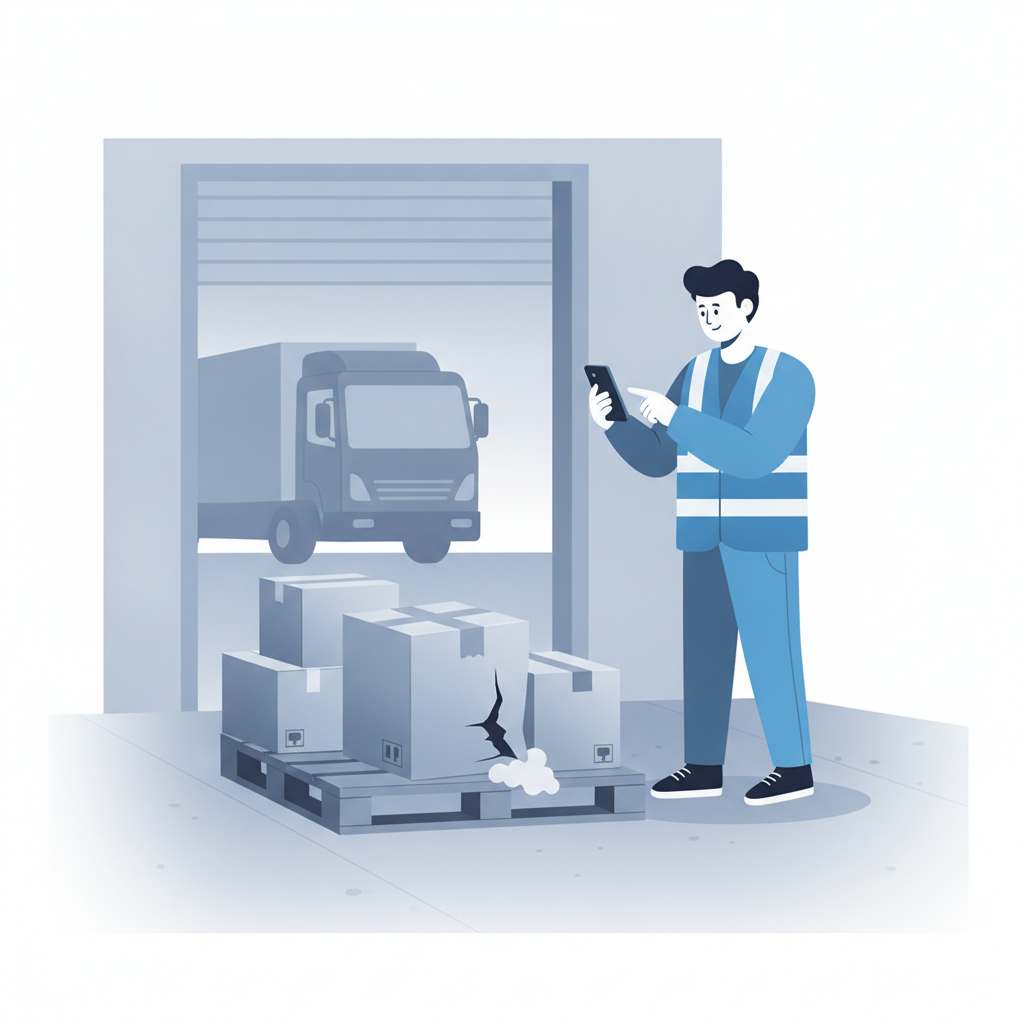
Quantity and condition verification against the purchase order
Inbound QC also means checking that what arrived matches what was ordered, in both count and condition, not just scanning barcodes to confirm SKU identity. A carton can scan correctly and still be short two units, or contain the right item in damaged packaging. Verifying against the PO or ASN at this stage catches shortages and substitutions at the same time as damage, which is why it belongs in the same step rather than a separate reconciliation later.
Building the workflow with a second set of eyes
A single receiver flagging damage is useful. A receiver's flag that gets confirmed by someone else before the exception is closed is far more reliable, and it is the same principle behind maker-checker verification that Shipider applies across receiving, putaway, and dispatch. The person who receives the pallet (the maker) logs the damage, the quantity discrepancy, and the photo. A supervisor or second team member (the checker) reviews that exception, decides whether to accept partial quantity, reject the item, or route it to a quarantine location, and that decision is written into the audit trail.
This two-step confirmation matters for two reasons. First, it catches receiver error, a rushed scan or a mislabeled photo, before the record becomes permanent. Second, it means that when a dispute with a carrier or vendor comes up later, there is a documented decision trail, not just a single person's note. That trail is also what feeds a damaged pallet dispute if the shipment needs to be contested after the fact.
What to inspect and document at each checkpoint
Not every receiving event needs the same level of scrutiny. A reference table helps teams decide what to check and what evidence to capture at each stage of the inbound process.
| Checkpoint | What to check | Evidence to capture | Who verifies |
|---|---|---|---|
| Truck arrival | Trailer seal intact, temperature (if applicable), bill of lading matches PO count | Seal number, BOL photo | Receiver |
| Pallet unload | Visible crushing, wet spots, shifted load, broken shrink wrap | Photo of pallet before breakdown | Receiver |
| Carton-level scan | SKU match, carton count vs PO line, external damage | Scan log, close-up photo of damaged carton | Receiver, confirmed by checker |
| Unit-level check (high-value or fragile SKUs) | Product condition, lot or expiry date, packaging integrity | Photo, lot number recorded | Checker |
| Exception resolution | Accept, reject, or quarantine decision | Decision note tied to audit trail | Checker or supervisor |
Where this prevents bigger problems downstream
The value of inbound QC shows up later, not at the dock itself. A few examples of what it prevents:
- False shrinkage. Damage discovered weeks after receiving often gets logged as shrinkage or unexplained loss, because nobody can prove it arrived that way. Dock-time photos remove the ambiguity.
- Weak carrier and vendor claims. Freight claims and vendor chargebacks need evidence tied to a specific time and shipment. A photo taken at putaway, days later, is far less defensible than one taken at the dock.
- Bad inventory counts feeding into fulfillment. If damaged units get putaway as sellable stock, your inventory accuracy numbers are wrong from the moment they're scanned in, and a picker may send a damaged item to a customer before anyone catches it.
- Repeat problems with the same carrier or vendor. Without a documented pattern, it is hard to prove that a specific carrier route or vendor packaging method is causing recurring damage. A searchable history of inbound exceptions makes that pattern visible.
Setting up inbound quality control in Shipider
Shipider does not require a separate QC module bolted onto receiving. The inspection step lives inside the same receiving transaction a team already uses:
- The receiver scans the inbound shipment against the expected PO or ASN using the browser-based camera scanner on any phone, no dedicated hardware required.
- If a pallet, carton, or unit shows damage or a count mismatch, the receiver flags it and attaches a photo directly to that pallet or SKU record.
- Flagged exceptions route to a checker for confirmation, who decides whether to accept, reject, or send the item to a quarantine location rather than a sellable warehouse location.
- The decision, the photo, the timestamp, and both users involved are written into the audit trail, available later for a dispute, a chargeback, or an internal review.
- Only confirmed, undamaged inventory proceeds to standard putaway, following the same flow described in receiving to putaway best practices.
For 3PLs handling inbound freight for multiple clients, this matters even more, because each client's damage history and exception record needs to stay isolated and attributable. Shipider's multi-tenant structure keeps that separation clean across 3PL operations without extra configuration per client.
Getting the team to actually do it
The biggest risk to any inbound QC process is that it gets skipped under pressure. A few practical habits keep it running:
- Keep the inspection checklist short. Three or four visible damage categories, not a ten-point form, is realistic during a busy dock window.
- Make the photo step part of the scan, not an extra task after. If a receiver has to leave the app to take a picture and come back, they will skip it when busy.
- Set a clear rule for what triggers quarantine versus acceptance, so the checker is not making a judgment call every time.
- Review exception history monthly, not just when a dispute comes up. Patterns by vendor or carrier are easy to miss case by case but obvious in aggregate.
Frequently asked questions
What is inbound quality control in a warehouse?
Inbound quality control is the inspection step performed at receiving, before putaway, where incoming pallets and cartons are checked for damage, correct quantity, and condition against the purchase order, with evidence such as photos captured at the time of receipt.
How is inbound QC different from a damaged pallet dispute?
Inbound QC happens at the dock, before inventory is accepted into stock, and its goal is to catch and document damage early. A damaged pallet dispute happens later, usually after a shipment has gone out or a carrier claim needs to be filed, and it relies on the evidence that inbound QC captured in the first place.
Do I need special hardware to capture photo evidence at receiving?
No. Shipider's barcode scanning and photo capture run in a standard phone browser, so any receiving team member can scan and photograph a damaged carton without a dedicated scanner gun or a separate inspection app.
What should trigger a quarantine location instead of normal putaway?
Any carton or pallet with visible external damage, a quantity mismatch against the PO, broken packaging on fragile or perishable goods, or a failed condition check during unit-level inspection should route to a quarantine location rather than a sellable warehouse location, pending a checker's decision.
Does inbound QC slow down receiving?
A short, consistent checklist with photo capture built into the scanning step adds only seconds per pallet in most cases. The time it saves later, in avoided disputes, cleaner inventory counts, and faster root-cause tracing, generally outweighs the small addition to dock time.
Ready to see how inbound quality control fits into a full receiving workflow with maker-checker verification and a real audit trail? Start with Shipider and set it up on your next inbound shipment.