

A WMS, or warehouse management system, is software that tracks inventory by location, controls the steps of receiving and shipping, and keeps a record of who moved what and when. Shipider is a WMS built for small and mid-sized warehouses, 3PLs, and e-commerce brands that need this kind of control without hardware or a long rollout. In practice, a WMS replaces the spreadsheet that tells you "this SKU is somewhere in the warehouse" with a system that tells you exactly which pallet, which shelf, and which order it belongs to right now.
What a warehouse management system actually does
Most people who ask "what is a WMS" are not looking for a dictionary definition. They are looking at a spreadsheet with fifteen tabs, a picker who just pulled the wrong SKU, or a customer asking where their pallet went. A WMS exists to close that gap between what you think is in the warehouse and what is actually there.
Receiving and putaway
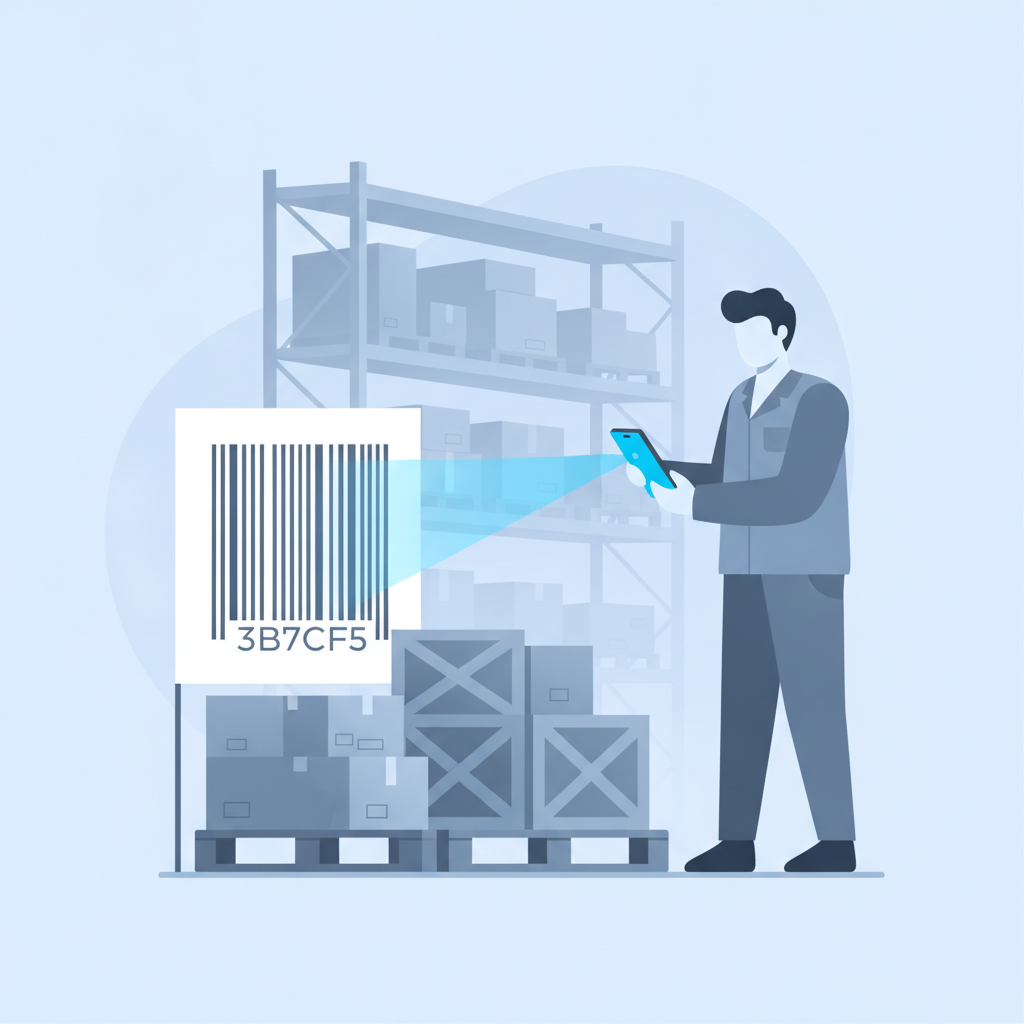
When a truck arrives, a WMS logs what came in, matches it against the purchase order, and assigns it to a specific warehouse location rather than "somewhere in aisle 3." In Shipider, this happens with a phone camera scanning barcodes in the browser, no separate scanner gun required.
Inventory and location tracking
A WMS keeps inventory tied to pallets, SKUs, and locations at all times, not just at month-end count. If a pallet moves from receiving to a pick location, the system reflects that the moment it happens, not three days later when someone updates a spreadsheet.
Order processing and verification
Orders get picked, packed, and checked before they leave the building. Shipider uses a two-step maker-checker process here: one person picks the order, a second person verifies it against the original before it ships. That second check is what catches mis-picks before they become a customer complaint.
Dispatch and the audit trail
Every action, who received it, who moved it, who picked it, who checked it, is recorded on a real audit trail. When a customer disputes a shipment or a pallet shows up damaged, you have a timestamped record instead of a guess.
How a WMS differs from a spreadsheet
Excel is not a bad tool. It is just the wrong tool once your inventory, order volume, or team size passes a certain point. The core problem is that a spreadsheet has no idea what is physically happening on the floor. It only knows what someone typed into it, whenever they got around to it.
| Capability | Spreadsheet | WMS (Shipider) |
|---|---|---|
| Tracks inventory by exact location | Manual, often out of date | Updated at the moment of each scan |
| Verifies orders before shipping | Relies on one person's attention | Maker-checker two-step verification |
| Records who did what and when | No built-in history | Full audit trail on every action |
| Works across multiple sites | Separate files per location | Multi-site inventory in one system |
| Supports barcode scanning | Not natively | Camera-based scanning in any browser |
| Separates data for multiple clients | Manual separation by file or tab | Structural multi-tenant isolation |
For a deeper look at the breaking points, see WMS vs spreadsheets: when Excel stops being enough.
How a WMS differs from an ERP's warehouse module
This is where a lot of confusion comes from. An ERP (enterprise resource planning system) handles accounting, purchasing, and sometimes a basic warehouse module bolted on. The warehouse module in an ERP is usually built as a secondary feature, so it tends to lack real location-level tracking, scan-based verification, or an audit trail detailed enough to settle a pallet dispute. A dedicated WMS like Shipider is built around the physical floor first: receiving, putaway, picking, and dispatch, with the audit trail as a core feature rather than an afterthought. Shipider is not an ERP and does not try to replace your accounting system. It is meant to sync with one. For more on this distinction, see WMS vs the warehouse module in your ERP.
Signs you have outgrown Excel
None of these on their own means you need a WMS tomorrow. But if several are true at once, the spreadsheet is probably costing you more than a WMS would.
- You find inventory discrepancies during counts that nobody can explain.
- Mis-ships happen often enough that a customer has mentioned it more than once.
- More than one person updates the same spreadsheet, and versions conflict.
- You operate more than one warehouse or storage location and reconciling them by hand is a weekly chore.
- A 3PL client asks for proof of what happened to their pallet and you have nothing to show but a memory.
- Onboarding a new picker takes longer than it should because the "system" is really a set of habits.
Core features to look for in a WMS
Not every WMS is built the same way, and the differences matter more than the marketing pages suggest. These are the features that actually change day-to-day operations:
Maker-checker verification
A second person (or a second scan) confirms every pick before it ships. This single workflow is one of the most reliable ways to cut mis-ships, because it catches the error before the box is sealed rather than after the customer opens it. See What is a maker-checker workflow for the full breakdown.
In-browser barcode scanning
Camera-based scanning that runs on any phone means no dedicated scanner guns, no device management, and no hardware budget line before you can even start.
Pallet and SKU tracking with real locations
Inventory should be tied to an actual warehouse location, not a general "in stock" status. This is what makes cycle counts fast and disputes easy to settle.
Multi-site inventory
If you run more than one warehouse, or you are a 3PL running one warehouse for several clients, inventory needs to be visible and separated by site without manual reconciliation.
Multi-tenant isolation
For 3PLs specifically, each client's inventory, orders, and reporting need to be structurally separated under one roof. This is different from just filtering a shared database by client name.
A real audit trail
Every receive, move, pick, check, and ship should be logged with a timestamp and a name attached. Not a summary report generated later, an actual record of the event as it happened.
How Shipider puts these pieces together
Shipider covers the full floor, from receiving through putaway, pallet and SKU tracking, order processing with maker-checker verification, and dispatch, all tied to one audit trail. It runs on token-based pricing rather than per-seat licensing, so cost scales with actual usage instead of headcount. There is no hardware to buy and no six-month implementation project. Warehouses that are 3PLs can run multiple clients under one account with structural isolation between them, which matters if you are weighing a WMS built for 3PL operations versus a basic inventory tool. E-commerce teams coming off Excel or a basic inventory app can see how the pieces map to a DTC stack in the ecommerce fulfillment solution overview. For a fuller map of warehouse and WMS terminology beyond this one definition, the WMS glossary covers the related terms you will run into while evaluating systems.

Frequently asked questions
What does WMS stand for?
WMS stands for warehouse management system, software that tracks inventory by location, manages receiving and shipping, and records who performed each action in the warehouse.
Is a WMS the same thing as inventory software?
No. Inventory software usually just tracks stock counts. A WMS adds location-level tracking, order verification steps like maker-checker, barcode scanning for physical movement, and an audit trail tied to specific warehouse actions, not just quantities.
Do small warehouses actually need a WMS, or is that overkill?
A WMS becomes worth it once mis-ships, inventory discrepancies, or multi-location reconciliation start costing more time than switching would take. Many small warehouses adopt one specifically to get off spreadsheets without a long implementation, since modern options like Shipider can be set up in days rather than months.
How is a WMS different from the warehouse features inside an ERP?
An ERP's warehouse module is typically a secondary feature built around accounting and purchasing. A dedicated WMS is built around the physical floor first, with deeper location tracking, scan-based verification, and a detailed audit trail as core functionality rather than an add-on.
Does a WMS require special scanning hardware?
Not necessarily. Some WMS platforms, including Shipider, support camera-based barcode scanning that runs in a browser on any phone, which removes the need for dedicated scanner guns for teams that do not want that hardware cost.
If spreadsheets are starting to cost you more than they save, see how Shipider handles receiving, tracking, and verification on one system at shipider.com/register.
Related reading: Building an ROI Business Case for a WMS: What to Show Your Leadership
Related reading: WMS RFP Template and Vendor Scorecard for Procurement Teams