
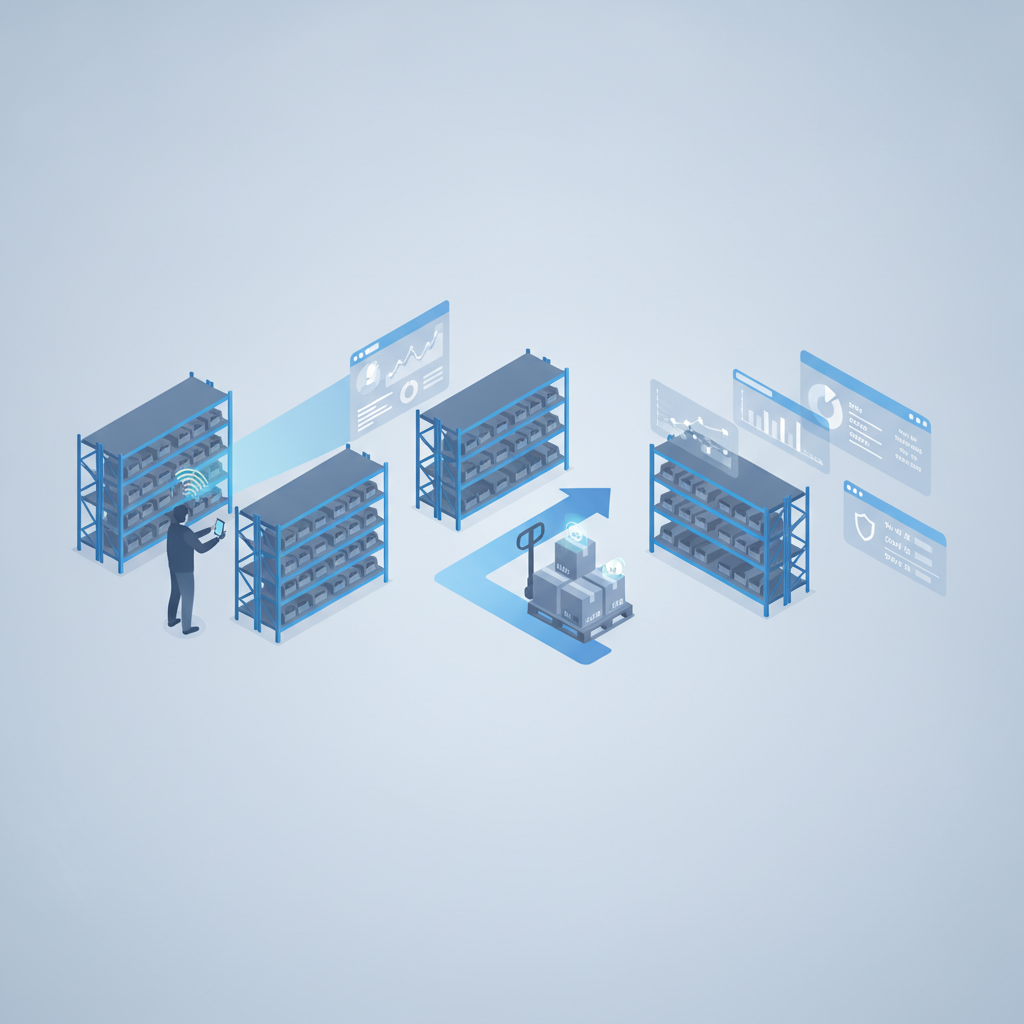
Lot and batch tracking in a warehouse means recording which lot or batch number every unit of inventory belongs to, from the moment it arrives until it leaves on an outbound order, so that a recall, a quality hold, or an auditor's question can be traced back to an exact pallet, location, and shipment. Shipider does this by attaching lot and batch data to pallet and SKU records inside warehouse locations, then linking that data to a real audit trail with maker-checker verification at receiving, putaway, and dispatch. For food, beverage, supplement, cosmetic, and other regulated goods, this is the difference between a targeted recall and a warehouse-wide guess.
Why lot and batch tracking matters for perishable and regulated inventory
Most warehouse managers only feel the weight of lot tracking during a crisis: a supplier issues a recall notice, a customer reports an off batch, or an FDA or CFIA inspector asks for traceability records going back two steps in either direction. If lot numbers live in a paper log or a spreadsheet that nobody updates consistently, answering that question can take days. If they live inside the WMS, tied to the pallet that actually moved through receiving, storage, and shipping, the answer takes minutes.
The cost of a blind recall
A recall without lot-level data forces a warehouse to pull and quarantine more stock than necessary, because nobody can prove which pallets are clean. That means more product destroyed, more customer notifications sent, and more time spent explaining to a regulator or a retailer why the recall took so long to scope. Precise lot and batch tracking narrows the blast radius to the actual affected units.
What a warehouse actually needs to track by lot
Lot tracking is only useful if the underlying data is complete. At minimum, a warehouse handling perishable or regulated goods needs to capture, per lot or batch:
- Supplier or manufacturer lot number as it appears on the incoming case or pallet label
- Receiving date and, where applicable, manufacture date, best-by date, or expiry date
- The pallet ID and warehouse location the lot was put away to
- Quantity received, quantity on hand, and quantity allocated to open orders
- Every order or shipment the lot was picked into, with timestamps
- Who received it, who put it away, and who picked and verified the outbound order
That last point is where a lot of systems fall short. Recording the lot number is a start, but recording who touched it and when is what actually makes the record defensible in an audit or a dispute.

How Shipider handles lot and batch tracking
Shipider was built around pallet and SKU tracking as a core object, not an add-on field, which is why lot and batch data attaches naturally to the same records used for receiving, putaway, and dispatch.
Camera barcode scanning to capture lot numbers at receiving
Lot tracking starts at the dock. Shipider's barcode scanning runs in the browser on any phone, so a receiver can scan a case or pallet label, log the lot number, and capture a photo of the label itself, without a dedicated scanner gun. That photo becomes part of the record, which matters when a supplier's printed lot code is smudged or when a dispute needs visual proof later.
Pallet and SKU records tied to warehouse locations
Once received, a lot is tied to specific pallets and the warehouse locations those pallets sit in. If a lot splits across three locations, the system still knows which portion sits where, so a partial recall or a quality hold does not require quarantining the entire SKU.
Maker-checker verification at every handoff
Shipider's two-step maker-checker workflow means one person records an action (receiving a lot, putting it away, picking it for an order) and a second person verifies it before the record locks in. For regulated inventory, this creates a built-in second set of eyes on lot data at exactly the points where transcription errors happen: reading a lot number wrong, picking the wrong pallet, or shipping an expired batch by mistake.
Multi-site inventory and lot visibility across warehouses
Businesses running more than one site, or 3PLs holding lots for multiple clients under one roof, need to see where a lot sits across every location, not just one building. Shipider's multi-site inventory view and multi-tenant isolation mean a lot can be tracked warehouse by warehouse without client data bleeding across accounts, which matters for 3PLs handling regulated goods for several brands.
Lot tracking approaches compared
The table below lays out how common approaches to lot and batch tracking stack up on the points that matter most for perishable and regulated inventory.
| Approach | Lot data capture | Tied to pallet/location | Who-did-what record | Setup time |
|---|---|---|---|---|
| Spreadsheet or paper log | Manual entry, error-prone | Rarely, requires manual cross-referencing | No reliable timestamp or verifier | None, but breaks down fast at volume |
| Generic inventory tracker | Often a free-text field, not enforced | Sometimes, depends on the tool | Limited or none | Days to weeks |
| Legacy on-prem WMS | Usually supported, often rigid | Yes, but tied to fixed hardware workflows | Varies by module | [NEEDS VERIFICATION: typical legacy WMS implementation timeline for lot tracking modules specifically] |
| Shipider | Captured at scan with photo evidence | Yes, lot tied to pallet, SKU, and location | Maker-checker record on a real audit trail | No hardware, no six-month rollout |
Building a recall-ready workflow
Lot tracking only pays off if the workflow around it is consistent. A recall-ready warehouse usually does three things well: it enforces lot capture at receiving so nothing skips the step, it applies FEFO or FIFO logic so older lots move out before newer ones, and it keeps a verifiable record of every pick against every lot.
FEFO and FIFO with lot data
First-expired-first-out (FEFO) matters more than straight FIFO for perishable goods, because shelf life does not always match arrival order. A lot tracking system needs expiry dates attached to the same record as the lot number so pickers are directed to the soonest-expiring stock automatically, rather than relying on a picker to check dates manually. A cold-chain operation using FEFO logic on top of lot-level pallet data is a good example of this working end to end; see the cold-chain FEFO case study for how that plays out on a real floor.
Where the audit trail and security fit in
Lot and batch data is only as trustworthy as the record around it. That is why lot tracking in Shipider sits on top of the same infrastructure covered in our broader warehouse audit trail guide: every receive, putaway, pick, and dispatch is logged with a timestamp, a user, and a verifier, and none of it can be quietly edited after the fact. For teams that need to answer questions about data handling, access control, and tenant isolation before they commit to a WMS, our security page covers how that isolation and audit logging is structured.
Lot tracking also connects naturally to pallet-level evidence. If a customer or an auditor disputes what shipped in a given lot, the same photos and signatures captured on pallet-level traceability records give you proof, not just a claim, of what left the building and when.
Getting started without a six-month rollout
Regulated and perishable inventory businesses often assume lot tracking requires an enterprise WMS with a long implementation timeline. Shipider is built the other way: no hardware to procure, no lengthy configuration project, and token-based pricing that scales with actual usage instead of per-seat licensing. Warehouses can set up locations, import existing SKU and lot data, and start scanning within days. Details on plans and usage are on the pricing page.
Frequently asked questions
What is the difference between lot tracking and batch tracking?
In practice the terms are used interchangeably in most warehouses. A lot number typically refers to a group of items produced or received together, while a batch number is often used in manufacturing to refer to a production run; both serve the same traceability purpose of grouping inventory by a shared origin and expiry so it can be tracked and recalled as a unit.
Do I need barcode scanner hardware to track lots properly?
No. Shipider captures lot numbers through camera-based barcode scanning that runs in the browser on any phone, which means receiving staff can log lot data, photograph labels, and confirm putaway locations without a dedicated scanner gun or rugged handheld device.
How does lot tracking help with a product recall?
Lot tracking narrows a recall to the specific pallets, locations, and outbound orders tied to the affected lot number, instead of forcing a warehouse to quarantine an entire SKU. Because Shipider ties lot data to pallet and location records with a full audit trail, a recall scope can be pulled in minutes rather than days.
Can lot and batch tracking work across multiple warehouses or clients?
Yes. Shipider's multi-site inventory view lets a business see lot positions across every location, and multi-tenant isolation keeps each 3PL client's lot and batch data separate even when several clients share the same physical warehouse.
What records does an auditor or regulator typically ask for on a lot?
Auditors generally want to see when a lot was received, where it was stored, who handled each step, and which orders it shipped into. Shipider's maker-checker verification and audit trail keep that information tied to the lot automatically, so it does not need to be reconstructed after the fact from separate logs.
If your warehouse handles perishable or regulated inventory and your lot data still lives in a spreadsheet or a paper binder, register for Shipider and see how lot and batch tracking looks when it is tied to real pallets, real locations, and a real audit trail.
Related reading: Serial Number and Expiry Date Tracking in a WMS