

An inventory Excel template is a spreadsheet with standardized columns for SKU, quantity, location, and pallet or lot reference, used to track stock before a warehouse adopts dedicated software. Shipider publishes this structure because it mirrors the fields the platform's own import tool expects, so a warehouse can start counting in a spreadsheet today and move the same data into a system later without rebuilding it from scratch.
What a usable inventory template actually needs
Most free templates floating around the internet are either too thin (SKU and quantity, nothing else) or too bloated with fields nobody updates. A template that survives daily use in a small warehouse needs just enough structure to answer three questions at a glance: what do we have, where is it, and how much of it is there. Everything past that is optional.
The template below is built around those three questions, with a few extra columns that matter once a warehouse has more than one storage area or runs receiving and putaway as separate steps.
The columns your warehouse inventory template needs
Core identification columns
These identify what the row is actually tracking. Skip any of these and reconciliation gets harder the moment two products share a similar name.
| Column | Required | Example | Why it matters |
|---|---|---|---|
| SKU | Yes | WDG-100-BLK | Unique identifier; everything else in the warehouse keys off this |
| Product name | Yes | Widget, Black, 10-pack | Human-readable label for picking and audits |
| Barcode / UPC | Recommended | 012345678905 | Lets a phone camera scan the row instead of typing it |
| Unit of measure | Recommended | Each, Case of 12 | Prevents count mismatches between cases and units |
Location and quantity columns
This is where most free templates fall short. A single "quantity" column works until stock lives in more than one bin, or more than one site.
| Column | Required | Example | Why it matters |
|---|---|---|---|
| Quantity on hand | Yes | 240 | The number everyone argues about if it is wrong |
| Warehouse / site | Yes if multi-site | Austin DC | Separates stock across physical buildings |
| Location / bin | Yes | A-12-03 | Maps directly to warehouse locations in a WMS |
| Pallet reference | Recommended | PLT-00482 | Groups SKU lines that moved and shipped together |
Optional operational columns
These are not required to start, but they save a second spreadsheet later. Reorder point, supplier, and a free-form notes or tags column (for anything from a lot code to a damage note) cover most of what a small warehouse needs before it adds dedicated receiving or dispatch tracking.
Note: if your product requires structured lot, batch, or expiry fields for compliance, a plain spreadsheet column (and, later, Shipider's free-form tags on pallet and SKU lines) can hold that information, but it is not a validated structured field in either tool. [NEEDS VERIFICATION: confirm current regulatory requirements before relying on a notes column for compliance-grade lot tracking]
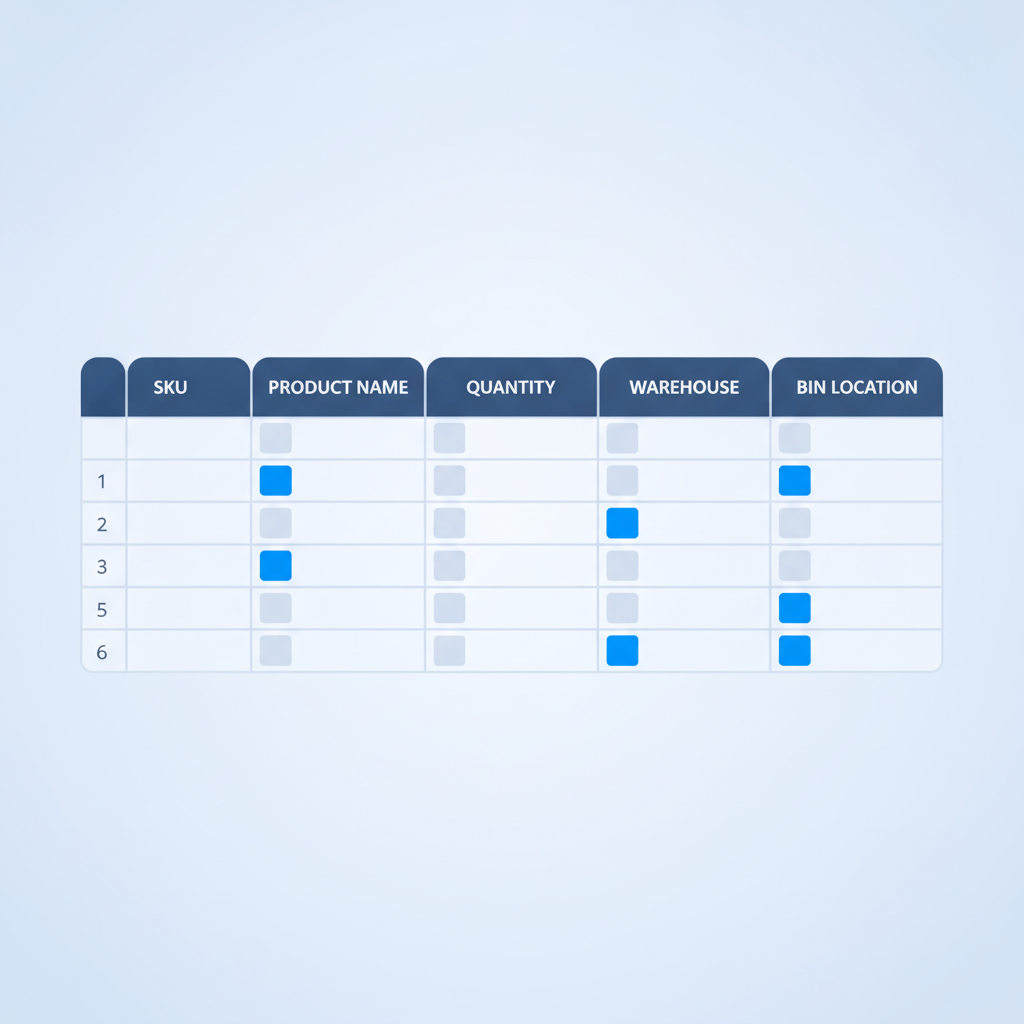
How to put the template to work
Start with a physical count, not last year's numbers. Walk the floor, scan or write down what is actually on the shelf, and enter it row by row. Resist the urge to copy figures from an old purchase order or a supplier invoice; those tell you what should have arrived, not what is there now.
Once the baseline is in, update it the same way every time: receiving adds rows or increases quantity, an order picks and subtracts it, a transfer moves the location or site column. The spreadsheet only stays accurate if every movement gets logged the moment it happens, which is the part that tends to slip once order volume climbs.
Where a spreadsheet starts costing you accuracy
A template like this works fine for a single person managing a few hundred SKUs out of one room. It gets shaky for a specific, predictable set of reasons:
- Two people editing the same sheet at the same time overwrite each other's counts with no warning.
- There is no record of who changed a quantity or when, so a wrong number has no trail back to its source.
- Nothing stops a typo: a picker can type 50 instead of 5 and the sheet accepts it without question.
- Pallet-level detail (what shipped together, what photo or signature backs up a delivery) has nowhere real to live.
- Multiple warehouse sites in one sheet get unwieldy fast, and formulas that tie locations together start to break.
These are the same failure points covered in more detail in WMS vs spreadsheets: when Excel stops being enough, and they are worth reading before you decide the spreadsheet needs a second tab instead of a different tool.
Moving this template into Shipider
The column structure above is not arbitrary. It mirrors how Shipider organizes inventory: a SKU sits on a pallet, a pallet sits in a warehouse location, and a location belongs to a specific site. If your spreadsheet already separates SKU, quantity, location, and site into their own columns, importing it is mostly a mapping exercise rather than a rebuild.
The full column-by-column import process, including how Shipider matches your headers to its own fields, is covered in Setting up a warehouse in minutes with Excel import. That post walks through the actual import screen; this one is about getting your data into good enough shape before you get there.
Once the data is in, three things change immediately. Every count update runs through a phone camera scan instead of manual typing, which cuts the typo problem at the source. A second person confirms picks and dispatches before they leave the floor, through maker-checker verification, instead of trusting a single entry. And every change, who made it and when, sits in a real audit trail instead of a spreadsheet's edit history.

If you run more than one warehouse, or you are a 3PL managing inventory for several customers under one roof, the spreadsheet model breaks down even faster. That use case is covered directly in Shipider for 3PLs and in the broader automation and integrations playbooks on the blog.
Template vs. software: a quick comparison
| Need | Excel template | Shipider |
|---|---|---|
| Track SKU and quantity | Yes, manually | Yes, with barcode scanning |
| Multiple warehouse locations | Possible, gets messy fast | Built in, per site |
| Who changed what, and when | No native history | Full audit trail on every action |
| Two-person verification before dispatch | Not practical | Maker-checker on key steps |
| Multiple customers, isolated data | Separate files, manual separation | Structural multi-tenant isolation |
| Setup cost | Free | Token-based pricing, free tier to start |
Neither column is wrong. The spreadsheet is the right tool until the warehouse outgrows what one file and one editor can handle accurately. For a deeper look at that transition, see the Small Warehouse WMS Playbook.
Frequently asked questions
Is there an actual file to download, or just a column list?
This article gives you the exact column structure to build the template yourself in Excel or Google Sheets in a few minutes. When you are ready to move the data into a system, Shipider's import tool lets you map your existing spreadsheet headers to its fields, so your columns do not need to match perfectly before you import.
What is the difference between an inventory Excel template and inventory software?
A template is a static file that someone has to update by hand every time stock moves. Inventory software like Shipider updates quantities automatically as items are received, moved, or shipped, and it records who made each change, which a spreadsheet cannot do on its own.
Can this template handle more than one warehouse location?
Yes, as long as you add a warehouse or site column alongside the bin or location column. It works for a handful of locations, but tracking transfers between sites by hand becomes error-prone once you pass a few hundred SKUs across more than one building.
How do I track pallets in a spreadsheet?
Add a pallet reference column and use it to group every SKU line that shipped or arrived on the same pallet. It is a manual version of what pallet-level traceability does automatically, which is explained in Pallet Tracking: How Pallet-Level Traceability Works in a Warehouse.
When should I stop using Excel and move to a WMS?
Once more than one person edits the sheet at the same time, once mis-ships start happening because a count was wrong, or once you add a second warehouse site, a spreadsheet typically costs more in cleanup time than a dedicated system would cost to run.
Build your inventory tracking in this structure, then move it into a system that catches the mistakes a spreadsheet cannot. Start free on Shipider and import your sheet directly.