
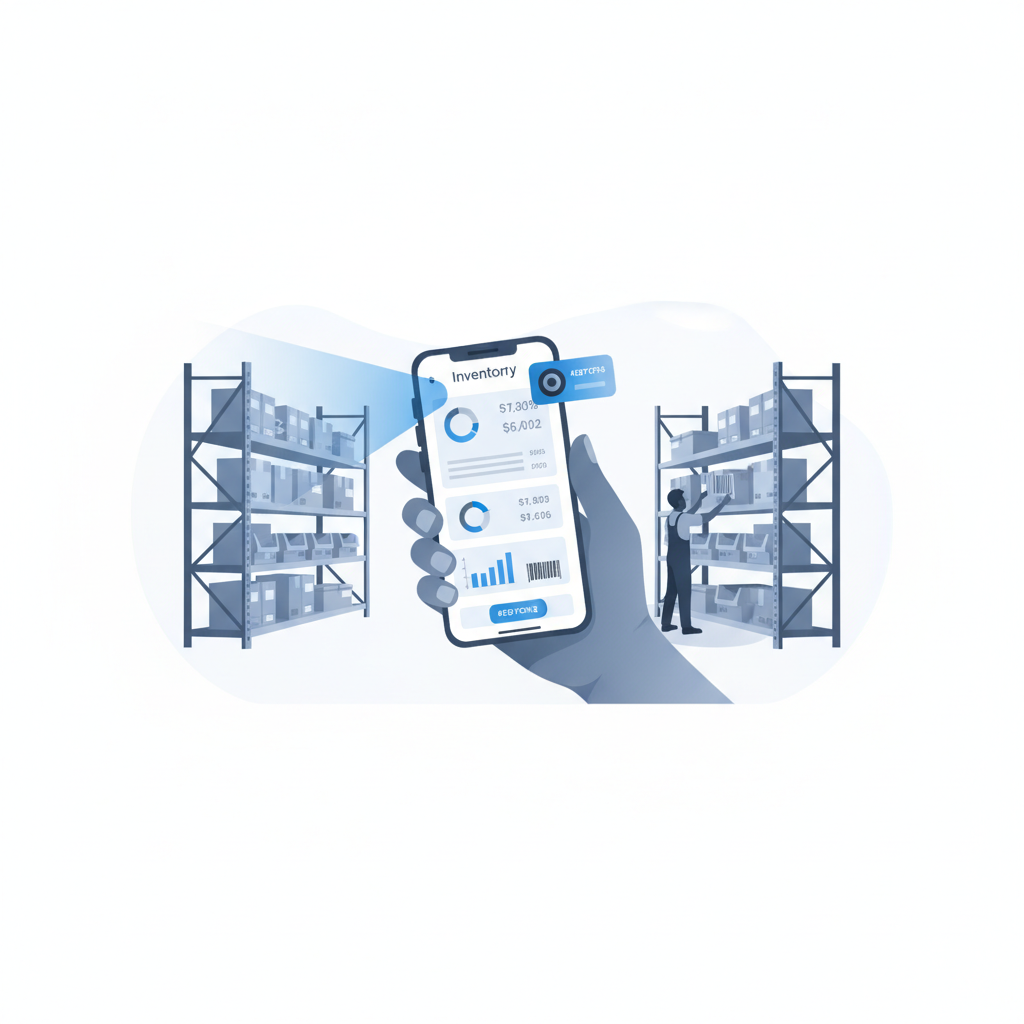
No, most small and mid-size warehouses, 3PLs, and e-commerce fulfillment teams do not need a dedicated barcode scanner gun. A modern phone camera, paired with software like Shipider that scans barcodes directly in the browser, handles receiving, putaway, picking, and dispatch for the vast majority of SKU volumes and barcode conditions. A scanner gun earns its keep only in a narrow set of cases: very high scan volumes per shift, long-range scanning across tall racking, or barcodes that are consistently damaged, faded, or shrink-wrapped.
This article exists because the same question shows up in a few different forms across the warehouse automation research cycle, and the answer depends on what exactly you're asking. If you want a side-by-side on scanning hardware types, read phone camera scanning vs Bluetooth gun vs rugged handheld. If you want to see how browser-based scanning actually works on the floor, see browser barcode scanning with no dedicated hardware. This piece is the decision layer: a direct yes-or-no framework you can apply to your own floor in five minutes.
The short answer, and why it surprises people
People assume a real warehouse needs real scanner guns, the same way they assume a real restaurant needs a walk-in freezer. Sometimes true, often not. Scanner guns were built for an era when phone cameras were slow, warehouse software ran on installed client apps, and barcode recognition needed dedicated optics. None of those constraints hold the same way today.
A current smartphone camera can read a 1D or 2D barcode in well under a second under normal warehouse lighting. Software like Shipider runs that scan directly inside the browser, no app install, no pairing, no charging dock. For a warehouse doing a few hundred to a few thousand scans a day across receiving, putaway, pallet moves, picking, and dispatch, that is simply enough.
When a scanner gun still makes sense
There are real cases where dedicated hardware wins. Be honest about which of these actually describes your floor, not which one sounds more serious.
- Very high scan density. If a single picker is expected to scan several thousand lines in an eight-hour shift, the marginal speed and trigger ergonomics of a gun reduce fatigue in a way that matters.
- Long-range scanning. Reading a barcode 20 to 30 feet up on a top rack location without a ladder or lift is a job for a long-range laser scanner, not a camera.
- Consistently poor barcode condition. Freezer condensation, shrink wrap glare, or printer drift that produces barcodes a camera struggles with repeatedly.
- Extreme environments. Below-freezing cold storage where touchscreens and batteries behave unpredictably, or heavy dust and grease where a sealed industrial device outlasts a phone.
If two or more of these describe your daily reality, a gun (or a small number of them for the hardest stations) is a reasonable tool, not an extravagance. [NEEDS VERIFICATION: typical scan-per-shift threshold where gun ergonomics measurably reduce picker fatigue, cite source if available]
When a phone camera is genuinely enough
For everyone else, the phone camera case is stronger than most teams assume, because the comparison is not "camera vs gun" in isolation. It is "camera plus software with maker-checker verification" vs "gun plus whatever system it's wired into." Shipider's in-browser scanning pairs every scan with a workflow step: a receiver scans a pallet into a warehouse location, a second person verifies the count before it posts, and the whole sequence lands in a real audit trail. That verification layer catches more mis-ships and misplacements than scan speed alone ever will.
Phone camera scanning is enough when:
- Your team already carries phones on the floor, so there is no new device to issue, charge, or replace.
- You run multiple sites or onboard new 3PL clients regularly, and you do not want to provision hardware for each one.
- Your barcode labels are standard 1D/2D codes printed at normal quality, which covers the large majority of retail and B2B cartons and pallets.
- You want to start scanning today rather than wait on a hardware order, pairing setup, or IT provisioning.
Cost and operational comparison
| Factor | Dedicated scanner gun | Phone camera with Shipider |
|---|---|---|
| Upfront hardware cost | Per-unit cost plus spares and chargers | $0, uses phones your team already has |
| Setup time | Procurement, pairing, device management | Open a browser tab, scan |
| Multi-site rollout | Ship and configure hardware per site | Same login, any phone, any site |
| Maintenance | Batteries, drops, firmware updates | Standard phone upkeep your team already does |
| Best for | Very high volume, long-range, harsh environments | Receiving, putaway, picking, dispatch at typical SMB/3PL volumes |
| Verification built in | Depends on the connected WMS | Maker-checker two-step verification on scan |
How Shipider's in-browser scanning actually works
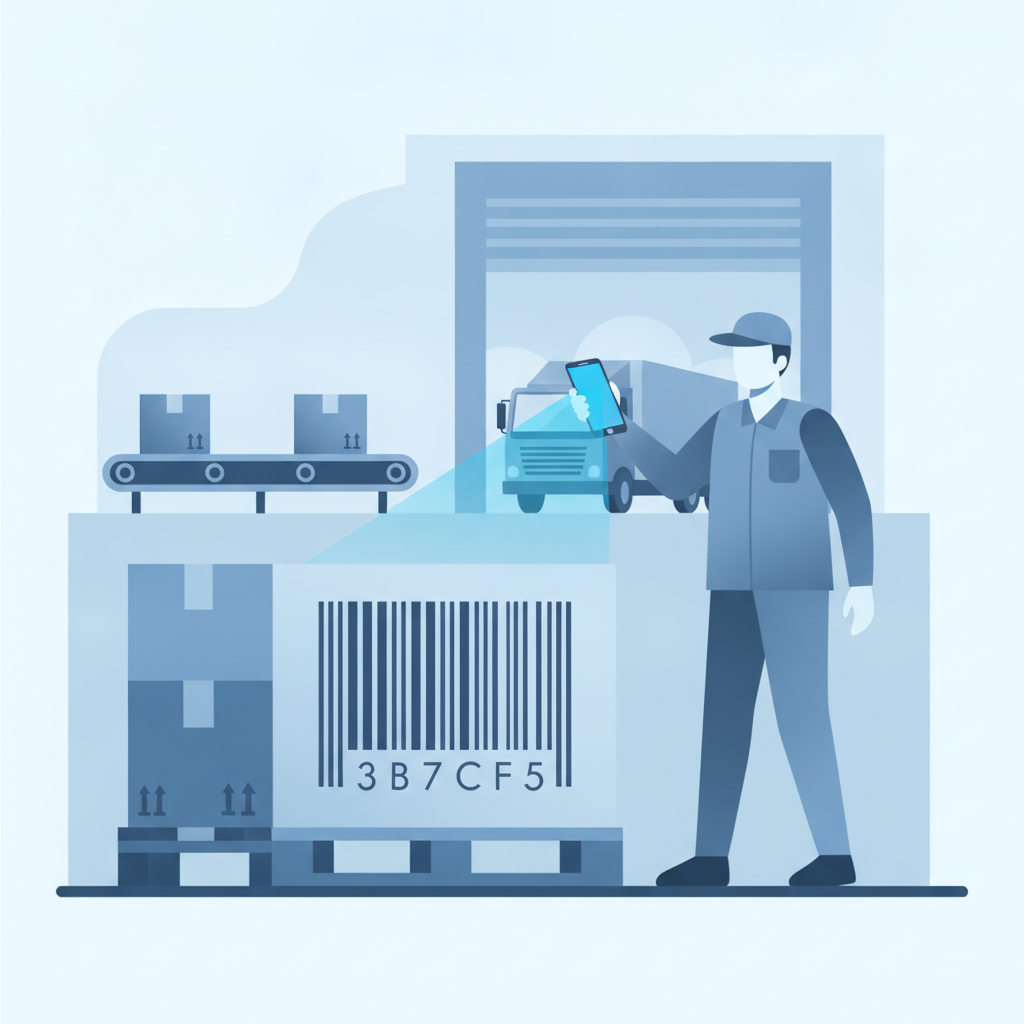
There is no app to install and no SDK the IT team has to approve. A worker opens Shipider in a mobile browser, taps into a receiving, putaway, or pick task, and points the camera at the barcode. The scan ties directly to the SKU record, the pallet, and the warehouse location, and every action writes to the same audit trail used across the rest of the platform. Because scanning runs in the browser, it works the same way whether someone is on an Android phone at a 3PL dock or an iPhone at a DTC brand's fulfillment corner, and it works across multiple sites without separate device provisioning.
This matters most for 3PLs onboarding a new client or brands opening a second location. There is no hardware order sitting between "we signed the contract" and "the floor is scanning." For more on how that setup works end to end, see setting up a warehouse in minutes with Excel import, which pairs naturally with camera scanning for a fast first week.
A five-minute self-test
Answer these honestly before buying anything:
- Does any single role scan more than a few thousand lines in a shift? If no, a gun's speed advantage rarely pays for itself.
- Do you regularly scan barcodes more than 10 feet away without a ladder? If no, camera range is not a constraint.
- Are your barcode labels in reasonable condition, printed at normal quality? If yes, a camera reads them fine.
- Do you run multiple sites, onboard new clients, or expect to scale locations this year? If yes, hardware-free scanning saves real provisioning time.
- Do you need scan accuracy backed by a second-person check, not just a faster beep? If yes, that is a software question, not a hardware one, and it points toward maker-checker verification regardless of what device does the scanning.
If you answered no to the first three and yes to the last two, you almost certainly do not need a scanner gun. If you answered yes to the first two, a gun for your highest-volume stations is a reasonable, targeted purchase rather than a blanket requirement for the whole floor.
Where this fits in your broader automation plan
Barcode scanning is one piece of a larger automation decision. The bigger question is usually whether your current setup (spreadsheets, a legacy scanner fleet, or disconnected point tools) is actually slowing down receiving, putaway, and dispatch, or whether scanning hardware was never really the bottleneck. For the fuller picture on connecting scanning, verification, and your existing stack, see the Automation & Integrations hub, and compare pricing models in Shipider's token-based pricing, which scales with usage rather than per-seat hardware counts.
Frequently asked questions
Do I need to buy a barcode scanner gun to use a WMS?
No. Shipider scans barcodes directly through a phone's camera in the browser, so a WMS can run on receiving, putaway, picking, and dispatch without any dedicated scanning hardware.
Is phone camera scanning as fast as a Bluetooth scanner gun?
For typical SMB and 3PL scan volumes, the speed difference is negligible in practice. Guns pull ahead only at very high per-shift scan counts or long-range rack scanning, covered in detail in phone camera vs Bluetooth gun vs rugged handheld.
Can damaged or faded barcodes be scanned with a phone camera?
Standard 1D and 2D barcodes in normal condition scan reliably with a phone camera. Consistently damaged, faded, or glare-covered labels are the main case where dedicated scanner hardware still has an edge.
Does browser-based scanning work across multiple warehouse sites?
Yes. Because Shipider's scanning runs in any mobile browser, the same login and workflow apply across every site under multi-site inventory, with no separate device provisioning per location.
How does scanning connect to accuracy, not just speed?
In Shipider, every scan feeds a maker-checker verification step, where a second person confirms the count or placement before it posts, and the full sequence is recorded in an audit trail. That verification layer is what actually reduces mis-ships, not the scanning device itself.
Ready to see hardware-free scanning on your own floor? Start with Shipider free and run your next receiving batch through a phone camera instead of a scanner gun.