
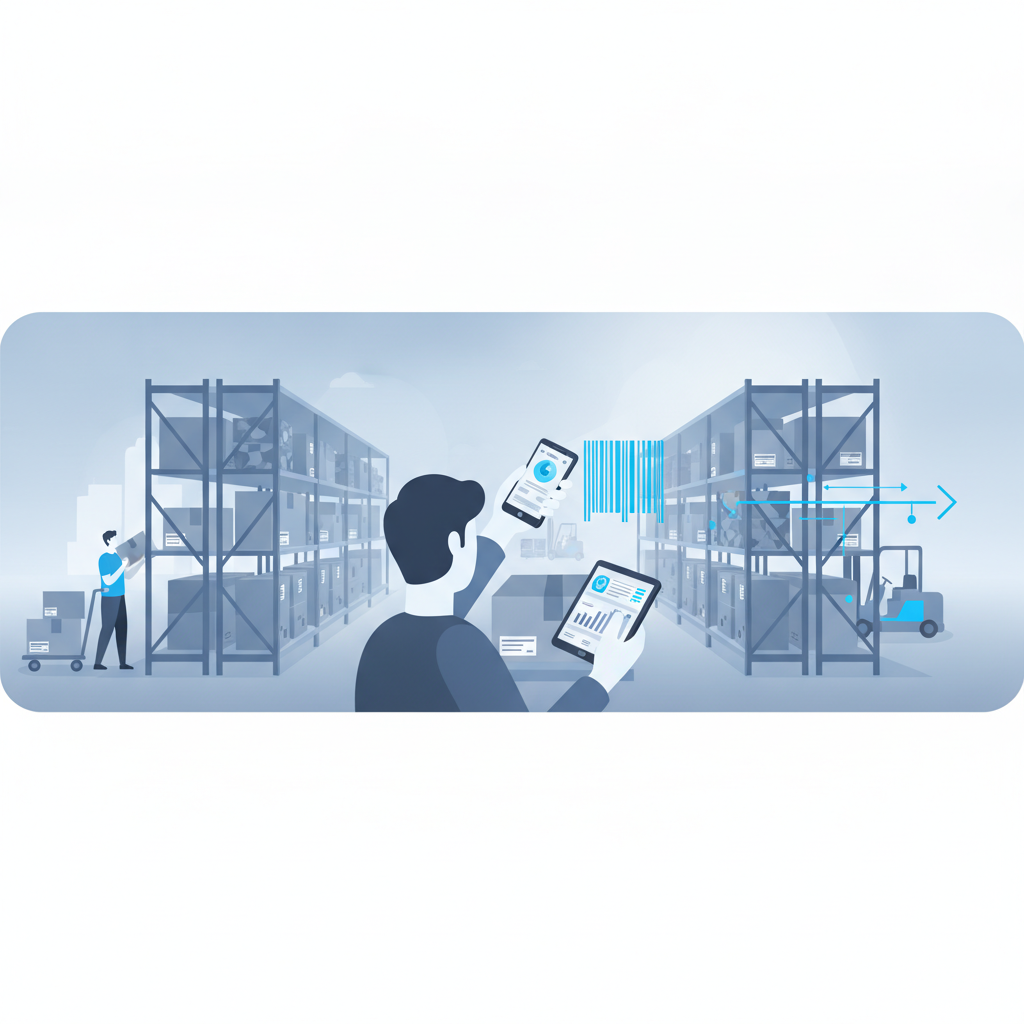
No, most small and mid-sized warehouses do not need a dedicated barcode scanner gun. A modern phone camera, running inside a warehouse management system like Shipider, can scan barcodes fast enough and accurately enough for receiving, putaway, picking, and dispatch, without the purchase cost, the charging docks, or the replacement cycle that comes with handheld scanner hardware. There are still cases where a scanner gun earns its keep, but for a growing share of operations, the phone in someone's pocket is the better tool.
What a barcode scanner gun actually does
A traditional scanner gun is a purpose-built device with a laser or imager, a trigger, and usually a small screen or a cable/Bluetooth link to a terminal. It reads a barcode, beeps, and passes the data to whatever software is running on the other end. For decades this was the only reliable way to capture barcode data on a warehouse floor, because phone cameras were slow, lighting was inconsistent, and warehouse software wasn't built to read a camera feed in real time.
That last part has changed. Camera resolution, autofocus speed, and on-device processing have improved enough that a phone can now recognize a barcode from a few feet away, at an angle, under normal warehouse lighting, almost as fast as a laser scanner. The hardware gap that justified scanner guns for years has mostly closed for standard 1D and 2D barcodes.
When a dedicated scanner gun still makes sense
Scanner guns aren't obsolete everywhere. A few situations still favor dedicated hardware:
- Extreme cold storage or freezer environments, where phone touchscreens and batteries behave unpredictably and gloved hands need a trigger, not a tap.
- Very high-volume, single-motion picking lines where an operator scans hundreds of items per hour and a wearable or ring scanner reduces repetitive motion strain.
- Damaged or degraded barcodes at long range, where an industrial laser can still out-read a camera in specific edge cases.
- Facilities with no reliable Wi-Fi or cellular coverage on the floor, where offline-capable dedicated devices with local batch sync are the only practical option.
If your operation matches two or more of these, hardware still deserves a serious look. [NEEDS VERIFICATION: current comparative read-distance and scan-speed data for industrial laser scanners versus modern phone cameras under warehouse lighting].
When your phone's camera is enough
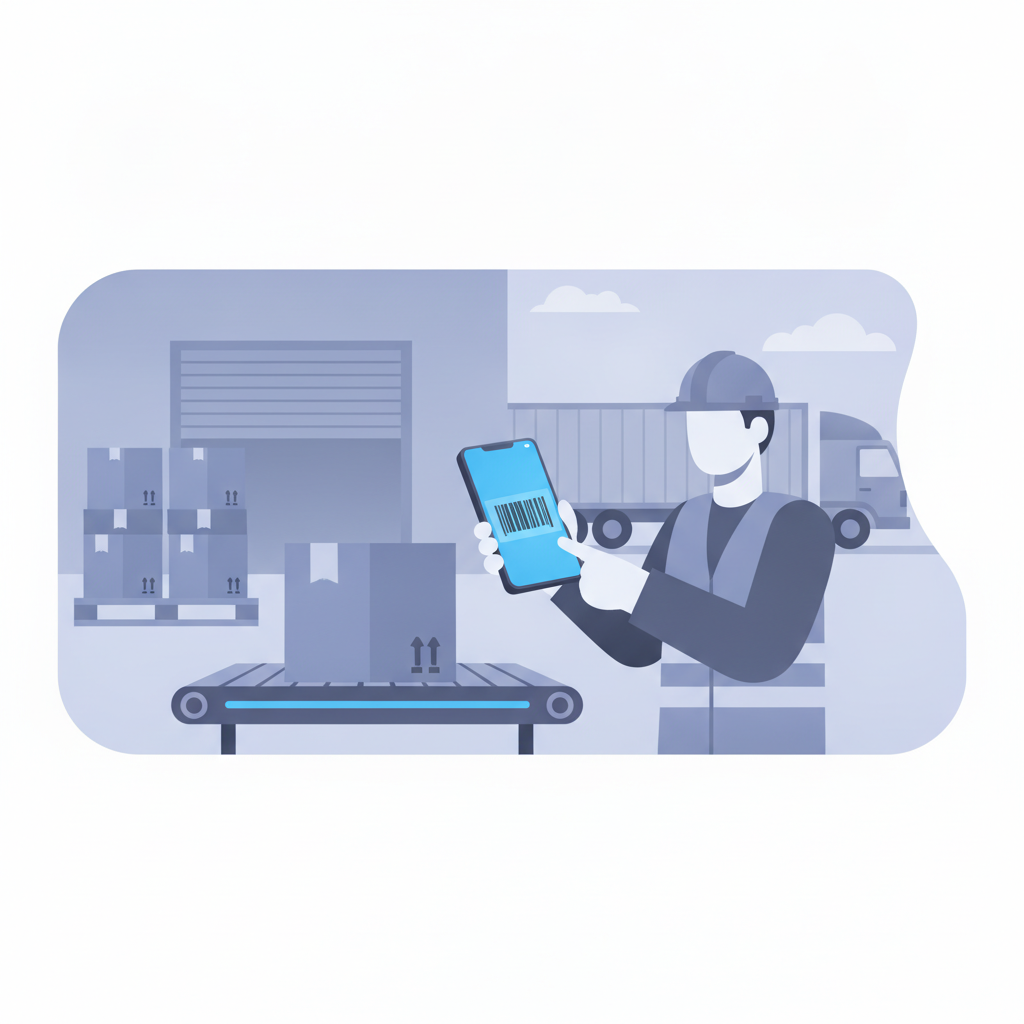
For a large share of small and mid-sized warehouses, 3PLs, and e-commerce fulfillment operations, the workload looks different: standard barcodes and QR codes, indoor lighting, receiving docks and pick aisles at close range, and a team that already carries phones. In that environment, camera-based scanning inside a WMS covers the actual job:
- Scanning inbound cartons and pallets during receiving.
- Confirming putaway to the correct warehouse location.
- Picking against an order with a scan-to-confirm step.
- Verifying pack and dispatch before a shipment leaves the building.
None of those steps require a specialized device. They require a barcode to be read accurately and the result to be logged against the right SKU, location, and user. That's a software problem as much as a hardware one.
Scanner gun vs browser-based scanning: side-by-side
The honest comparison isn't hardware quality in isolation, it's total cost and operational fit. Here's how the two approaches stack up for a typical small or mid-sized warehouse:
| Factor | Dedicated scanner gun | Phone camera in-browser (Shipider) |
|---|---|---|
| Upfront cost | Per-unit hardware purchase, plus spares | None, uses devices staff already carry |
| Setup time | Provisioning, pairing, terminal configuration | Open a browser tab and sign in |
| Maintenance | Charging, firmware updates, repairs, replacement | Handled by the phone's OS and browser updates |
| Staff onboarding | Device training plus software training | Familiar phone interface, one workflow to learn |
| Scaling to a new site | Buy and ship more units | Add a login, no procurement lead time |
| Best fit | Freezer, high-volume single-motion picking, poor connectivity | Receiving, putaway, order picking, pack and dispatch in standard conditions |
The pattern in this table is consistent: hardware wins on a small set of edge cases, and software wins on cost, speed to deploy, and fit for the day-to-day work most warehouses actually do.
Hidden costs of hardware-first scanning
Warehouse leaders often price a scanner gun rollout by the unit cost alone, then get surprised by everything around it. A few costs that don't show up in the initial quote:
Loss and breakage. Handheld scanners get dropped, left on pallets, and occasionally shipped out with the freight. Replacements aren't optional once that happens mid-shift.
Software licensing tied to hardware. Some scanner ecosystems bundle their software to specific device models, which locks you into a vendor's hardware roadmap even after your operational needs change.
Onboarding new staff and seasonal workers. Every temp or peak-season hire needs a device handed to them, charged, and returned. A phone-based workflow just needs a login, which matters a lot for operations that ramp up around peak season or fast growth.
Multi-site rollout friction. Adding a new location or onboarding a new 3PL client means shipping hardware before anyone can scan a single barcode. That's a real delay when the promise of a modern WMS is supposed to be fast setup, not a procurement cycle.
How Shipider handles barcode scanning without hardware
Shipider runs camera-based barcode scanning directly in the browser, on any phone, with no app install and no dedicated device required. A warehouse worker opens the site on their phone, points the camera at a barcode during receiving, putaway, picking, or dispatch, and the scan feeds straight into the same audit trail that tracks every other action in the system.
That scan is also the trigger for Shipider's maker-checker verification: one person scans and confirms an action, a second person verifies it before it's finalized, and both steps are timestamped and attributed to a specific user. The scanning method (camera versus a gun) doesn't change that workflow, it just changes what's in someone's hand. For a deeper look at how the scanning layer itself works, see browser barcode scanning with no dedicated hardware.
Because scanning lives in the browser, it works the same way whether a warehouse has one site or several. Multi-site inventory, pallet and SKU tracking, and location-level detail all stay consistent, and a 3PL running multiple clients under one roof gets the same scanning experience per tenant, with structural isolation between customer inventories.
Making the switch: what to check before you decide
If you're weighing scanner guns against phone-based scanning, a short checklist helps more than a gut call:
- Barcode type and condition. Standard 1D/2D codes on clean labels work fine with a camera. Faded, torn, or unusually small barcodes deserve a real test before you commit either way.
- Environment. Freezer zones and areas with heavy gloves change the calculation toward dedicated hardware.
- Connectivity. If your floor has dead Wi-Fi zones, confirm how any system, hardware or software, handles offline scans and syncs them back.
- Growth plans. If you expect to add sites, onboard 3PL clients, or ramp seasonal staff, factor in how fast each option scales, not just today's headcount.
- Total cost over time. Compare three-year cost, not just sticker price: replacements, charging infrastructure, and software licensing tied to the hardware all add up.
None of this requires guessing. Most warehouses can run a short pilot, scan real inventory with both methods for a week, and let the data decide. If your existing setup already runs on spreadsheets or manual logs, that pilot is also a natural point to evaluate a full WMS rather than bolting scanning onto a system that wasn't built for it. For the broader automation and integration picture beyond scanning alone, the automation and integrations hub covers API access, webhooks, and ERP sync as well.
Frequently asked questions
Do I need a barcode scanner gun to run a warehouse management system?
No. Systems like Shipider read barcodes through a phone's camera directly in the browser, so a dedicated scanner gun is optional rather than required for standard receiving, putaway, picking, and dispatch workflows.
Is phone camera scanning as accurate as a laser scanner gun?
For standard 1D and 2D barcodes at typical warehouse distances and lighting, modern phone cameras read accurately enough for day-to-day operations. Laser scanners still hold an edge in specific cases like long-range reads or heavily damaged labels. [NEEDS VERIFICATION: independent accuracy benchmarks comparing phone camera scanning to industrial laser scanners].
What does it cost to add barcode scanning without buying hardware?
With Shipider's token-based pricing, scanning is part of the platform your team already uses on their own phones, so there's no separate hardware purchase, no per-device licensing, and no charging infrastructure to budget for.
Can a 3PL use phone-based scanning across multiple clients and sites?
Yes. Shipider's multi-tenant structure keeps each client's inventory isolated while scanning, putaway, and order verification work the same way across every site, which matters for 3PLs managing several customers under one roof. See the 3PL solutions page for more on multi-tenant setup.
What warehouse conditions still call for a dedicated scanner gun?
Freezer and cold storage zones, very high-volume single-motion picking lines, and floors with unreliable network coverage are the main cases where dedicated hardware still outperforms a phone camera.
If your barcodes are standard and your floor is a normal receiving-to-dispatch operation, you probably don't need to buy scanner guns to get accurate, auditable scanning. Sign up for Shipider and try camera-based scanning on your own phone, with no hardware order and no six-month rollout standing between you and a working floor.
Related reading: Do You Need a Barcode Scanner Gun? A Decision Framework for Warehouses
Related reading: Scoped API Keys: Securing Your Warehouse Integrations