

Apparel and footwear fulfillment in a WMS means tracking one style as many distinct SKUs, each tied to a size and color combination, and giving pickers, packers, and receivers a system that tells those variants apart without guesswork. Shipider does this through parent-style grouping, location-level variant tracking, camera barcode scanning that confirms the exact SKU at the point of pick, and a maker-checker verification step before an order ships. For a brand or 3PL handling a size run across six widths and eight colors, that combination is what keeps a size 9 navy sneaker from shipping in a box meant for a size 10 in black.
Why apparel and footwear SKUs break simple inventory systems
A single style number in apparel rarely means a single item. A t-shirt style might expand into five sizes and four colors, which is twenty SKUs from one design. Footwear is worse: a shoe style can run across ten sizes, sometimes half sizes, two widths, and several colorways, producing well over a hundred SKUs for what the buyer thinks of as "one shoe." Spreadsheets and basic inventory trackers treat this as a naming problem, with long SKU strings like STYLE-COLOR-SIZE typed by hand into cells. The moment two people type that string slightly differently, or a picker grabs the box next to the right one because labels look similar at a glance, you get a mis-ship.
The underlying issue is not the SKU count. It is that size and color variants sit physically close together on the same shelf or in the same bin range, look nearly identical from a few feet away, and get picked fast under order volume pressure. A WMS built for this needs to separate SKUs by data, not just by label, and confirm the separation at the exact moment a human hand reaches for a box.
What a variant actually means inside a WMS
In Shipider, a variant is a distinct SKU record with its own barcode, its own stock count, and its own location history, even when it shares a parent style with other variants. The system does not blend a size 8 and a size 9 into one combined count and hope someone sorts it out at pick time. Each size and color combination is its own trackable unit from receiving onward, which means stock levels, reorder points, and location assignments are all variant-specific, not style-level averages.
This matters most at three points in the flow: when inbound stock first arrives and needs to be putaway correctly, when a picker is choosing between near-identical boxes, and when a return comes back and needs to go to the right shelf instead of the nearest one.
Parent-child structure without losing variant-level accuracy
Shipider lets a 3PL or brand organize variants under a parent style for reporting and catalog browsing, while every pallet, bin, and order line still references the specific SKU. That means a manager can look at total units across a style for demand planning, while the floor team always works against the exact variant, never the style average. This two-layer view is one reason apparel and footwear operations fit naturally into a multi-tenant WMS built for varied industry playbooks rather than a generic spreadsheet template.
Putaway and location strategy for variant-heavy catalogs
Receiving is where variant chaos usually starts if the location plan is wrong. If every color and size of a style lands in one broad shelf zone, pickers end up scanning multiple boxes before finding the right one, and putaway staff start guessing where new stock belongs because there is no clear rule.
A better approach assigns each variant to its own warehouse location, even if that location is a small bin within a larger style zone. Shipider supports this down to the bin level, so a size 7 black boot and a size 8 black boot are not just different SKUs on paper, they are different physical addresses the system knows about. When a receiver scans an inbound carton, the system confirms the SKU against the expected variant and routes it to its assigned location rather than leaving the choice to memory. This is the same discipline covered in our guide to warehouse slotting and location strategy, applied specifically to the density problem apparel and footwear create.

Bin labeling that pickers can trust at speed
Clear bin labels matter, but labels alone do not stop mis-picks when two bins sit side by side. The scan does the real verification work. When a picker scans a bin or a unit barcode in Shipider using the phone's camera, the system checks that scan against the order line before confirming the pick. If the scanned SKU does not match what the order calls for, the picker gets told immediately, before the item reaches a box, not after a customer opens the wrong size.
Picking and packing accuracy with maker-checker verification
Size and color mix-ups are exactly the kind of error maker-checker verification was built to catch. One person picks and scans the item (the maker). A second scan, often at packing, confirms the physical contents against the order before it ships (the checker). Both scans are logged to the same order record, creating a clear audit trail of who touched the order and when.
For apparel and footwear specifically, this second scan is the difference between catching a size swap at the pack station versus discovering it from a customer complaint two weeks later. Our breakdown of what a maker-checker workflow is and how it works covers the mechanics in more depth, but the apparel case is one of the clearest examples of why the second scan earns its place in the process: visually similar SKUs are precisely where a single-scan system fails quietly.
| Approach | How size/color variants are tracked | Mis-pick catch point | Audit trail |
|---|---|---|---|
| Spreadsheet or manual log | Typed SKU strings, style-level totals common | None, errors found by the customer | None or manual notes |
| Basic inventory tracker (no WMS) | SKU-level counts possible, but no location-level enforcement | Optional barcode scan, single step | Limited, often not tied to who packed the order |
| Shipider WMS | Variant-level SKU, bin, and location tracking | Two scans: pick and pack verification | Full audit trail per order, per SKU, per user |
Returns and re-shelving without losing variant integrity
Apparel and footwear carry higher return rates than most categories, largely because size and fit are hard to judge online. A returned item has to go back to the correct variant location, not a generic "returns" shelf that quietly becomes its own inventory blind spot. If a size 9 gets re-shelved into the size 10 bin by mistake, the system now shows stock it does not actually have in the right place, and the next order for a size 10 will come up short or wrong.
Shipider's returns handling keeps the same scan-and-verify logic from outbound fulfillment: a returned unit is scanned against its SKU, inspected if needed with photo evidence, and routed back to its specific variant location rather than a catch-all bin. This keeps variant-level counts accurate instead of letting returns slowly erode confidence in the stock numbers. Our apparel returns flow case study walks through how one operation restructured its reverse logistics around this exact problem, and the general playbook for returns processing in a small warehouse covers the broader workflow this builds on.
Why photo evidence matters more for apparel returns
Condition disputes are common in apparel and footwear returns: a customer claims a wrong size was sent, or a warehouse claims a return arrived damaged and unsellable. Attaching a photo to the return record at the point of inspection gives both sides something concrete to reference instead of relying on memory or a phone call weeks later.
Multi-site inventory for apparel and footwear brands
Many apparel and footwear brands run fulfillment from more than one location, whether that's a primary DC plus a 3PL overflow site, or separate regional warehouses to cut shipping times. Variant complexity multiplies across sites: a size 9 in navy might be in stock at one warehouse and out at another, and if the two locations do not share accurate, synced counts, orders get allocated to the wrong site or oversold entirely.
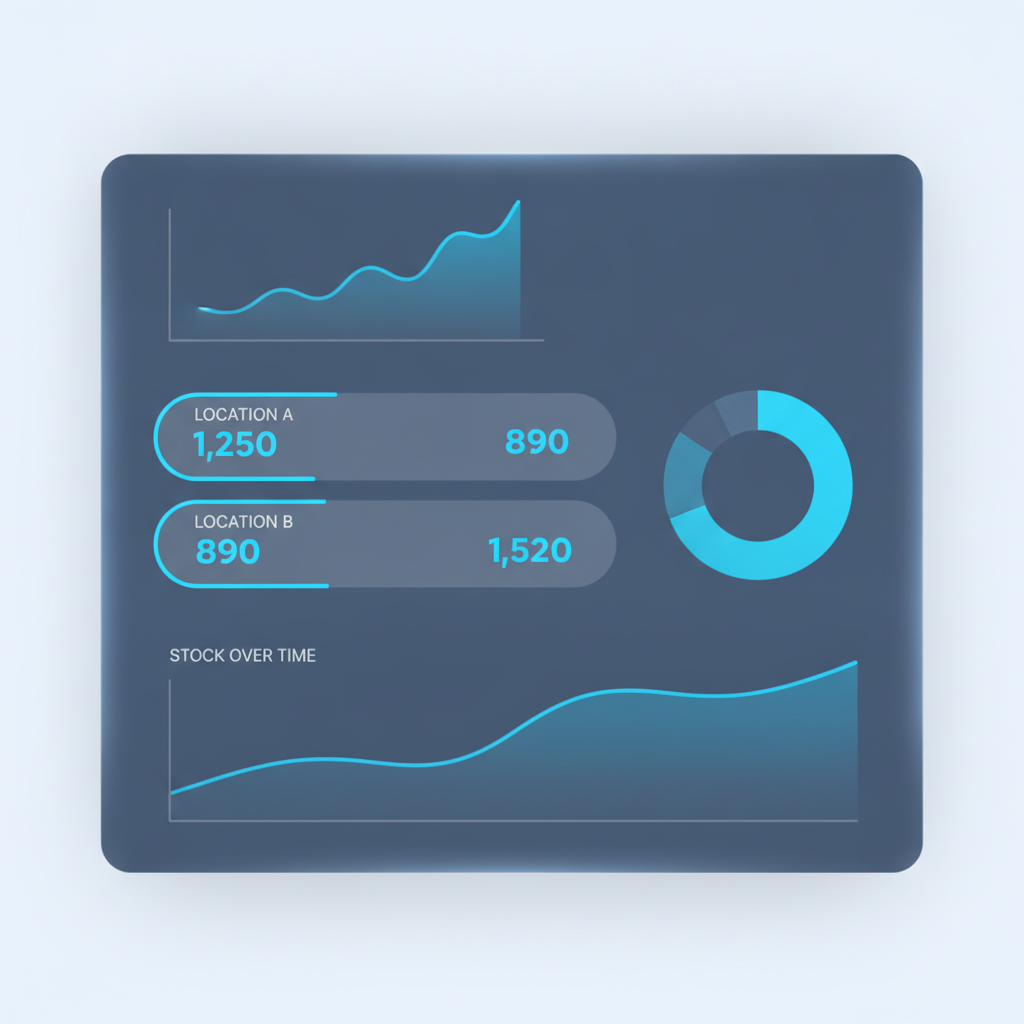
Shipider's multi-site inventory view shows variant-level stock across every location from one dashboard, so an order can be routed to wherever the correct size and color actually sit, rather than defaulting to a single warehouse and hoping. This is particularly relevant for brands selling direct to consumer alongside wholesale accounts, a combination covered in our ecommerce fulfillment solution overview.
Setting up a 3PL to run apparel and footwear clients
For 3PLs taking on apparel and footwear clients, variant density is one of the first things to plan for during onboarding. Each client's catalog needs its own clean SKU structure, its own location map, and isolation from other clients' stock, all without the 3PL adding headcount just to keep up with the complexity. Shipider's multi-tenant structure keeps each client's variant data, locations, and orders separate while still running on one shared operational system, which is the same foundation covered in our guide to onboarding a new 3PL client without adding headcount.
Getting started without a hardware project
None of this requires rugged scanners or a long rollout. Shipider's barcode scanning runs through a phone's camera in the browser, so a seasonal apparel team or a new footwear client can be scanning variants accurately within a day of setup, not after a six-month implementation. Pricing is token-based, so a smaller catalog with fewer daily scans costs less than a high-volume footwear operation running thousands of variant scans a day. Details on how that pricing works are on the Shipider pricing page.
Frequently asked questions
What is a SKU variant in apparel and footwear fulfillment?
A SKU variant is a distinct, individually tracked version of a product style, typically defined by size and color. A single shoe style sold in ten sizes and five colors produces fifty separate SKU variants, each with its own stock count, barcode, and warehouse location.
How does a WMS prevent size and color mis-picks?
A WMS prevents size and color mis-picks by assigning each variant its own location and barcode, then verifying the scanned barcode against the order line at both picking and packing. Shipider uses this two-scan maker-checker approach so a mismatch is caught before the order ships, not after a customer receives it.
Why do apparel and footwear operations need variant-level inventory instead of style-level counts?
Style-level counts hide the real stock position for a specific size or color, which leads to overselling one variant while another sits unsold. Variant-level inventory shows exactly how many units of each size and color combination exist and where they are located, which is necessary for accurate order allocation and reorder decisions.
How should returned apparel or footwear be re-shelved?
Returned items should be scanned against their specific SKU variant and routed back to that variant's assigned location, not a generic returns shelf. This keeps inventory counts accurate for that exact size and color rather than creating untracked stock that throws off future orders.
Can a WMS handle apparel and footwear inventory across multiple warehouses?
Yes. A multi-site WMS tracks variant-level stock separately at each location and shows combined visibility across all sites, so orders can be allocated to whichever warehouse actually holds the correct size and color rather than defaulting to one location.
If size and color variants are causing mis-ships or messy returns on your floor, sign up for Shipider and see how variant-level tracking, in-browser barcode scanning, and maker-checker verification fit your apparel or footwear catalog.